Skip to content
View in the app

A better way to browse. Learn more.

Enpass Discussion Forum

A full-screen app on your home screen with push notifications, badges and more.

To install this app on iOS and iPadOS
  1. Tap the Share icon in Safari
  2. Scroll the menu and tap Add to Home Screen.
  3. Tap Add in the top-right corner.
To install this app on Android
  1. Tap the 3-dot menu (⋮) in the top-right corner of the browser.
  2. Tap Add to Home screen or Install app.
  3. Confirm by tapping Install.

Spooky

Members
  • Joined

  • Last visited

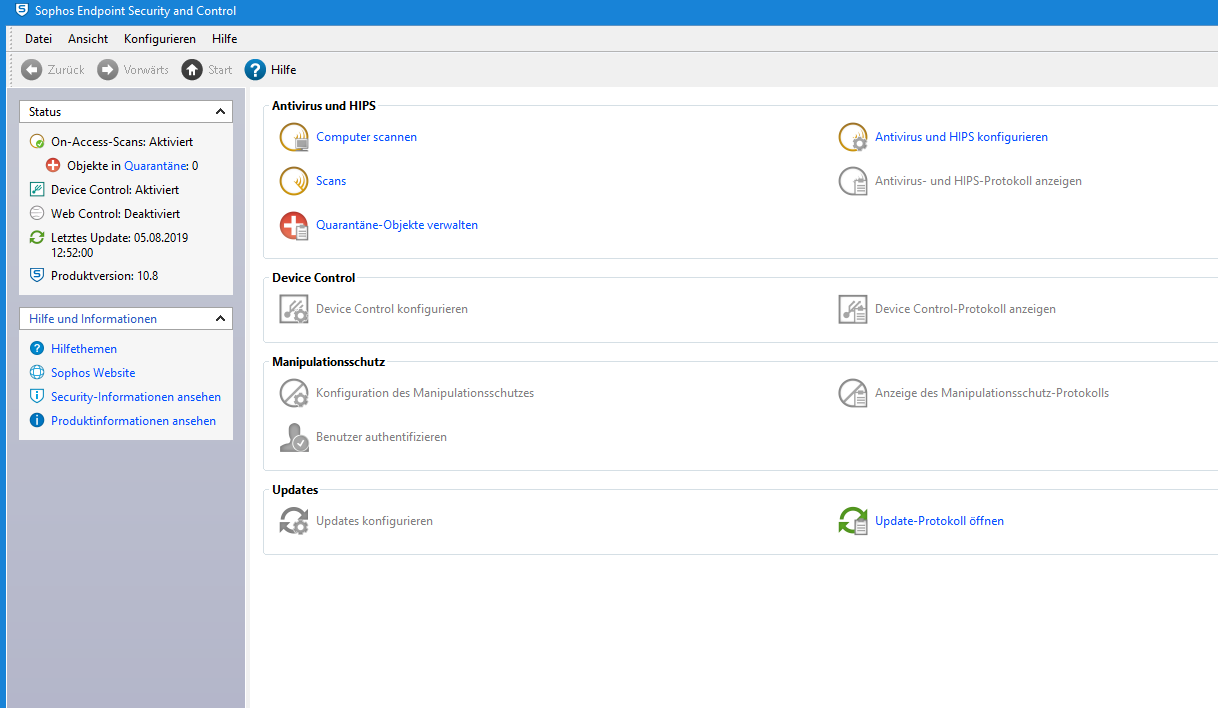
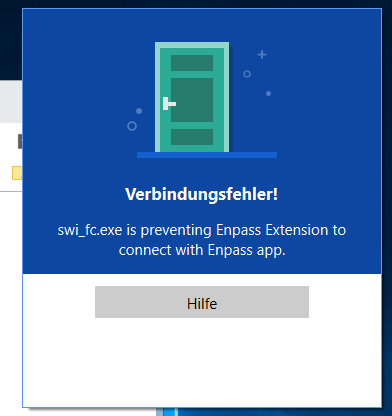
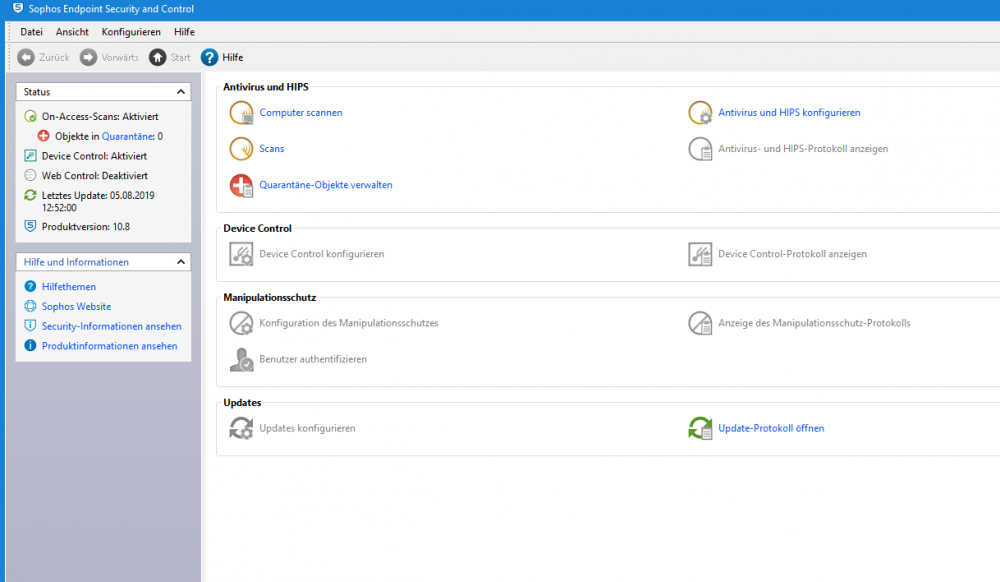
  1. Hello, I get on my Windows 10 PC in Chrome both he registration of Enpass this error message, see attachement, please. As soon as I want to fill data in Chrome with Enpass comes the error. I have Sophos installed on the machine. I have already een a few tips on the net. You should enter 127.0.0.1 as an exclusion, then it should funktonieren. Problem is, I have not here Sophos Home with the web interface, but Sophos Endpoint Security. I just can not find the attitude. Can someone help me please?
Account

Navigation

Search

Search

Configure browser push notifications

Chrome (Android)
  1. Tap the lock icon next to the address bar.
  2. Tap Permissions → Notifications.
  3. Adjust your preference.
Chrome (Desktop)
  1. Click the padlock icon in the address bar.
  2. Select Site settings.
  3. Find Notifications and adjust your preference.