dhaval
Members
-
Joined
-
Last visited
Everything posted by dhaval
-
It is BackBlaze B2 (https://secure.backblaze.com/user_signin.htm). It is not an issue it is a feature that I want in more websites. Autologin form using TOTP as well.
-
Hello and greetings, My question is regarding autofill feature. I use website called BackBlaze B2 and I have saved all the information related to it (Email, Password, 2FA TOTP Code, etc). The website asks for Email, Password and TOTP code on different pages, one after another. For example, enter email -> click on "Next" button (takes to next page) -> enter password -> click on "Sign In" Button (takes to next page) -> enter TOTP code -> click on another button and it let's me login. Now somehow when I visit login form and invoke Enpass with hotkey in the browser (Safari on macOS Big Sur), it does all that on it's own, i.e. fill email, click on next (or press enter, I am not sure), fill password and click on "Sign in" button and finally autofill TOTP as well. and ultimately log in. However, the same functionality is not available for other websites and I am not sure I how got it to work like this in the first place. Please educate on how to "record" auto login flow like this. Thank you and stay safe!
-
-
Ohh, yeah correct. Am I complete idiot or what? I didn't have any browser on my phone whatsoever. Thank you so much! ====== Update: You can mark this issue solved, if that's the thing we do here. Thank you so much once again!
-
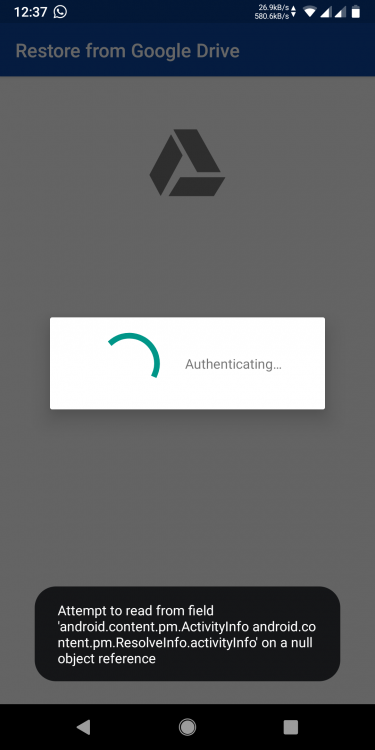
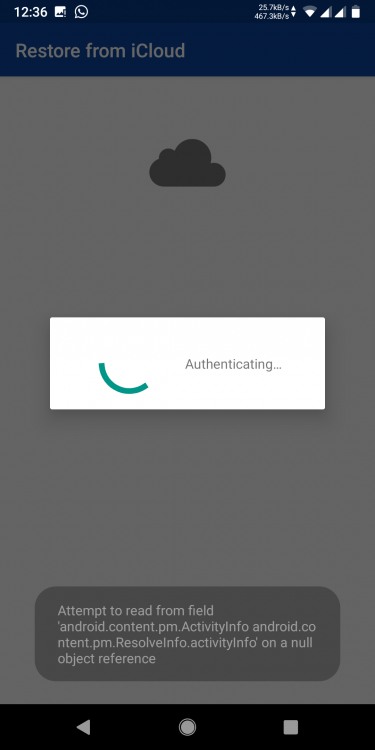
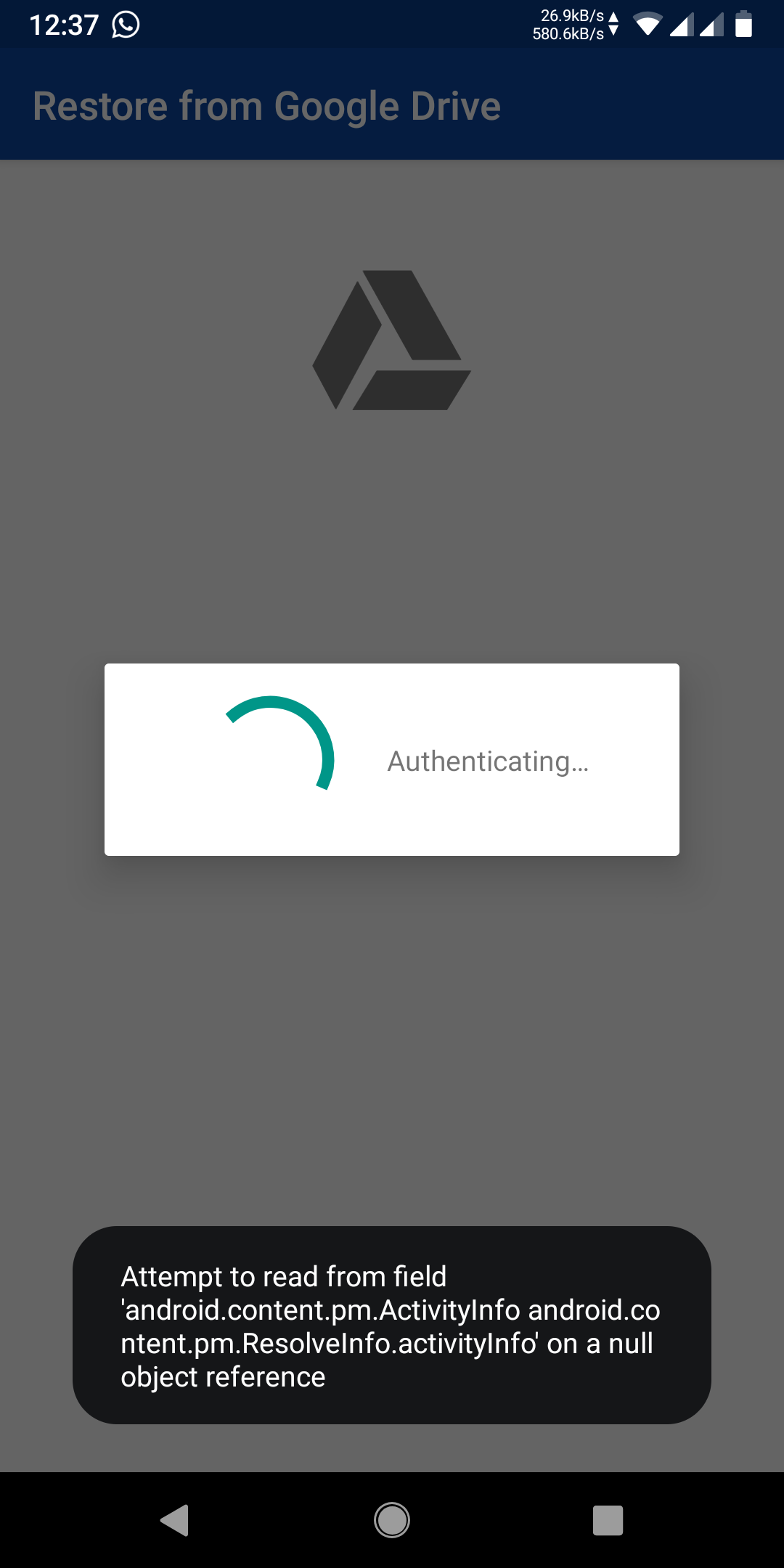
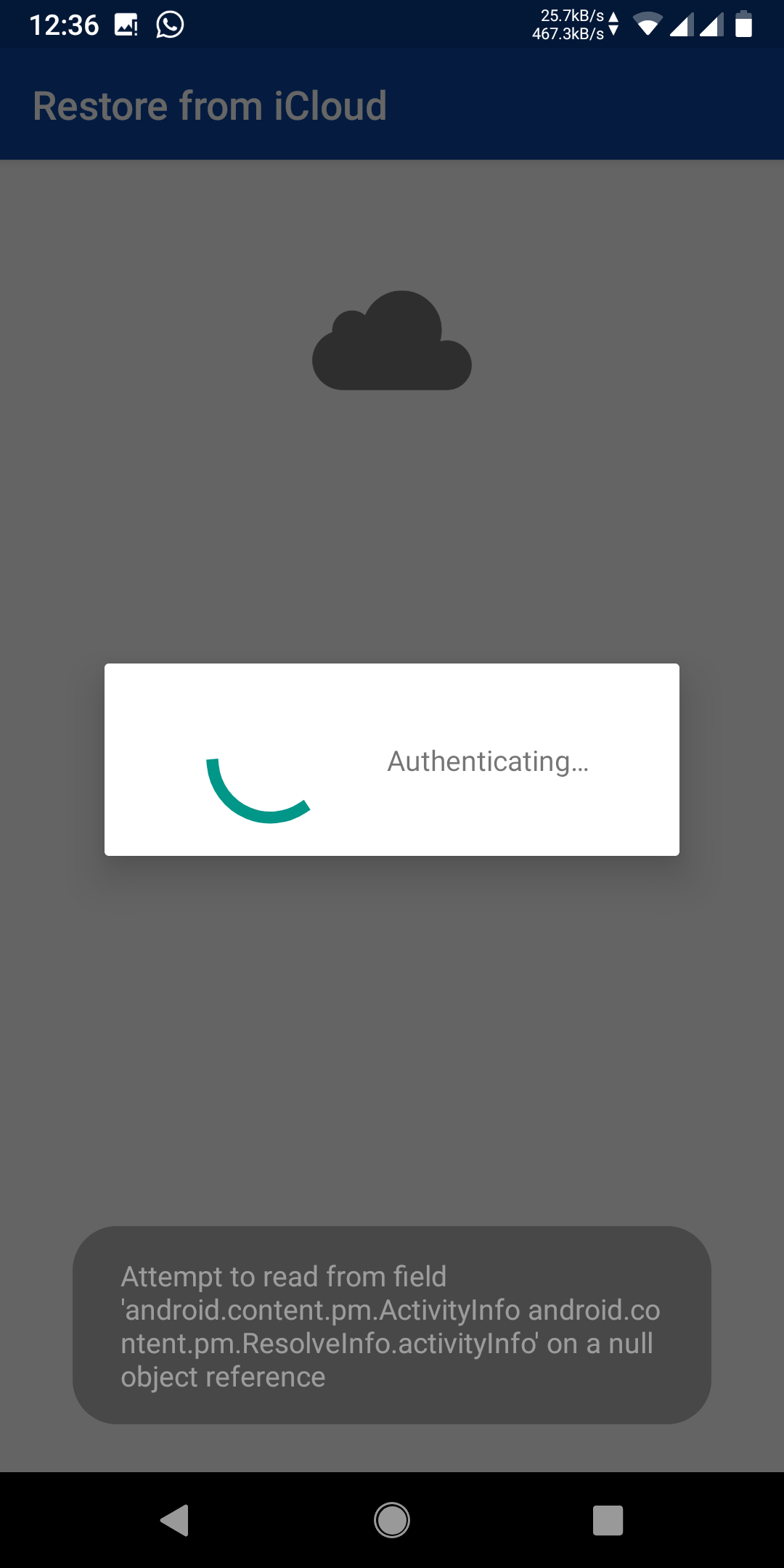
Phone: Xiaomi Redmi Note 5 Pro (whyred) OS: Android 9 Pie I recently factory reset my phone and tried to setup Enpass. I couldn't sync with Google Drive. I have attached screenshots with this thread. Steps taken: Reboot the device Uninstall and install the app Enrolled in Beta program, if that was a bug Uninstall and install Beta program app Hope to get solution. Thank you.