mwt129
Members
-
Joined
-
Last visited
-
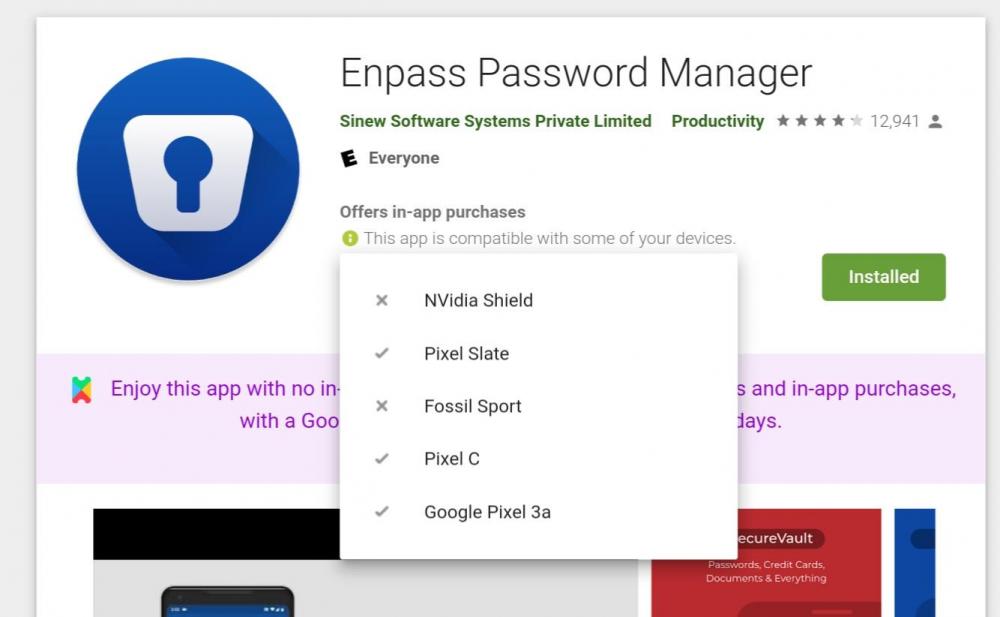
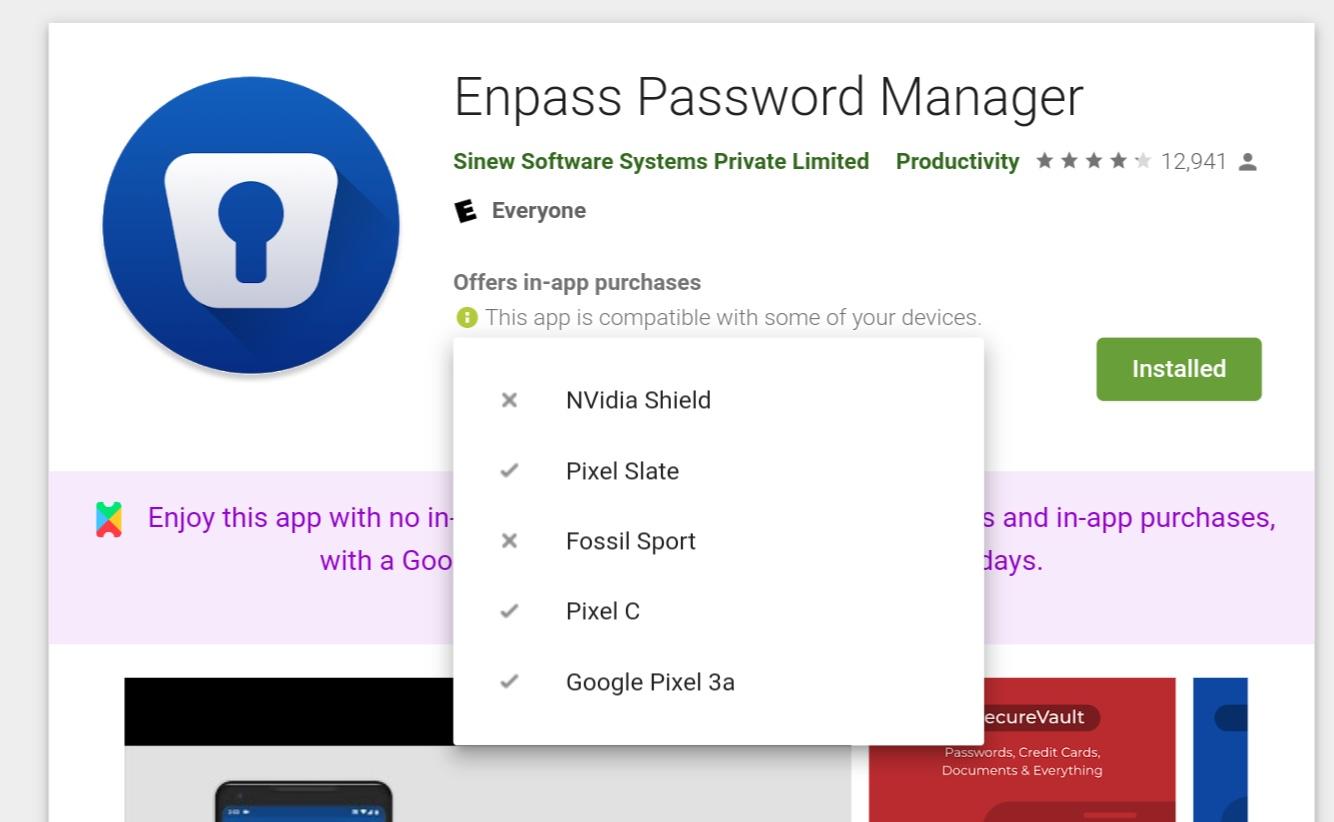
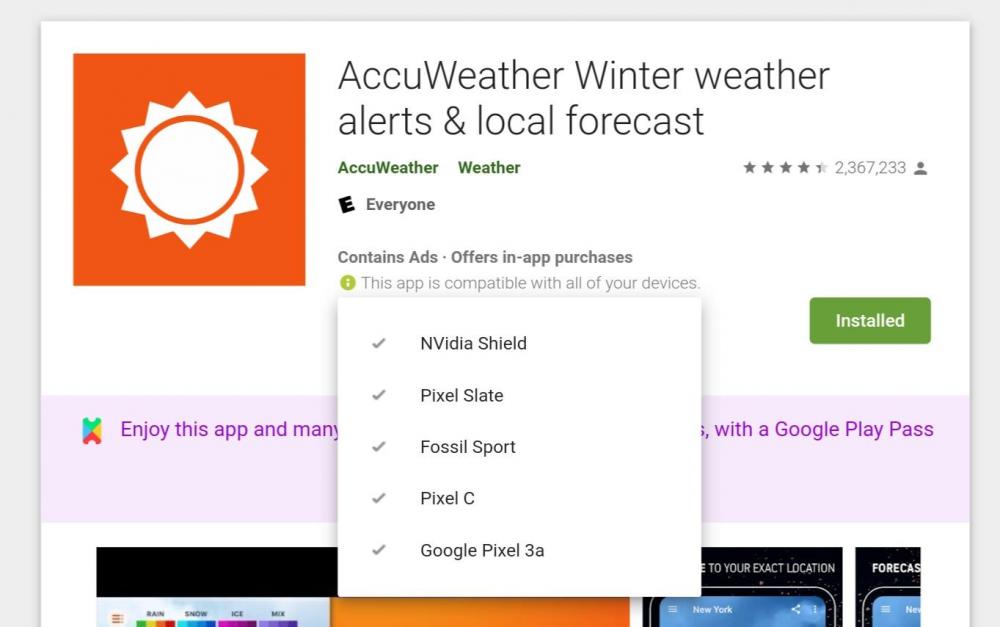
The Wear OS app being bundled with the phone app is how it worked prior to Wear OS 2.0, now watches have their own Play Store and install apps independently of a phone. They can also be installed via the web Play Store, as long as the app has a compatible Wear OS version. My problem is not that the install process fails, it's that I can't even start the install process because the Play Store is saying that there isn't a compatible Wear OS version when there definitely is. After reseting my watch I was able to install the AccuWeather app via the web Play Store, so the fact that I can't install Enpass on my watch that way is definitely a problem.
-
I had to reset my Fossil Sport to pair it with my new phone and now the app doesn't show at all in the Play Store on the watch and the web Play Store says it's not compatible with my watch.