

Skip to content
View in the app

A better way to browse. Learn more.

Enpass Discussion Forum

A full-screen app on your home screen with push notifications, badges and more.

To install this app on iOS and iPadOS
  1. Tap the Share icon in Safari
  2. Scroll the menu and tap Add to Home Screen.
  3. Tap Add in the top-right corner.
To install this app on Android
  1. Tap the 3-dot menu (⋮) in the top-right corner of the browser.
  2. Tap Add to Home screen or Install app.
  3. Confirm by tapping Install.

Rodrigo

Members
  • Joined

  • Last visited

  1. It's the first Pixel, non-XL
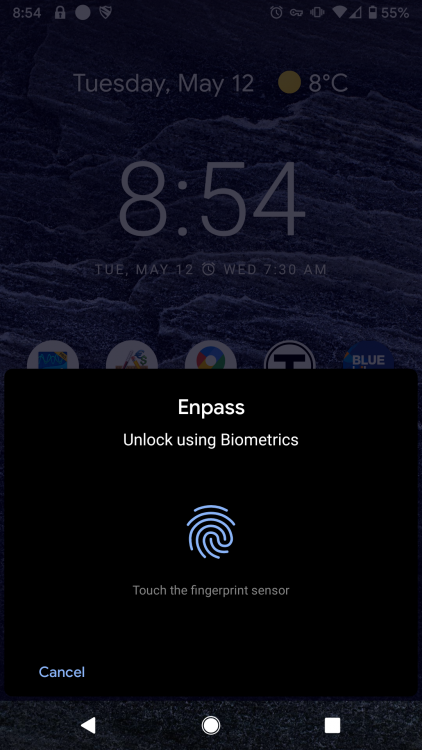
  2. Hi, It's a Google Pixel running Android 10 and Enpass 6.4.3.344. Here's a screenshot of the effect. Thanks
  3. Rodrigo joined the community
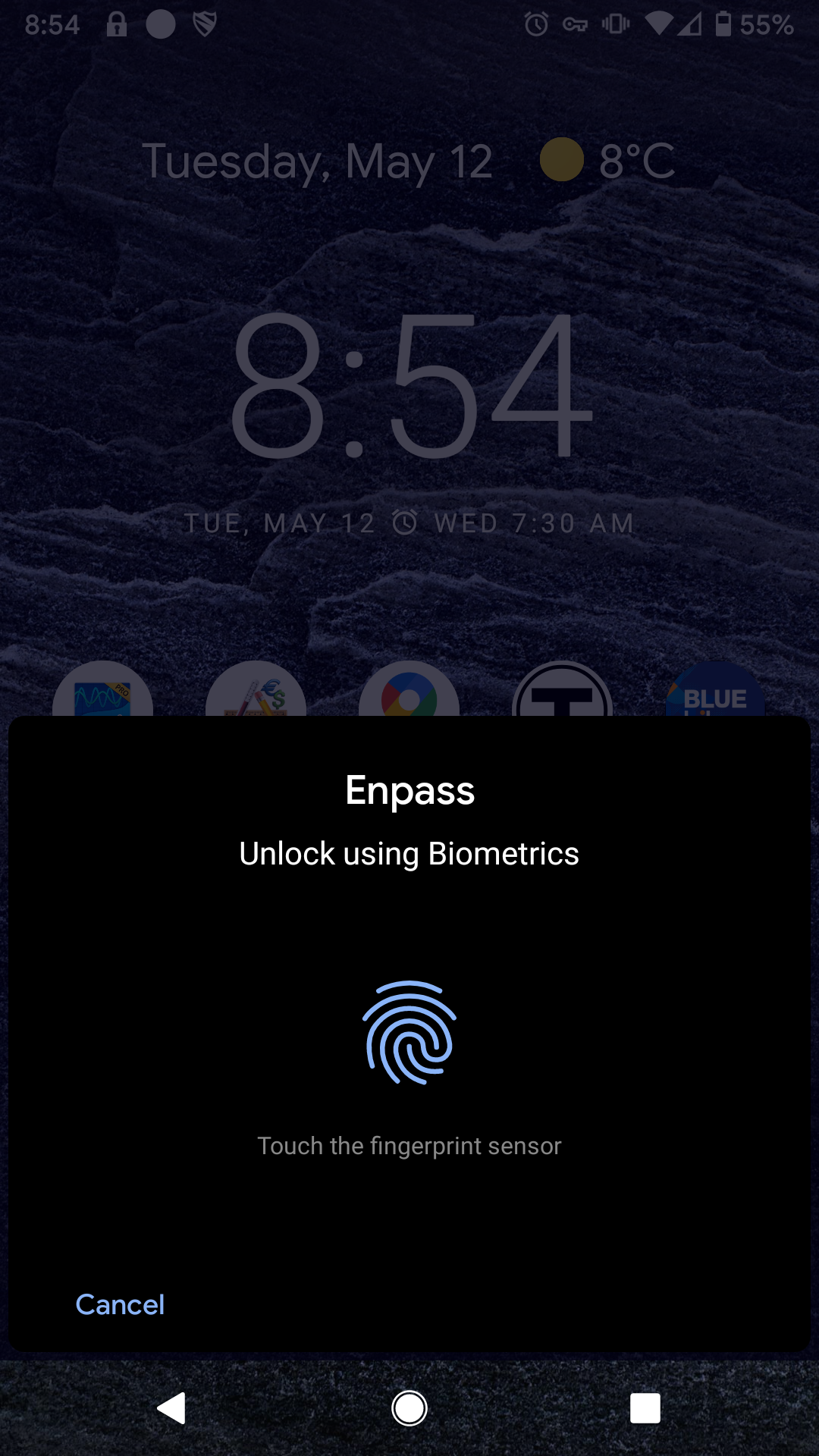
  4. Quite often, if my phone's screen turns off while Enpass is open it becomes impossible to unlock my screen and use the phone again without rebooting. Both the Android system and Enpass are configured to use fingerprint authentication. When I turn on the phone, its desktop panel (screen that shows app icons and time) is visible, but is greyed out behind the Enpass fingerprint prompt: which is now unresponsive and the only way I have found to release the commandeered screen is to reboot the phone. Is there anyway to get around this without constantly rebooting my phone? Thx
Account

Navigation

Search

Search

Configure browser push notifications

Chrome (Android)
  1. Tap the lock icon next to the address bar.
  2. Tap Permissions → Notifications.
  3. Adjust your preference.
Chrome (Desktop)
  1. Click the padlock icon in the address bar.
  2. Select Site settings.
  3. Find Notifications and adjust your preference.