Will.iam
-
Posts
2 -
Joined
-
Last visited
Will.iam's Achievements



-
ENPASS ALREADY UPDATED AND STILL REQUIRE UPDATE
Will.iam replied to Will.iam's topic in Windows 10 (Store)
BUMP! -
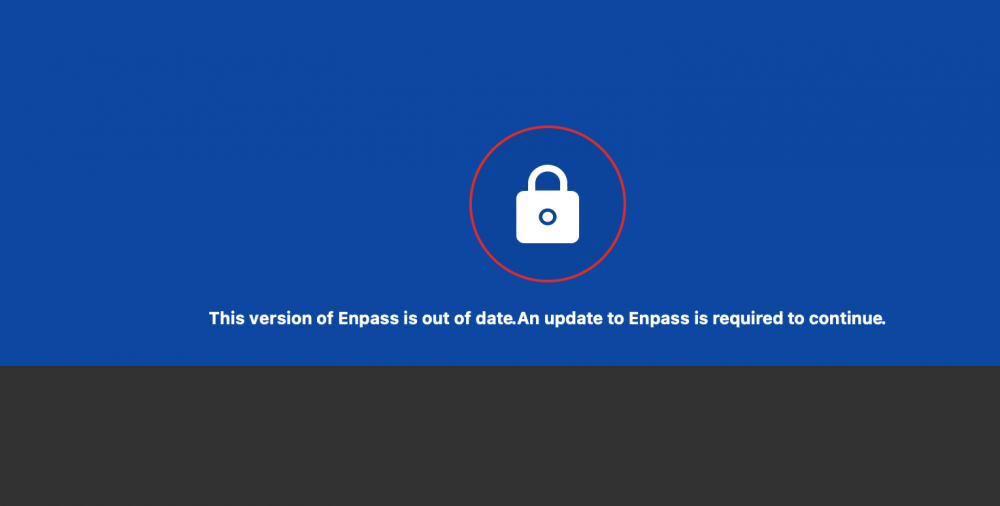
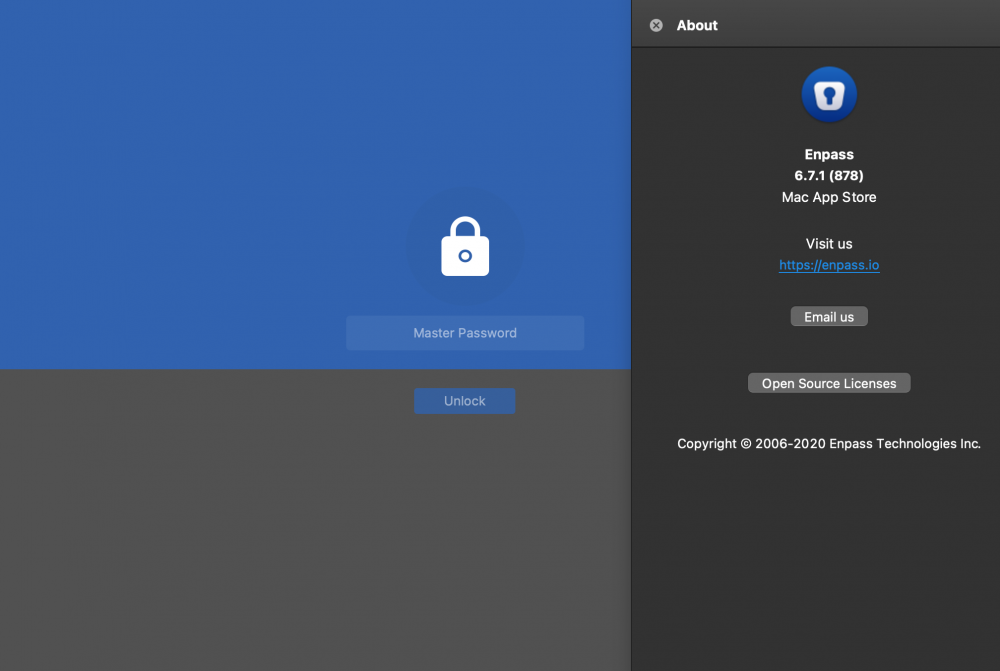
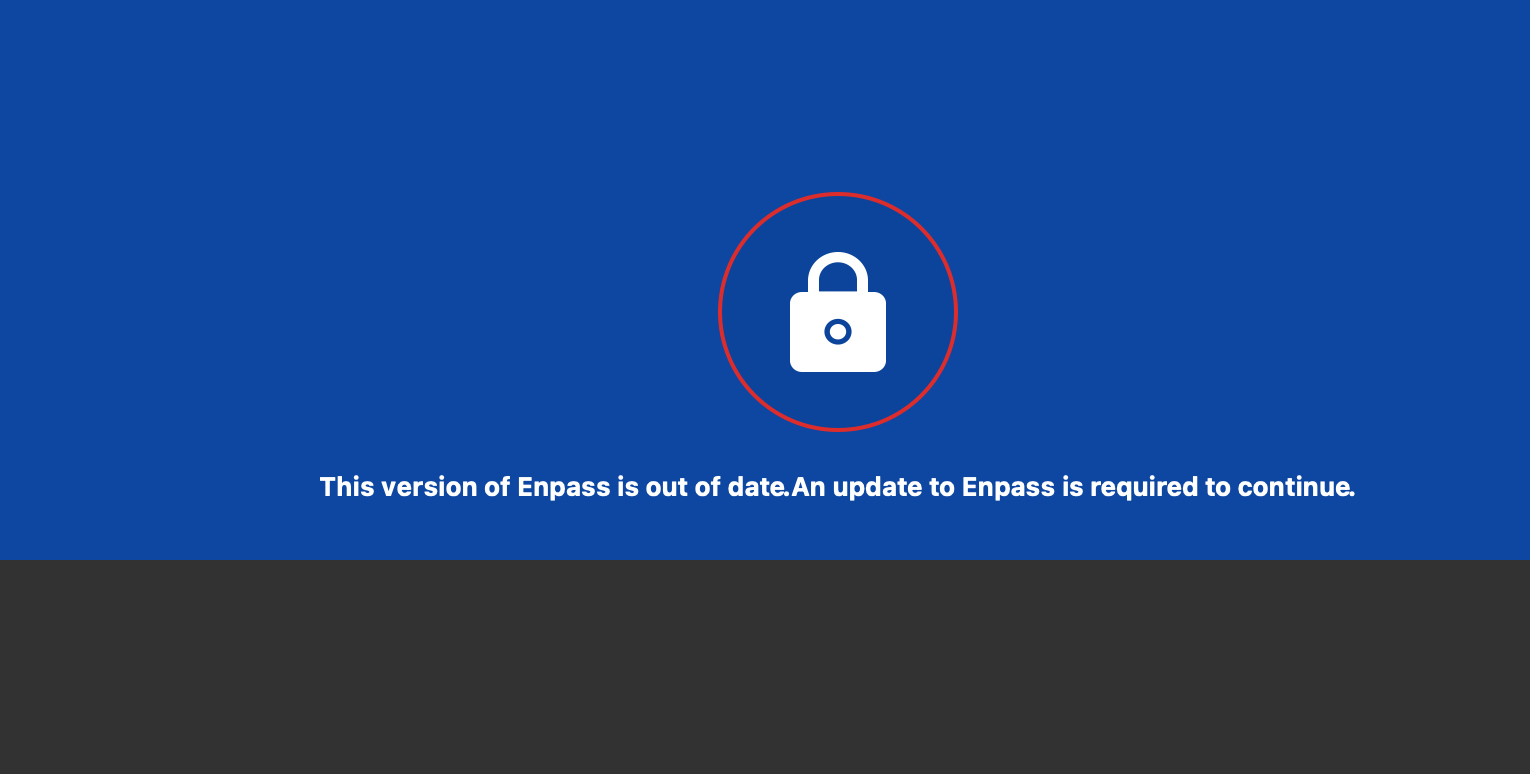
Today I tried creating some passwords onto my enpass and noticed they were not appearing after clicking save.So I tried enabling cloud sync, hoping that it would work. After enabling cloud sync, my creating the passwords again and still did not show when I searched them up. After I closed the app and reopened, it said that my version of enpass was old. So, I checked and it is up to date(version 6.7.1). I tried uninstalling and redownloading and it is telling me my password is incorrect.I once again restarted the app and now it is saying my version of enpass is old!