Jump to content
View in the app

A better way to browse. Learn more.

Enpass Discussion Forum

A full-screen app on your home screen with push notifications, badges and more.

To install this app on iOS and iPadOS
  1. Tap the Share icon in Safari
  2. Scroll the menu and tap Add to Home Screen.
  3. Tap Add in the top-right corner.
To install this app on Android
  1. Tap the 3-dot menu (⋮) in the top-right corner of the browser.
  2. Tap Add to Home screen or Install app.
  3. Confirm by tapping Install.

Scarce Noodle

Members
  • Joined

  • Last visited

  1. Great news, thanks for the update.
  2. Hi @Abhishek Dewan, I’m using Enpass 6.9.3 (776) on iOS 17.0.3. My Gemini app is running version 23.10.10.0 build 36132, just to be thorough. Thank you!
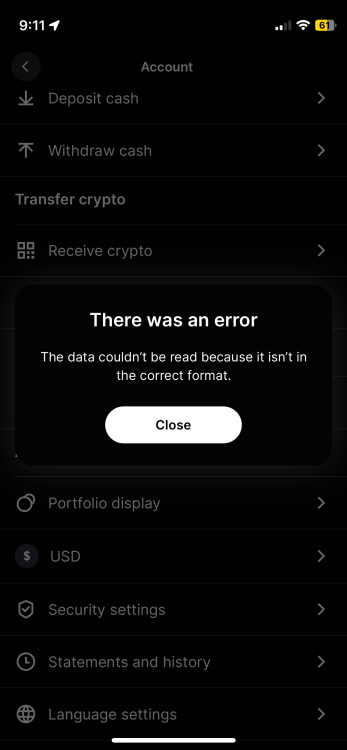
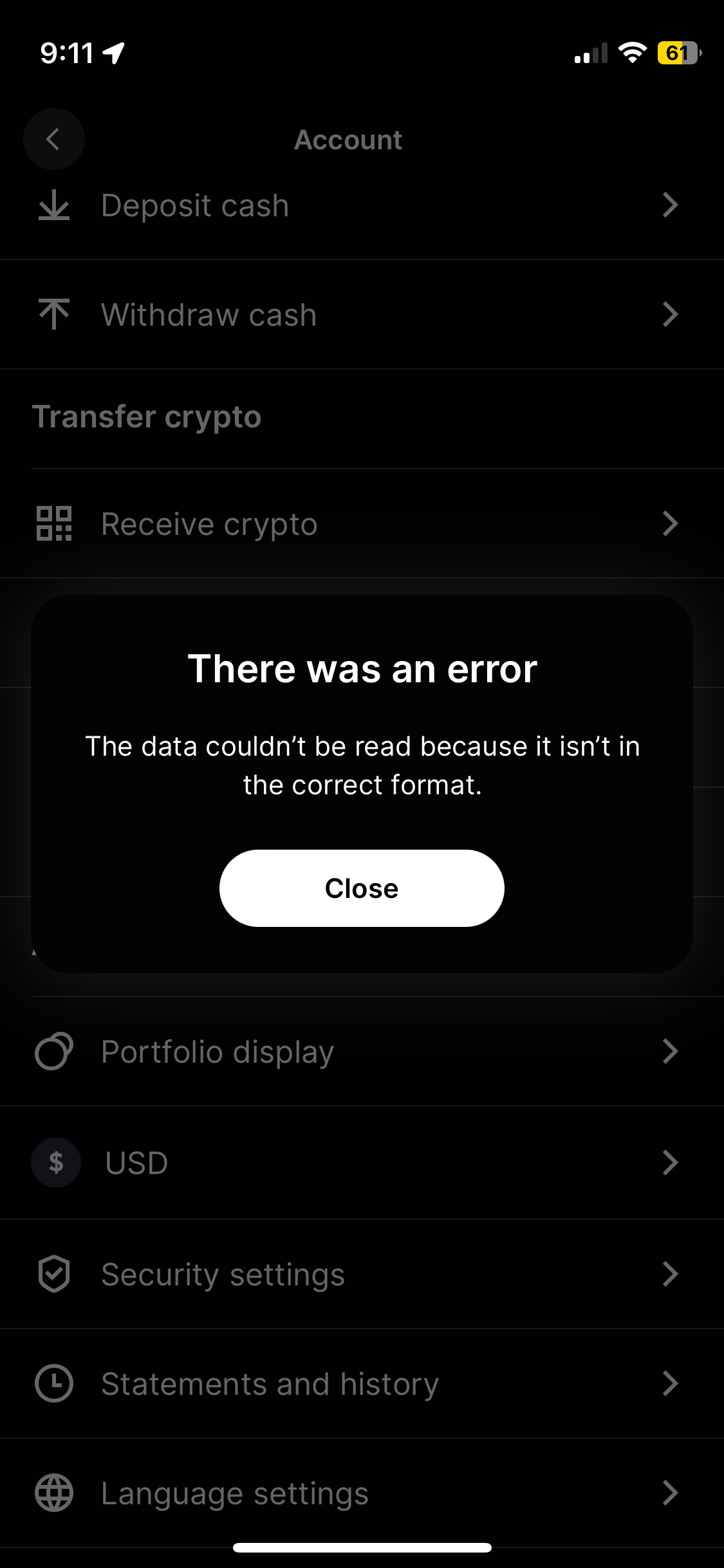
  3. Hello, I just tried to create a passkey for the Gemini app on iOS and an error comes up. Not sure if the issue belongs to Enpass or Gemini, but thought I would report it here just in case. Also interested to see if anyone else is experiencing something like this, be it with Gemini or any other apps. Image attached below.
Account

Navigation

Search

Configure browser push notifications

Chrome (Android)
  1. Tap the lock icon next to the address bar.
  2. Tap Permissions → Notifications.
  3. Adjust your preference.
Chrome (Desktop)
  1. Click the padlock icon in the address bar.
  2. Select Site settings.
  3. Find Notifications and adjust your preference.