ahj899
-
Posts
2 -
Joined
-
Last visited
ahj899's Achievements



-
Inline XML no longer displays in Firefox with latest Enpass extension
ahj899 replied to ahj899's topic in Windows PC
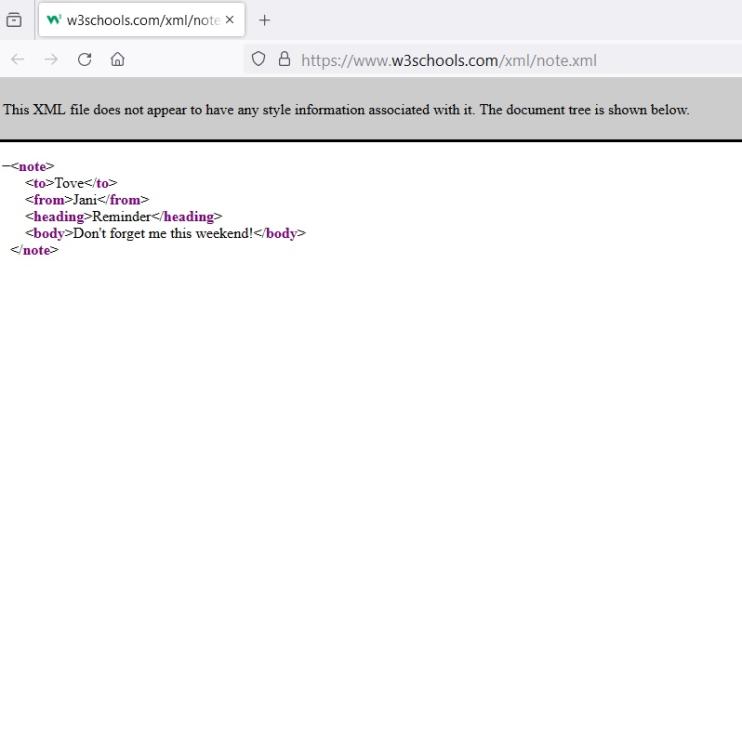
Enpass is version 6.9.1 (1512) for Windows. Attached are three files, showing what I see when I look at an XML file in Firefox with the Enpass plugin enabled, what I see when in Firefox when the Enpass plugin is disabled, and what I see in Chrome with the Enpass plugin enabled.. The sample link is https://www.w3schools.com/xml/note.xml. I would like to see XML in Firefox with the plugin enabled, as was the case before the latest Enpass plugin update.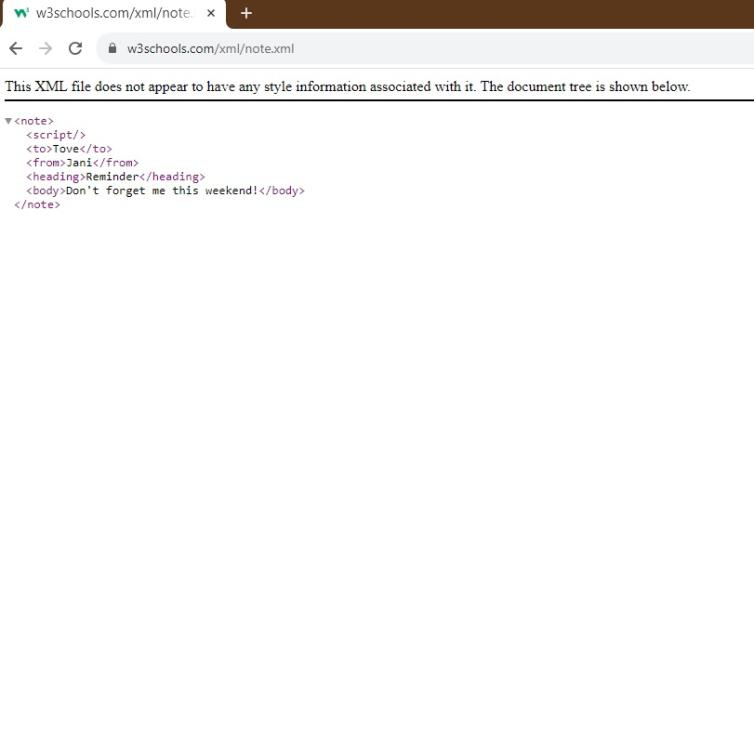

-
With the November 8th, 2023 (v. 6.9.2) update to the Enpass browser extension for Firefox on Windows, XML no longer displays inline -- I need to "view source" to see XML now. If I disable the extension, XML displays correctly, as before. Windows version: Windows 10 Enterprise, 22H2, OS build 19045.3570 Firefox version: 119.0.1 (64-bit) XML displays as usual in Chrome with the latest version of the extension enabled.