Jenda
-
Posts
4 -
Joined
-
Last visited
Everything posted by Jenda
-
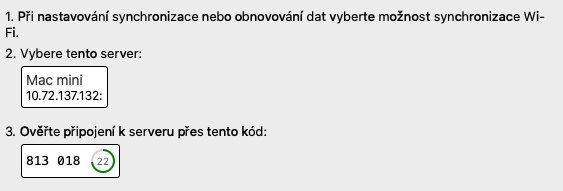
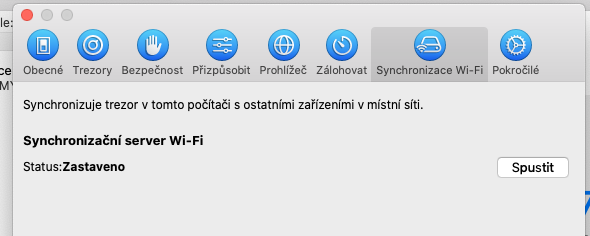
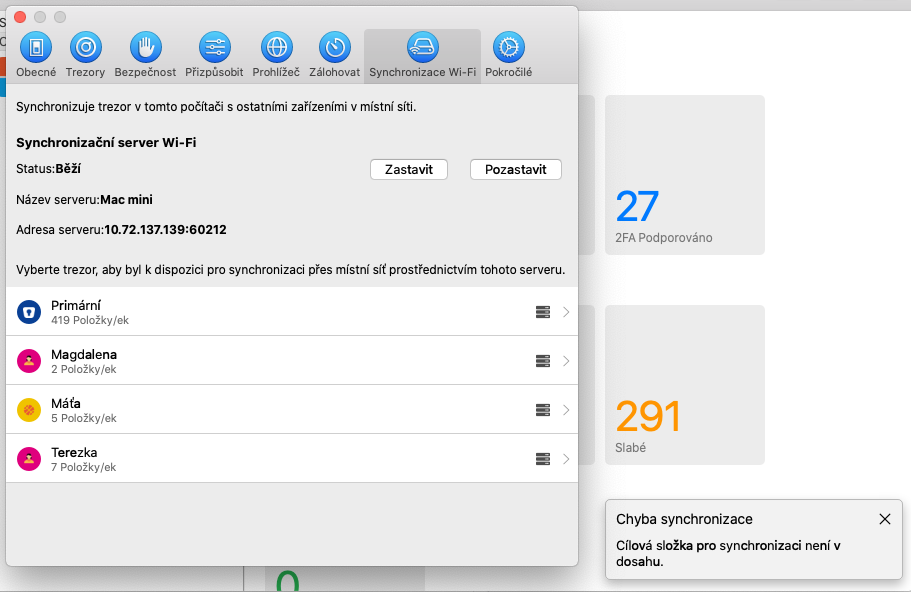
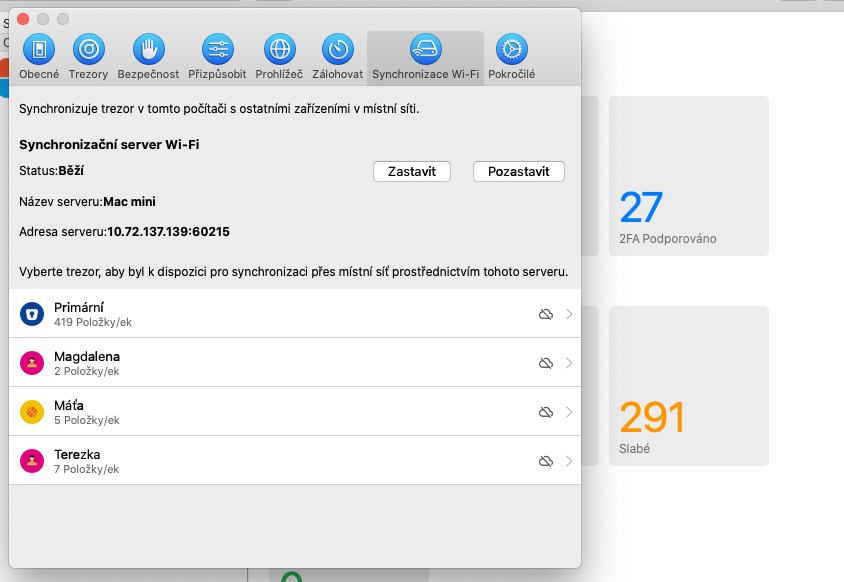
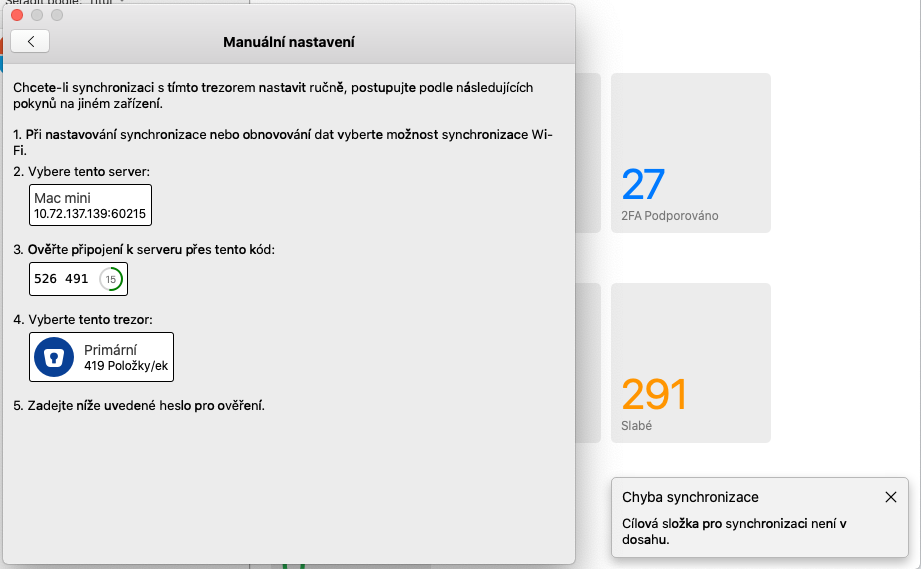
Hi, I stop the server and run the server. But you can see the error message appears immediately. So I remove the vault. Stop and start the server again. no error message Then scan the code -> error Manual set-up. but there is no verify code and there is again the error message with the transfer vault to sync folder
-
Ok. The problem still persist, the message. "Target folder..." is still there and the mobile device dont see the vault. Any help?
-
ok. I stop sync server. Go to the Enpass app content and find the file wifisyncserver_bin and run. Then go to Enpass app and start server again. Now there is port and sync start working.
-
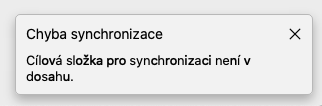
Hi, I have problem with wifi sync of my vault. I have Mac Catalina 10.15.7, Enpass version 6.11.2 I click to start server, click to vault and qr code is created, but when i scan it, it wrote no vault. Also the manual sync information are not usefull because the varification code is different. I also see that the server has no port. The Enpass wrote in corner: Synchronization faild - Target folder for synchronization is not reachable. It did work before. I did not install anything new, just system updates. I check firewall, access to the disk or folders. I dont have the wifiyncserver_bin in mac firewall, only Enpass app. I thing the server did not start. Can you help me with that?