Search the Community
Showing results for tags '6.9.1'.
Found 1 result
-
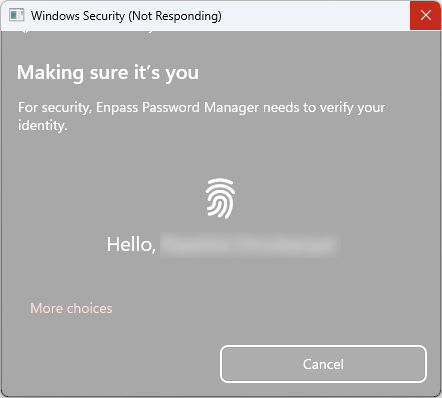
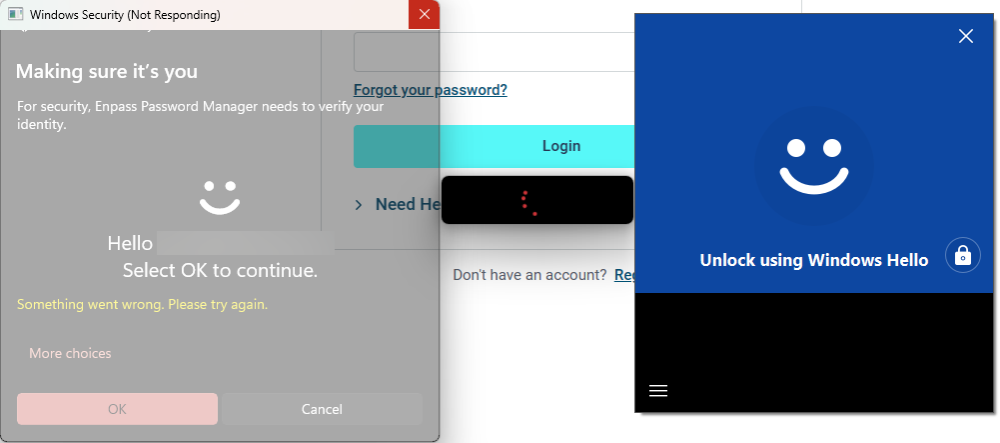
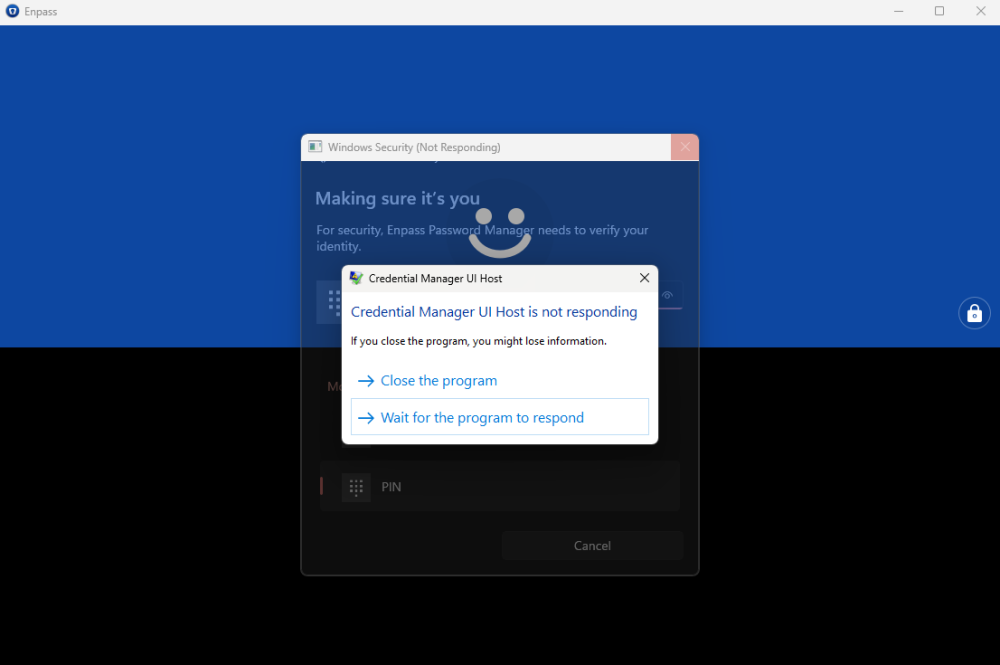
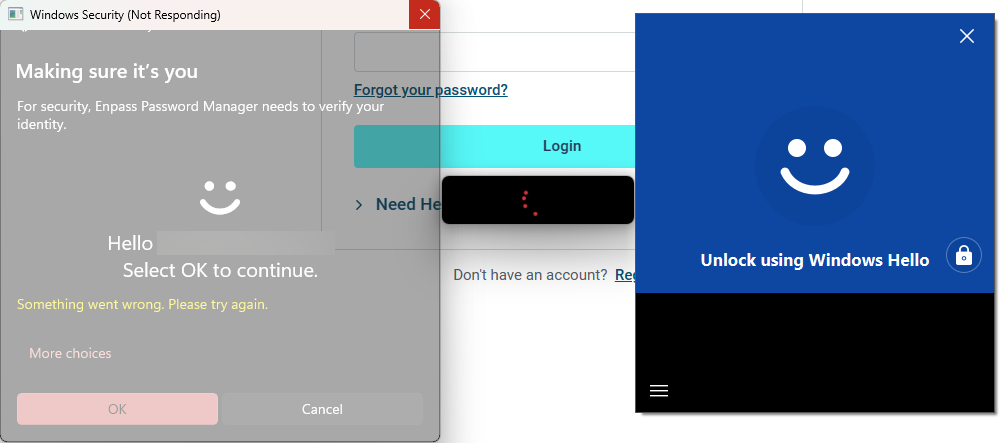
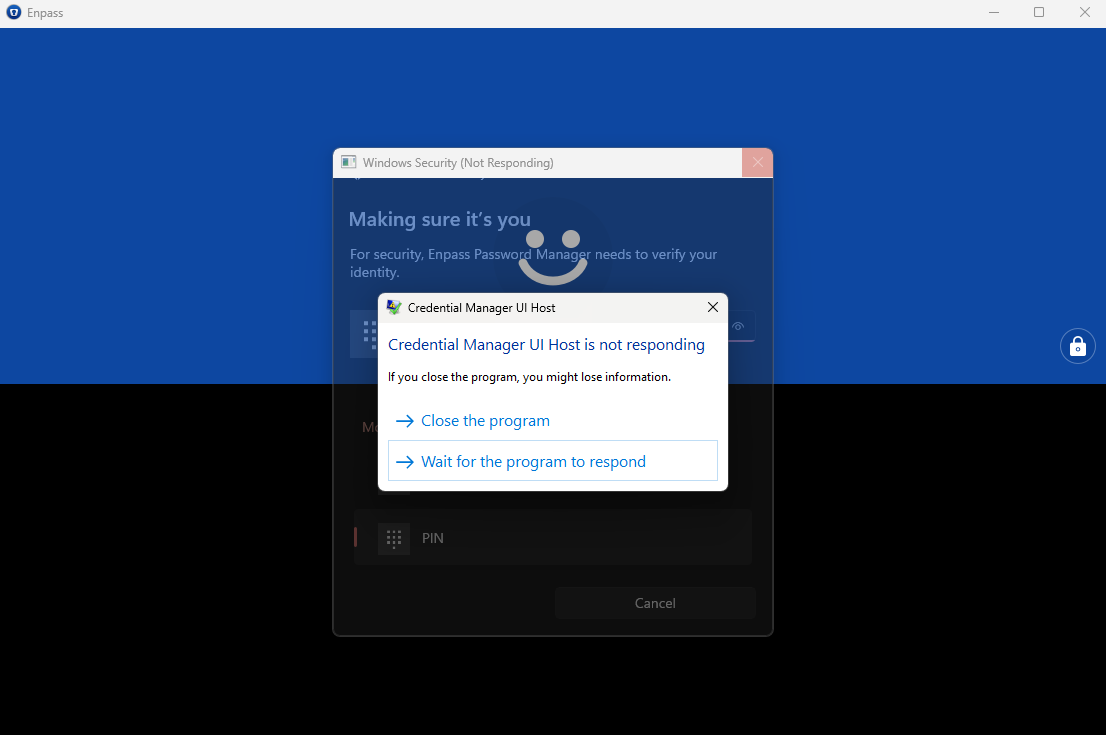
.thumb.png.18d5ca31a9a3b5e1b86913420f39b434.png) Hi all, As the title states, I've long been having this random issue with Enpass's Windows Hello Security dialog randomly freezing for 5+ minutes on my 32GB RAM i7 Surface Pro 7+ whenever I attempt unlocking it: After the freezing, it just shows an error message that "Something went wrong. Please try again." (as can be seen in the second image) and requires me to reauthenticate with Windows Hello yet again. Upon reattempting to authenticate with Windows Hello, it still freezes for another 5+ minutes! Only way to gain back access to my credentials is to cancel the Windwos Hello security dialog (which sometimes also takes another 5+ minutes after clicking the Cancel button) and enter my master password manually. However, to make matters worse, sometimes even clicking the Cancle button doesn't help, as after the 5+ minutes wating for it to Cancel, the moment I click the manual password entry text box in the Enpass main window, it yet again prompts for Windows Hello authentication. This has been a serious productivity-hampering bug that keeps randomly occurring in Enpass for the past several versions, and it still persists in Enpass v6.9.1 (1512) which I currently have installed from the Microsoft Store. What's going on? Also, I earlier noticed that the Enpass Windows Hello was attempting to connect to the internet for some reason, what's that for? Could it be because I blocked it from the internet that these random freezes are occuring?
Hi all, As the title states, I've long been having this random issue with Enpass's Windows Hello Security dialog randomly freezing for 5+ minutes on my 32GB RAM i7 Surface Pro 7+ whenever I attempt unlocking it: After the freezing, it just shows an error message that "Something went wrong. Please try again." (as can be seen in the second image) and requires me to reauthenticate with Windows Hello yet again. Upon reattempting to authenticate with Windows Hello, it still freezes for another 5+ minutes! Only way to gain back access to my credentials is to cancel the Windwos Hello security dialog (which sometimes also takes another 5+ minutes after clicking the Cancel button) and enter my master password manually. However, to make matters worse, sometimes even clicking the Cancle button doesn't help, as after the 5+ minutes wating for it to Cancel, the moment I click the manual password entry text box in the Enpass main window, it yet again prompts for Windows Hello authentication. This has been a serious productivity-hampering bug that keeps randomly occurring in Enpass for the past several versions, and it still persists in Enpass v6.9.1 (1512) which I currently have installed from the Microsoft Store. What's going on? Also, I earlier noticed that the Enpass Windows Hello was attempting to connect to the internet for some reason, what's that for? Could it be because I blocked it from the internet that these random freezes are occuring?