Search the Community
Showing results for tags 'brave browser'.
Found 2 results
-
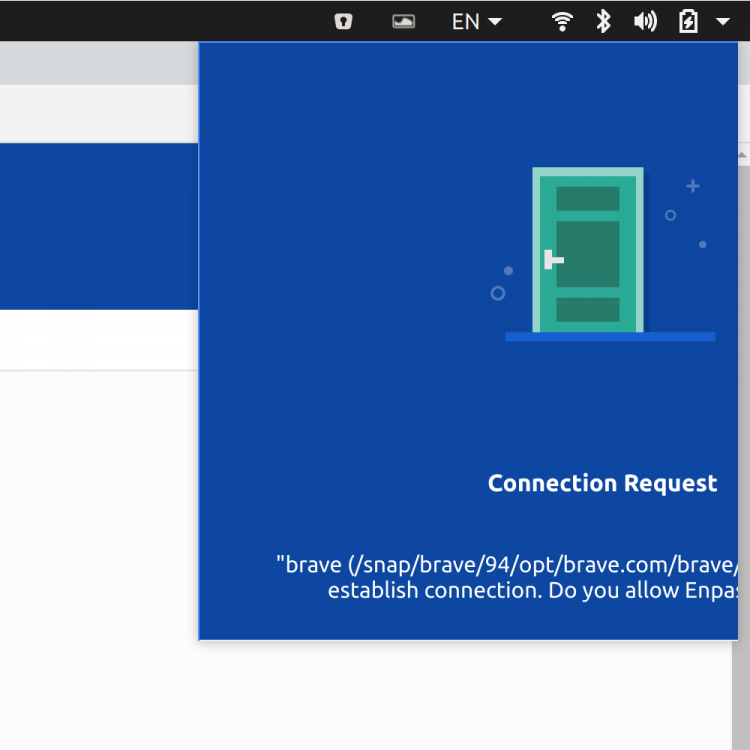
As you can see in the screenshot, in the Brave browser in Ubuntu 20, you can see that the Enpass app overflows beyond what is viewable. As a result, I cannot accept the connection request prompt. Let me know if you need more info.
-
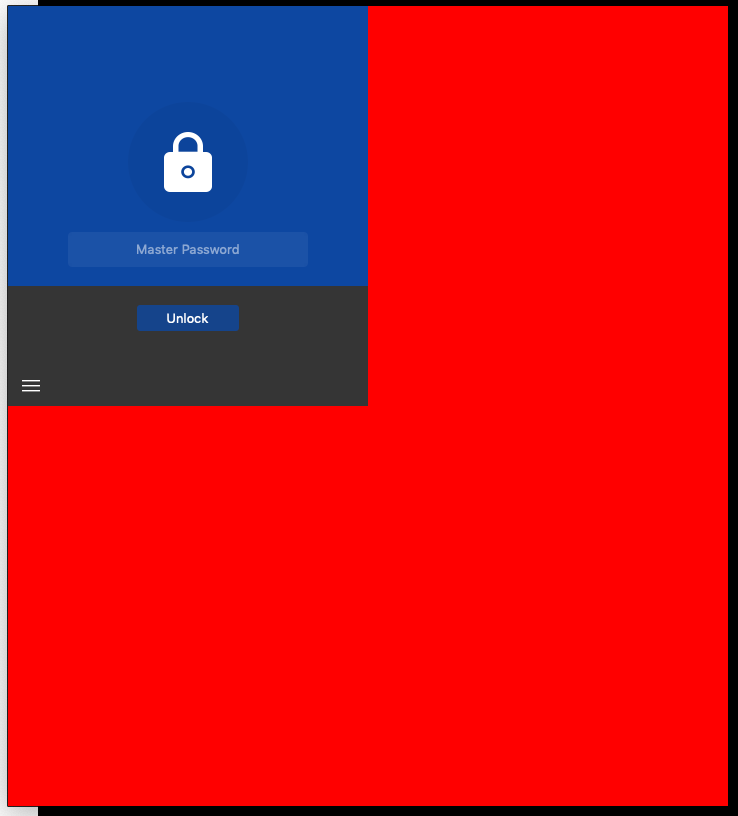
 Hello, The version 6.0.2 of the Enpass Extension for Chromium does not work with the actual version of the Brave Browser on OSX (Version 0.65.121 Chromium: 75.0.3770.100 (Official Build) (64-bit)). After activating, it shows up with a large red space in the background and seems not to respond to any user interactions (visible response). Looks to me as if the extension cannot handle high resolution displays, but i could be wrong. Does anyone know how to fix this? Does someone else have the same problem?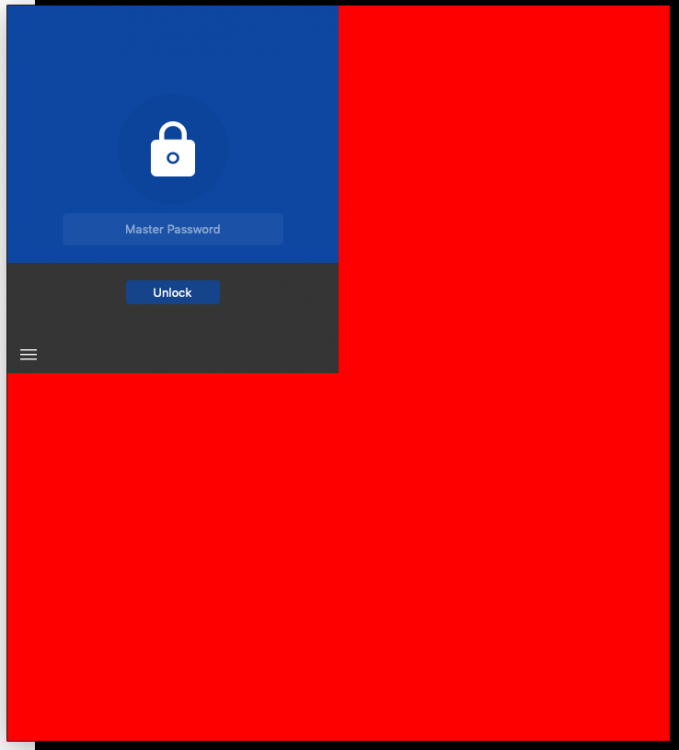
- 14 replies
-
- 1
-

-
- red background
- brave browser
- (and 2 more)