Search the Community
Showing results for tags 'privacy issue'.
Found 2 results
-
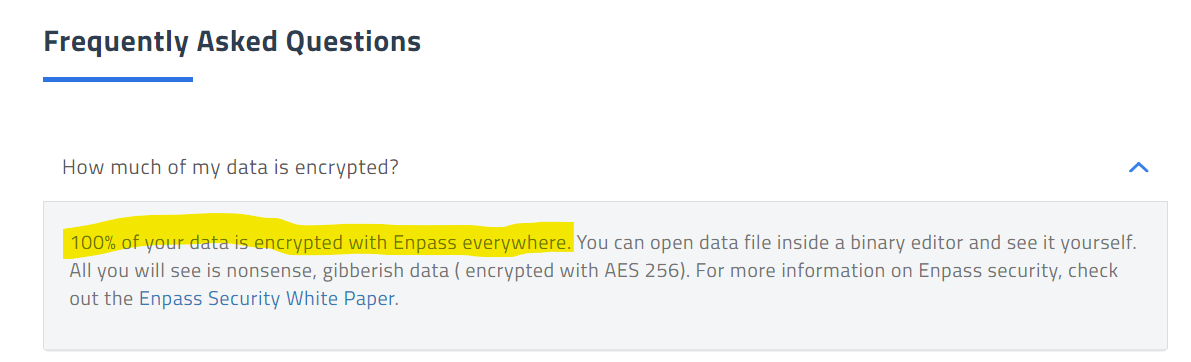
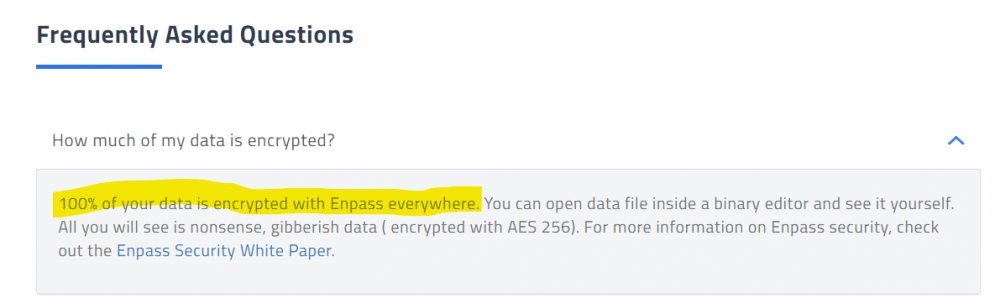
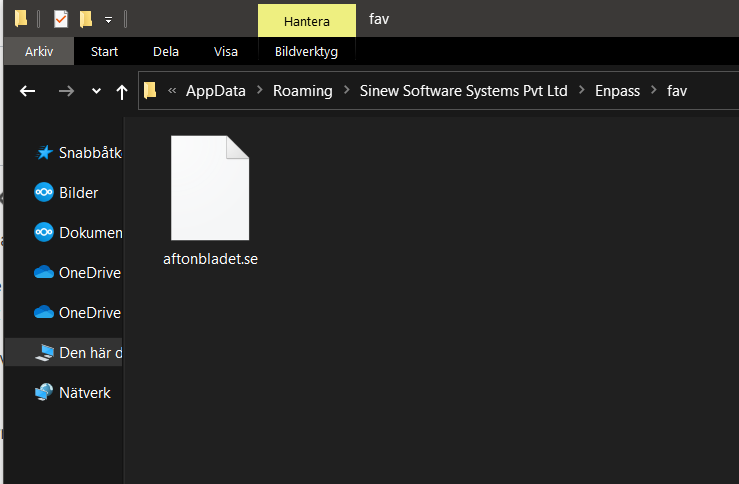
why are you not encryping or at the very least obfuscating the names of a users cached favicons when this is enabled? I know, the icons are only cached on each device not synced to the cloudproviders, and if your OS content can be read by someone else it cannot be assumed to be secure yadayada. But on a shared- or work-related machine, Im pretty sure a Enpass-user expects the entries to be confidential as well. So if someone has a strange affection to... crows, whatever, there will be a login.ilovecrows.com within %AppData% or the portable directory. If someones has several hundred entries, it gives quite alot intel about that person.. This applies to the Portable versions as well, so having website icons enabled on Enpass Portable on a USB stick means youre running around with all the URL's in your vault unencrypted.. There's no disclaimer or warning in Enpass about this, nor on the link https://www.enpass.io/support/kb/beta/what-happens-when-i-enable-website-icons/ that you provide from within Enpass. Just store them within the main vault and save your API's some queries, or at least encrypt them separately..
-
 This is not welcomed behaviour from you Enpass app !!! deactivate this reading !!! How many data have you collected by this mean ? As many Chinese apps are linked to Chinese government and so were rightly banned, your app also could be linked to Indian government !!! now I will start to lunch a compaign on social media, on tech website etc.