Search the Community
Showing results for tags 'recaptcha'.
Found 1 result
-
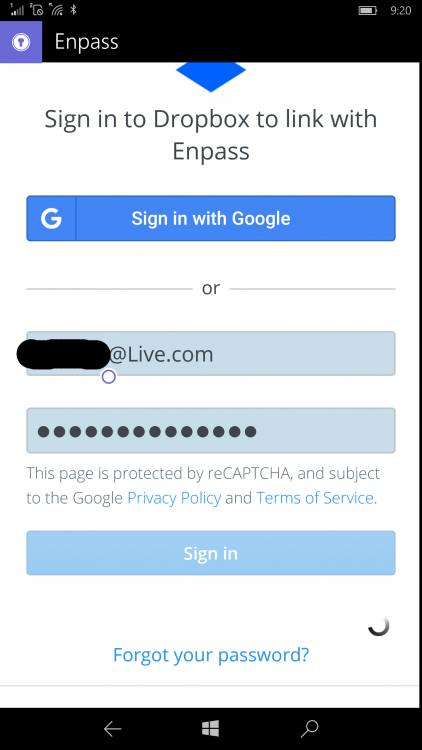
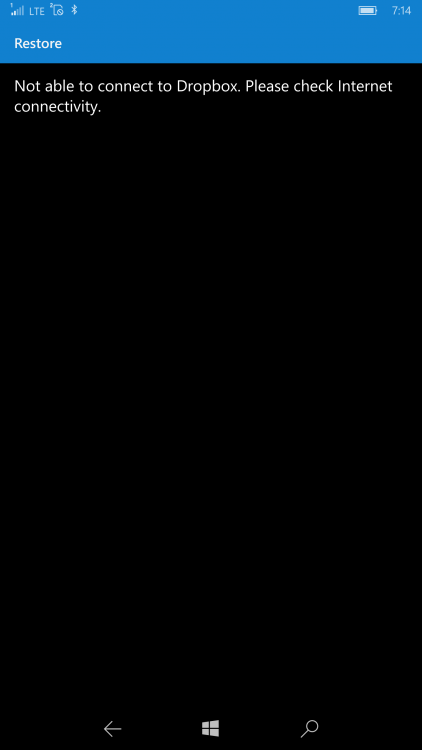
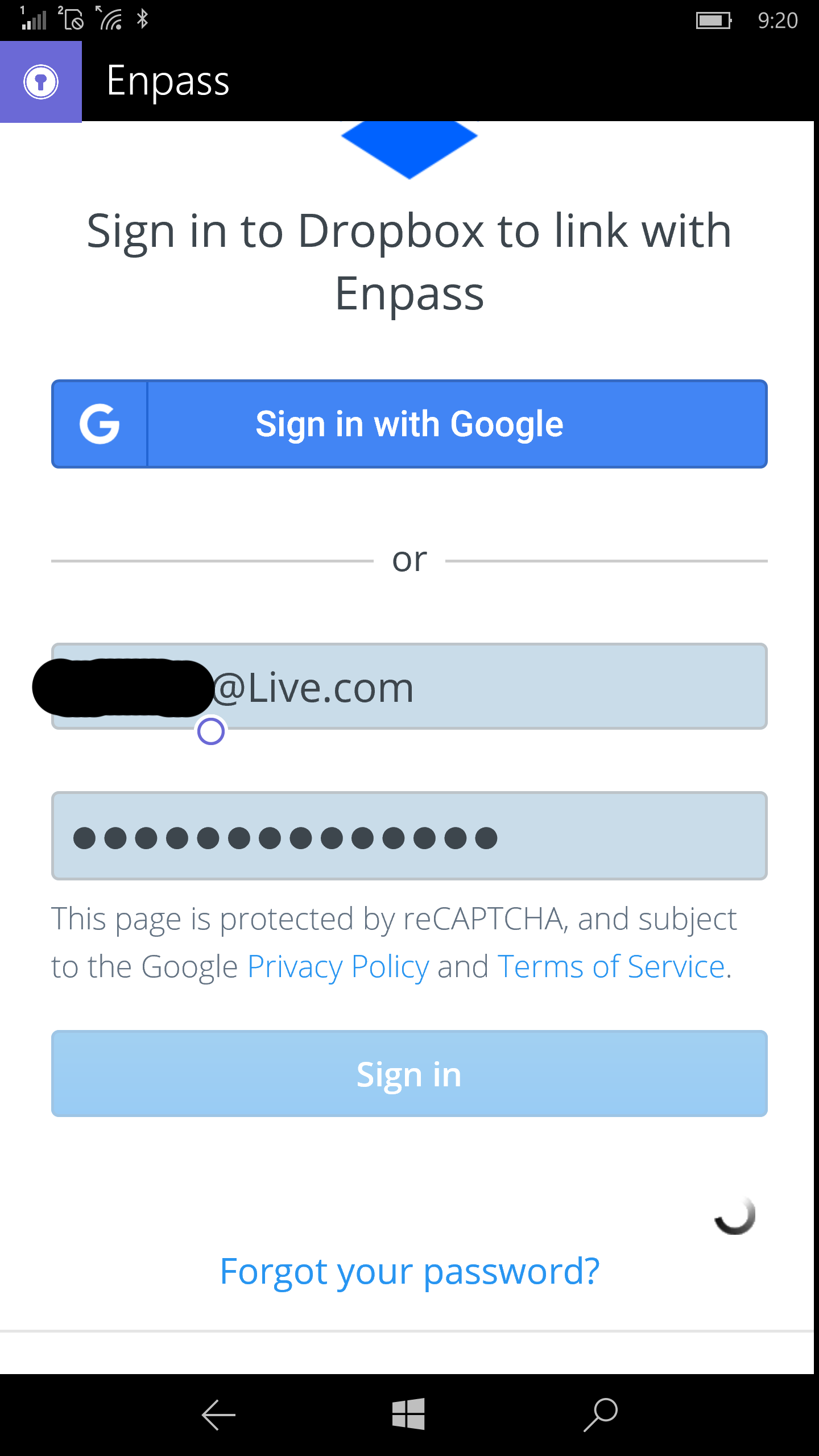
 I was not sure where to post this problem that I am having. I have also contacted Dropbox about this issue - Enpass seems to load a Dropbox authentication webpage within it's application but I'm not entirely sure where to turn. I have been using the Enpass app on all of my Windows phones for over a year with no problems. I recently purchased an HP Elite X3 mobile phone and installed Enpass on it last night. I selected Dropbox as the cloud service for storage of my password file data and the app displayed a login webpage generated by Dropbox's cloud service. That webpage lists that recaptcha is the auth service that is used. I entered my login credentials on the page and tapped on the login button and the page just displays a loading icon but nothing else happens after that. I literally left my phone on that page all night and it never finished the login. This morning, I tried several more times but it never loads. When I press the BACK button on my phone, i receive the message "Not able to connect to Dropbox. Please check Internet connectivity." My internet connection is perfectly fine and I even have the Dropbox mobile app installed and logged in on my phone so I really need help troubleshooting this problem. I tested two of the other cloud services from within the app and they both work fine (Box.net and OneDrive). Once again, I have posted this problem in the Dropbox forum, as well. HP Elite X3 OS Build 10.0.152543369