Search the Community
Showing results for tags 'text'.
Found 4 results
-
The Enpass Desktop application configured with the Portuguese language does not allow typing of accented characters in the text fields when we try to edit it. However, if we copy any text that contains accented characters and paste in the same text fields, in the Enpass, it allows the insertion of this text normally. How can we do to type accented characters, such as (á, ê, ú), in the Enpass text fields?
-
The possibility to use simple markup for text items, at least for ‘Secure notes’, e.g. ** ** for bold, __ xx __ for underlining etc. Thanks
-
Larger New Fields Hi, First thanks for the awesome app - I have it one my mobile and all computers. I like it a lot better then keypass and in the process of moving over. My feature request/question is: "Can you make it so when making a new field to make it large like the "Note" field is naturally? Whenever I create a new field its a single line." If you need an example or anything please let me know. Thanks Much
-
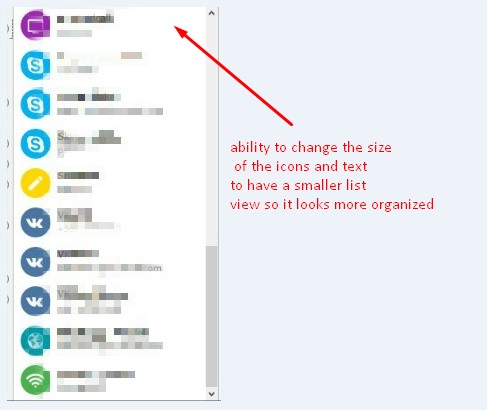
 First I'd like to say that I am in love with your product, the functionality is great. Here is my suggestion: It would be nice if users had the ability to have the main view smaller sort of like a small 'list view' so it looks more organized, I think users would love to have that ability.because we'd be able to see more in less space. Thanks for making this great software.