Leaderboard
-
Arnas
Members1Points20Posts -
Vinod Kumar
Enpass team member1Points509Posts


Popular Content
Showing content with the highest reputation on 11/21/16 in all areas
-
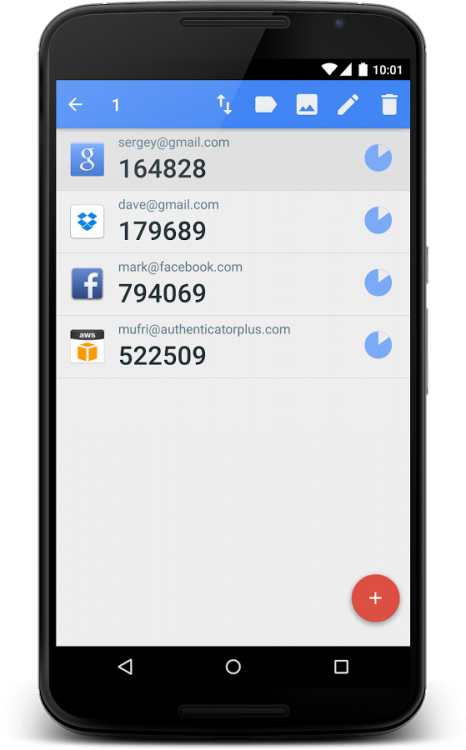
1 pointHi, Is it possible to create a new category for faster access to TOTP as on my picture. With a click would be possible to reach all TOTP codes, and it would help find TOTP codes faster on the job computer where I can not install Enpass.
 1 point
 -
1 pointHi @h4waii, The decision of 24000 iterations was taken few year back to ensure compatibility between all possible supported devices without any significant effect on performance . Now every device has more computing power and we certainly need to upgrade number of iterations. We are planning a major UI/database/sync engine redesign of Enpass next year, that will be perfect time to implement this.1 point