Leaderboard
-
hartungstenio
Members1Points9Posts -
Plonqor
Members1Points34Posts -
beta
Members1Points1Posts -
atlantafish
Members1Points2Posts


Popular Content
Showing content with the highest reputation on 10/31/18 in all areas
-
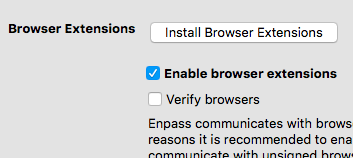
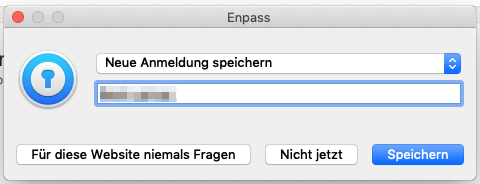
1 pointHi, i have organized my passwords in Folders. It would be nice, if i could choose or create a folder when Browserplugin saves a password for me ... it's hard to find later. Or is there the ability an I'm doing something wrong? Moreover there is maybe a bug. Sometimes I'm saving a password to a newly created and selected Folder and Enpass will save it to the previous selected folder too - linked twice - in two folders then. Thanks. tonzen
 1 point
 -
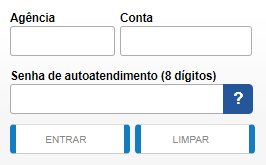
Internet banking here in Brazil usually need two fields to identify a user (plus a password): Agency Number and Account Number. I would like Enpass to fill all of those fields. It currently fills only the Account Number and password, without the other number I need.
 1 point
 -
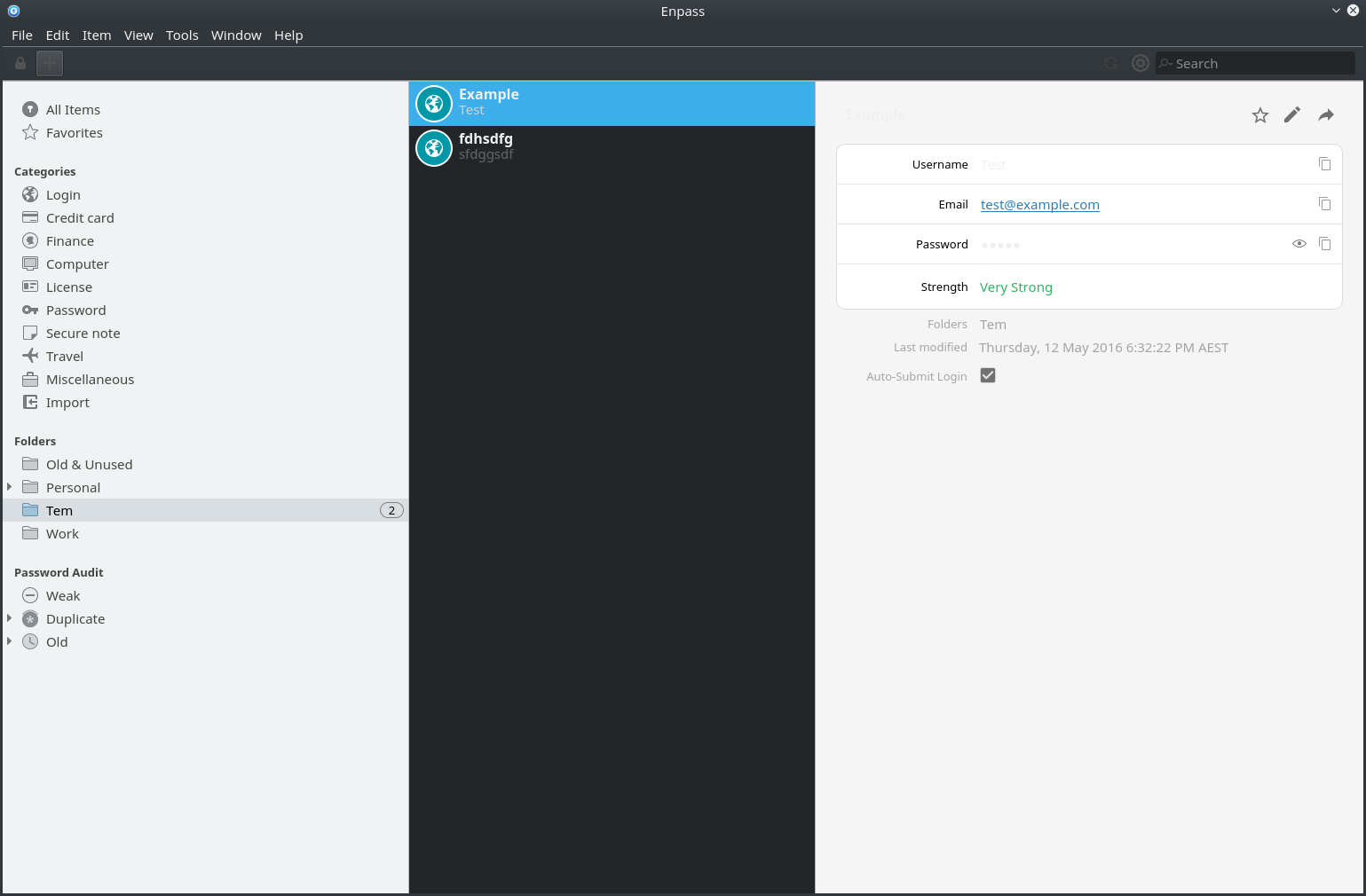
So I've just installed enpass as I've had enough of lastpass's terrible everythingness. However, the UI isn't working quite right on my system - I generally have a very dark 'inverted' UI, and so I have some how got white text on a almost white background. The password is obviously hidden, but the title and the username arent' visible!1 point
-
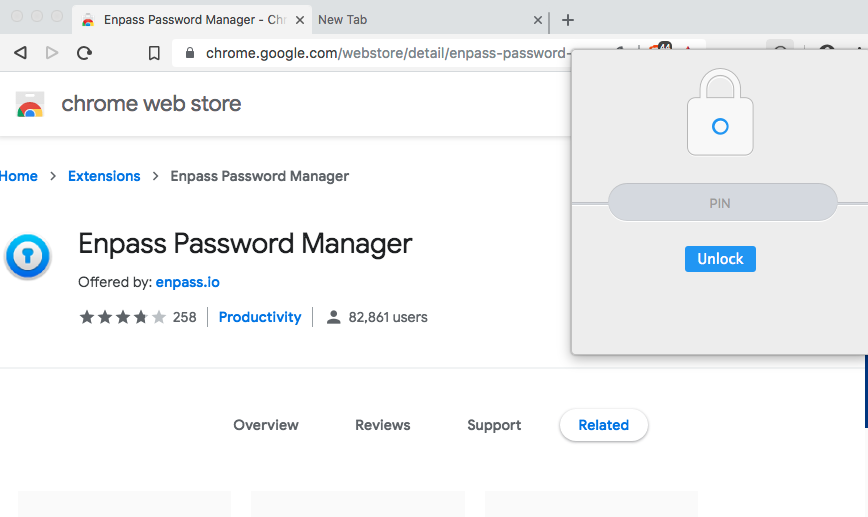
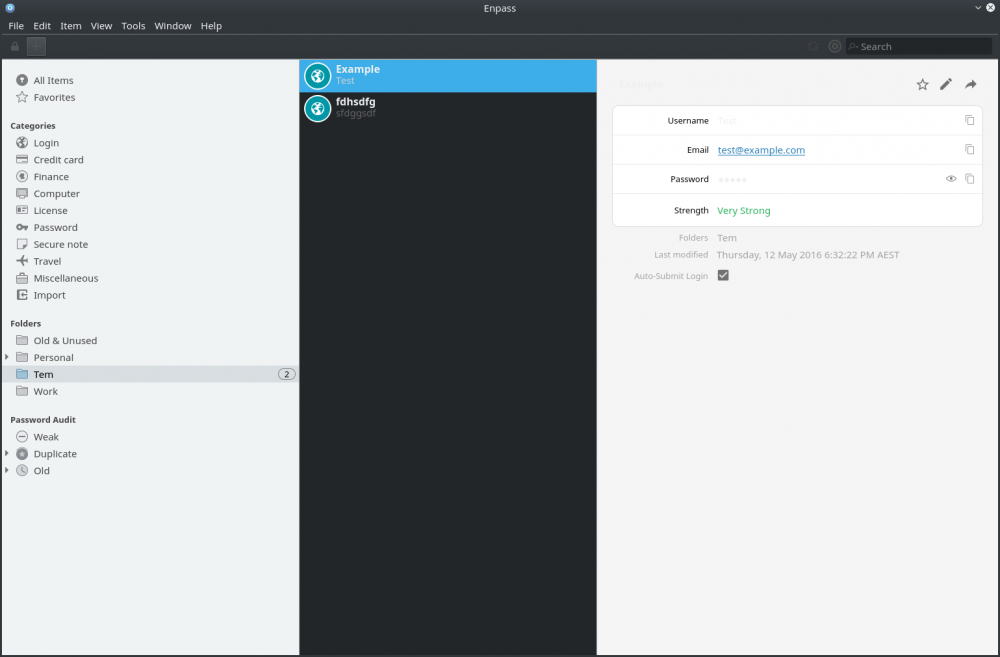
The new version (5.2.1) seems to half-support dark themes now, but it's made things worse. I'm using Breeze Dark in KDE Plasma 5 on Arch Linux. Attached screenshot. The extension is similar but I am having trouble getting a screenshot of it (hotkeys don't work when it's showing). Seems as though the middle pane, and some of the text is honouring the system colours, but then other parts aren't.
 1 point
 -
I am facing the same problem on my Linux machine. I am using Ubuntu 16.04 with Arc-dark theme. Please fix this problem as soon as possible. I really like Enpass and I already bought the android version. I am waiting for the updated, fixed version.1 point
-
Until this has been adjusted to be dynamic for themes, can it be entirely set statically so that it is at least readable?1 point
-
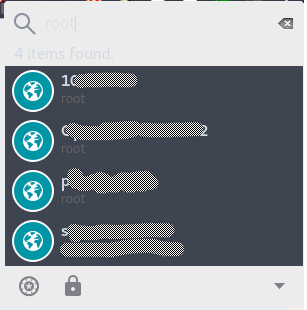
Hi, any updates on this? using https://aur.archlinux.org/packages/gtk-theme-arc/ with Gnome on Arch. Chrome(ium) addon looks very ugly too with Arc-Dark theme. It's very difficult to read the input field.
 1 point
 -
0 pointsHey @xoqtox1960, Sorry for the trouble you are going through. Please make sure you're typing the correct master password, you can try typing your master password in notepad and copy/paste it into the password field. Also, please have a look at the page listing troubleshooting steps for the master password not working. Hope this helps!0 points