Leaderboard
-
MvDevNullNet
Members1Points2Posts -
Jonas EnP
Members1Points30Posts


Popular Content
Showing content with the highest reputation on 10/05/19 in all areas
-
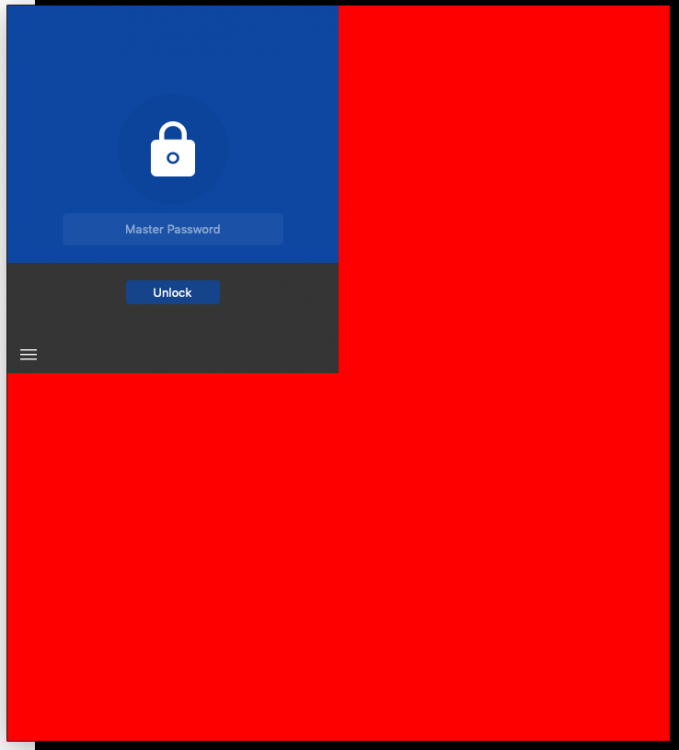
Hello, The version 6.0.2 of the Enpass Extension for Chromium does not work with the actual version of the Brave Browser on OSX (Version 0.65.121 Chromium: 75.0.3770.100 (Official Build) (64-bit)). After activating, it shows up with a large red space in the background and seems not to respond to any user interactions (visible response). Looks to me as if the extension cannot handle high resolution displays, but i could be wrong. Does anyone know how to fix this? Does someone else have the same problem?
 1 point
 -
From what I’ve heard, you have to buy the program from each device store, I think. like a purchase from: iOS store, Android store, Mac store, Windows store, and so on...1 point