Skip to content
View in the app

A better way to browse. Learn more.

Enpass Discussion Forum

A full-screen app on your home screen with push notifications, badges and more.

To install this app on iOS and iPadOS
  1. Tap the Share icon in Safari
  2. Scroll the menu and tap Add to Home Screen.
  3. Tap Add in the top-right corner.
To install this app on Android
  1. Tap the 3-dot menu (⋮) in the top-right corner of the browser.
  2. Tap Add to Home screen or Install app.
  3. Confirm by tapping Install.

Leaderboard

Popular Content

Showing content with the highest reputation on 04/16/20 in all areas

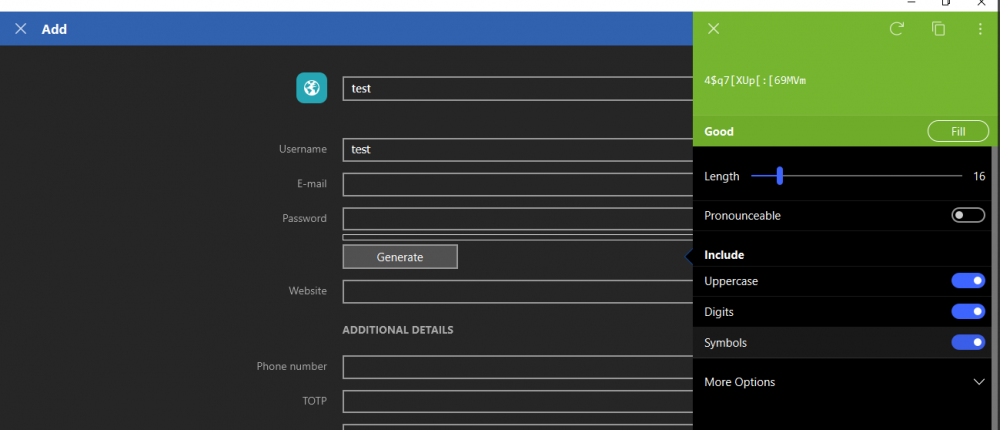
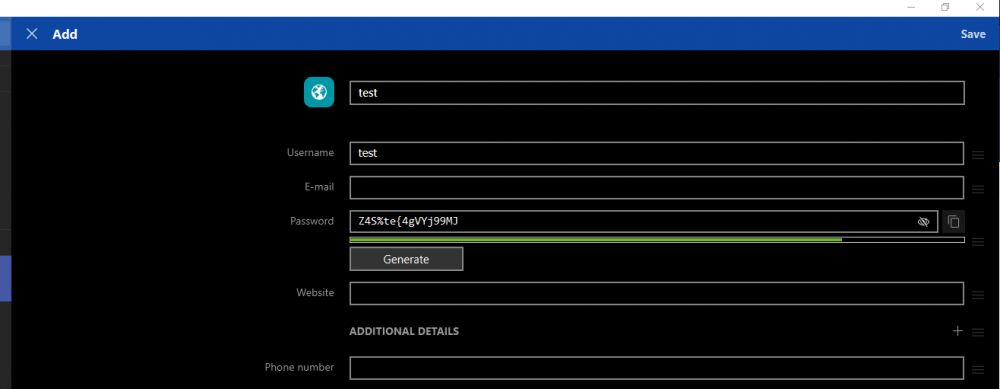
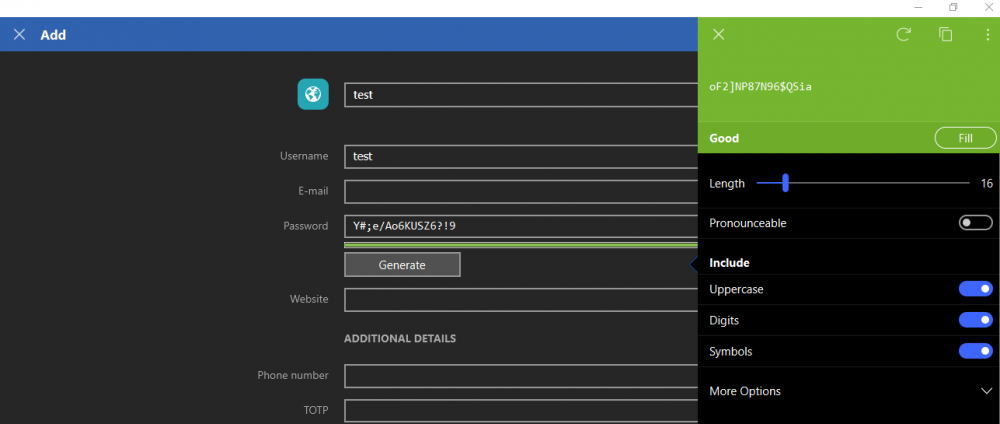
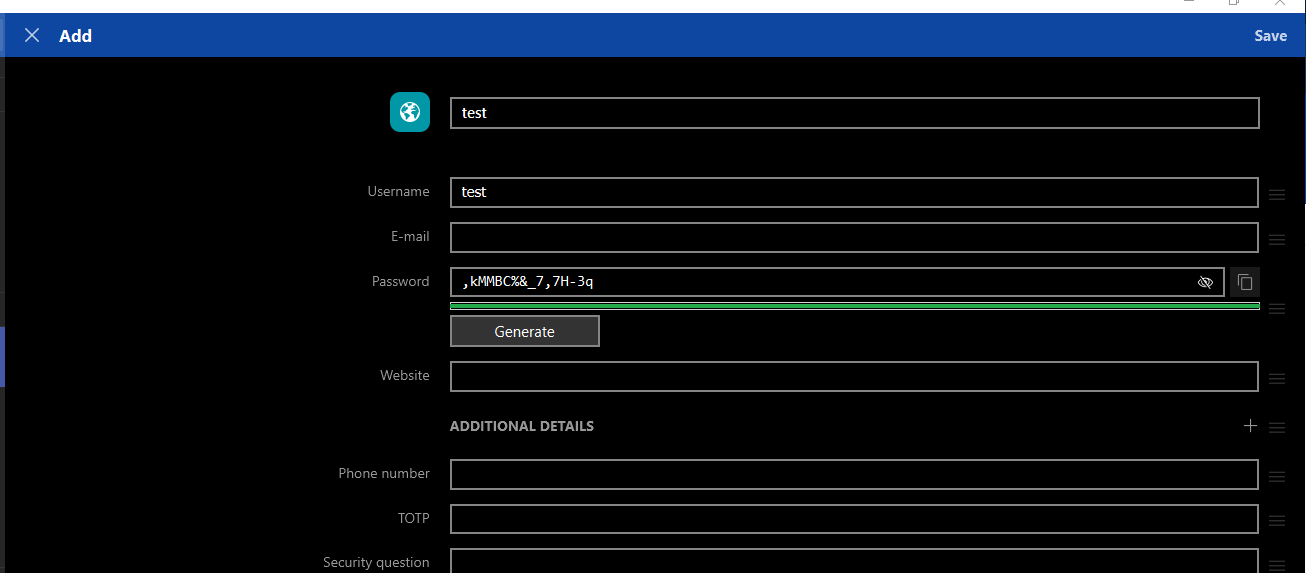
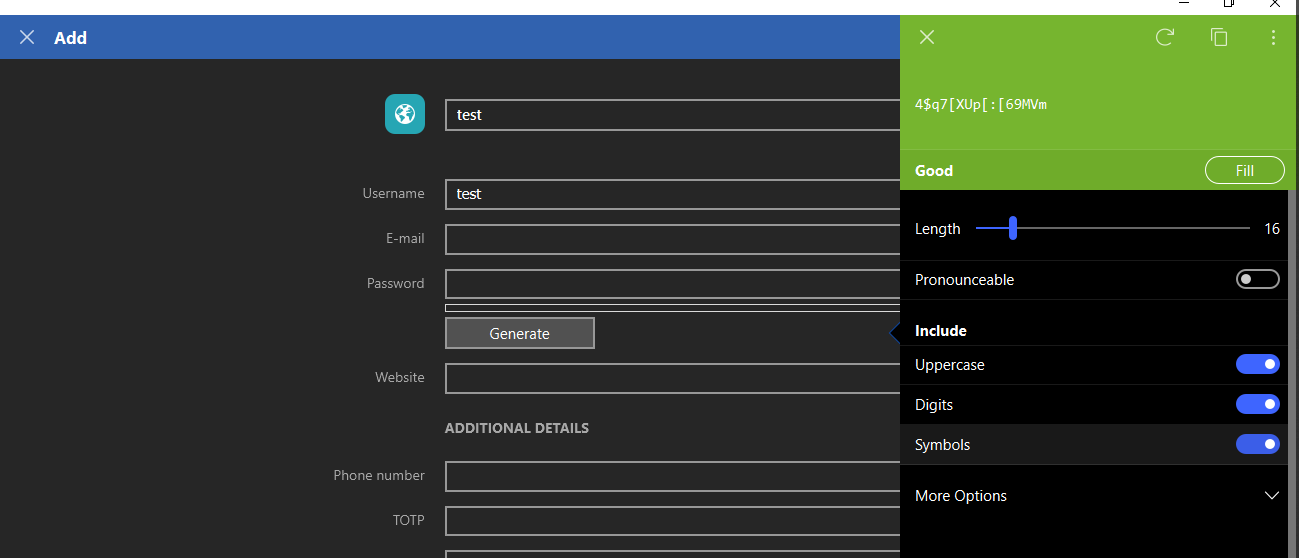
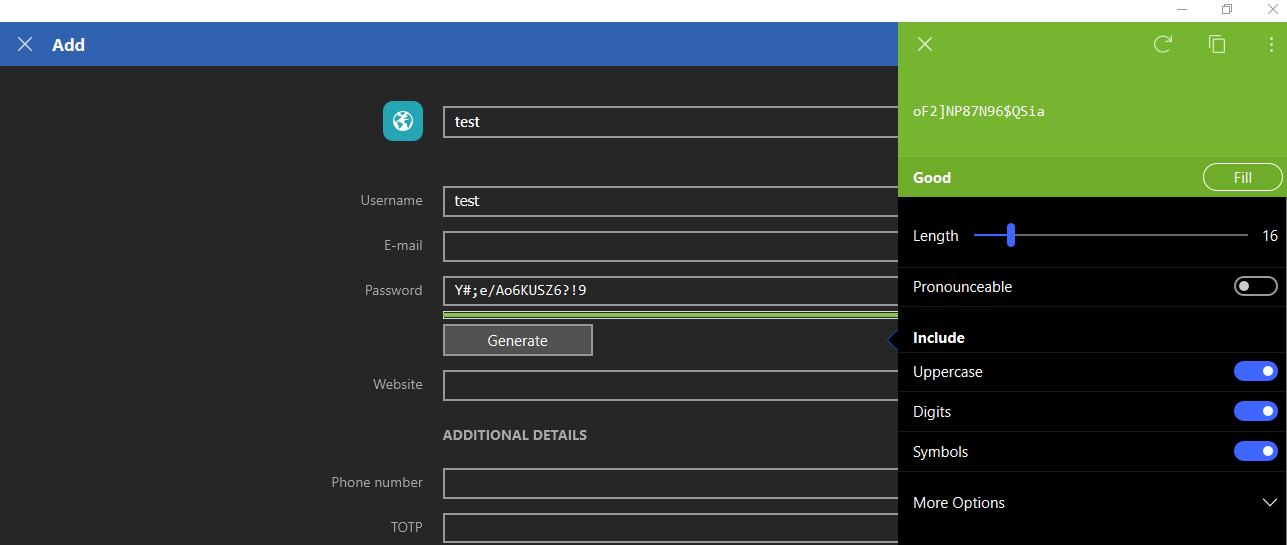
  1. I am seeing a strange behavior with the password generator. When I select the generate button, I get a password, when I hit the Fill button, it fills the password field with another password. This is causing me to have broken application access.
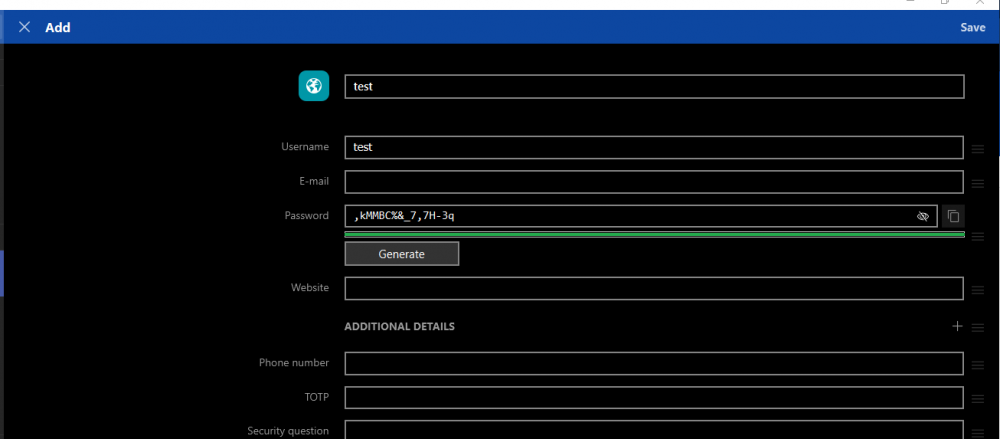
  2. Hey @Christian Mundt @Bryan A I would like to share that the issue has been reproduced by the QA team. Now our Dev team is looking into this issue to resolve and hopefully, a fix will be available in the future update. Thanks for your co-operation.

Account

Navigation

Search

Search

Configure browser push notifications

Chrome (Android)
  1. Tap the lock icon next to the address bar.
  2. Tap Permissions → Notifications.
  3. Adjust your preference.
Chrome (Desktop)
  1. Click the padlock icon in the address bar.
  2. Select Site settings.
  3. Find Notifications and adjust your preference.