Leaderboard
-
Sm77
Members1Points8Posts

Popular Content
Showing content with the highest reputation on 06/24/21 in all areas
-
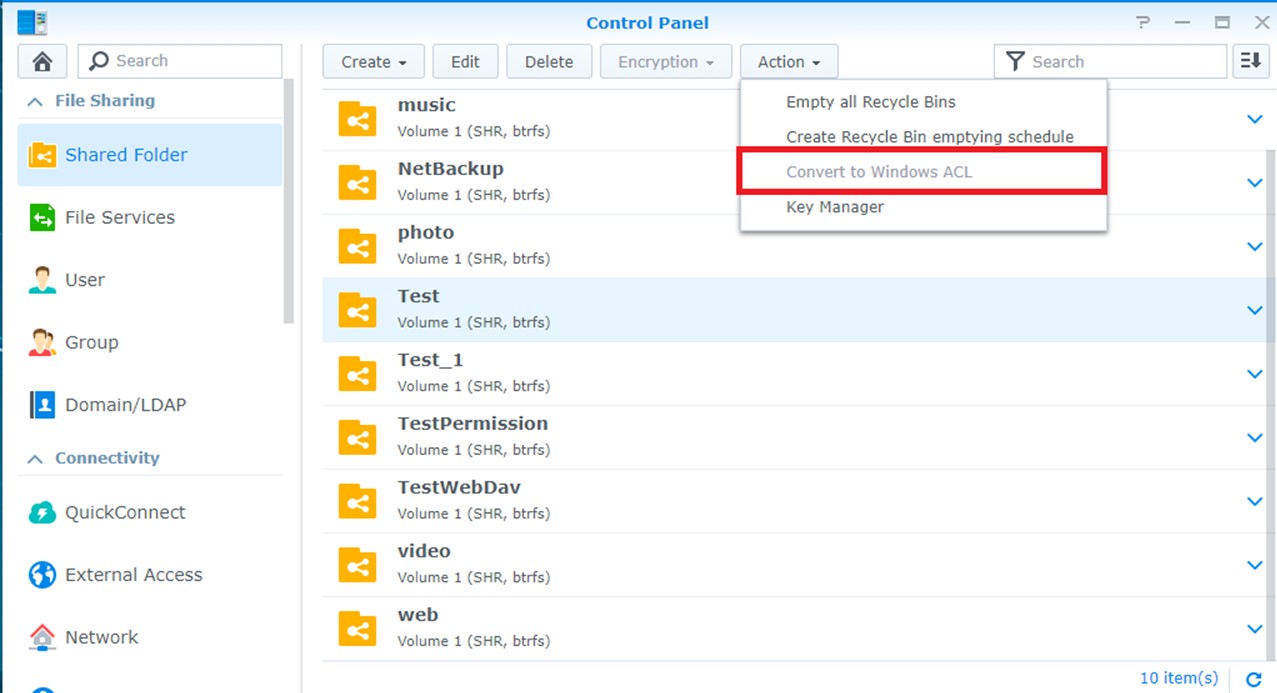
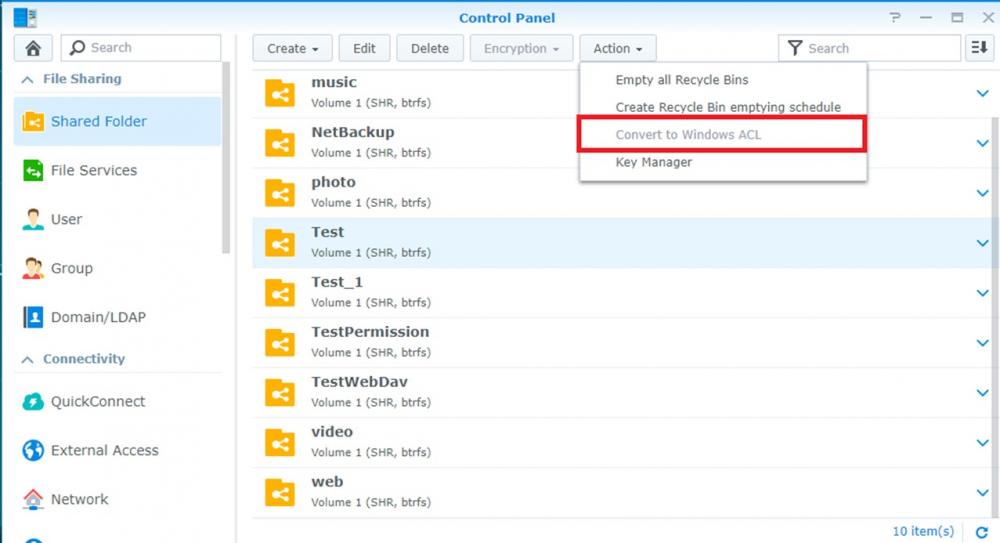
1 pointHi to all, After this I opened a ticket to Synology. This is their answer. With their suggestions I solved. This problem could be caused by a modification in a specific environment. To fix a bug, our developers have adjusted the mechanism during file upload, which will call SYNOACLPermCheck to check permission, but it will have problem if the shared folder is in Linux mode. According to your description, I think the shared folder is still in Linux mode on your NAS. Could you go to Control Panel / Shared Folder and check if the folder can be converted to ACL? (See attached image) If so, could you convert the folder, try again and let me know if you are still getting the error message?
 1 point