

Leaderboard
-
Cederd
Members1Points15Posts -
wCorp
Members1Points3Posts -
Abhishek Dewan
Enpass team member1Points1605Posts



Popular Content
Showing content with the highest reputation on 06/22/22 in all areas
-
No thanks I won't change browser because of this Appreciate it being looked into!1 point
-
Hi, Upgrade to 6.8.1 installed. The auto-locking issue is resolved But: Search box still retained last search, after being closed and re-opened. And: No option to minimise/drag left-hand column; but it is smaller which is an improvement.1 point
-
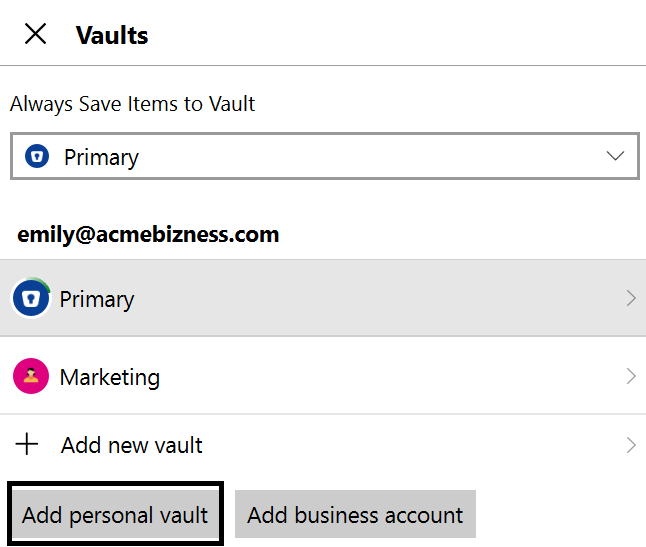
Hi @SecurepointIsAwesome It is possible to use Enpass personal and Business vaults together. To add your Personal Vault in your Enpass business version, please select Add Personal Vault under Enpass Settings -> Vaults.
 1 point