Leaderboard
-
Chunjie Ma
Members1Points5Posts -
beeewell
Members1Points5Posts


Popular Content
Showing content with the highest reputation on 03/11/26 in all areas
-
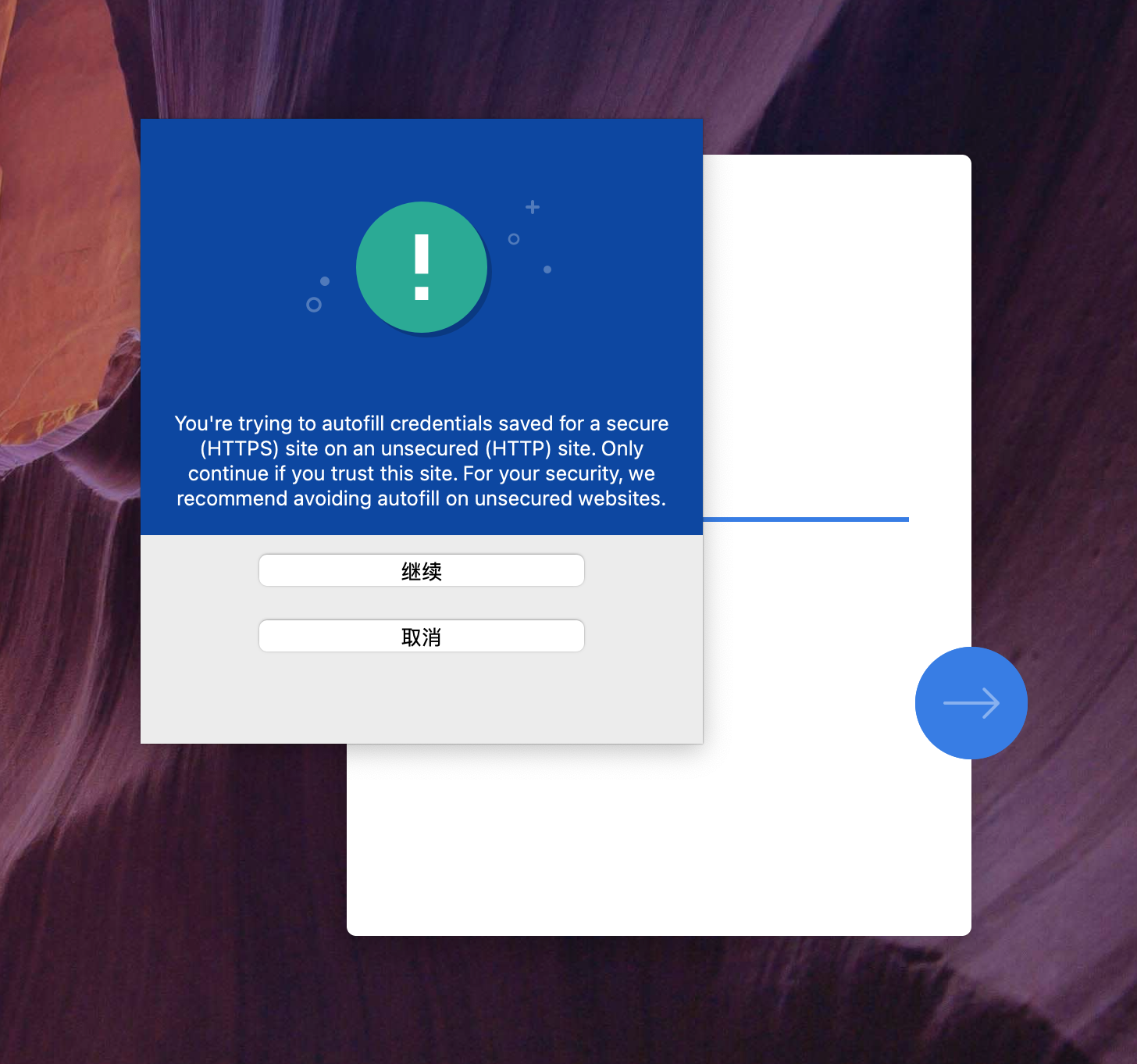
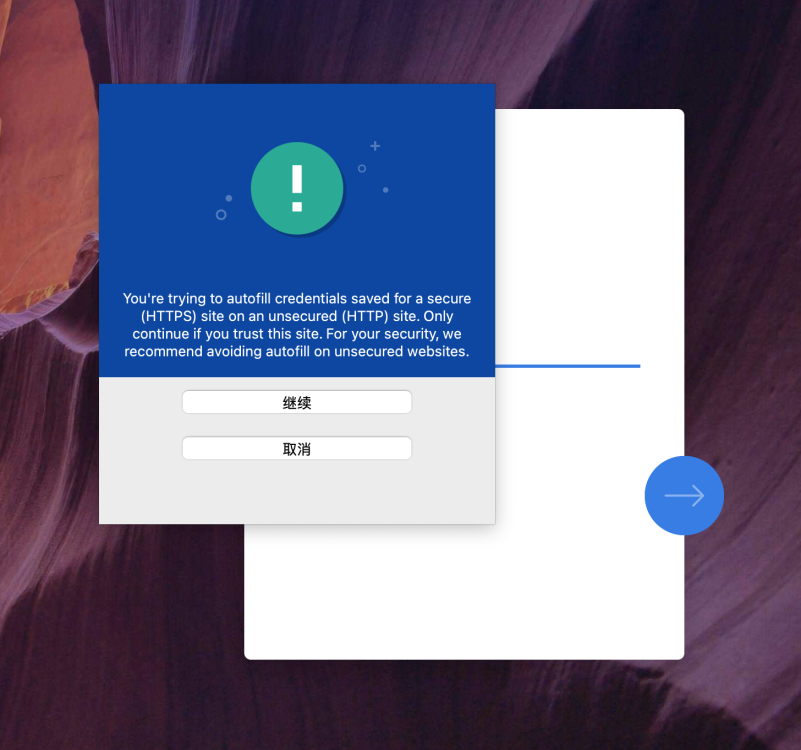
1 pointHow can I disable https warnings please? Since a certain version of enpass was updated, it has become difficult to use. For example, I have a NAS system, which can log in through many ways, such as IP or domain name. Now, when I log in through IP, the following warning will appear, which causes me to click the "Continue" button every time to log in. What's worse, if I change my IP, it won't remind me to add this new IP to the site except https warning, which causes me to manually open the enpass program, then find this website, then edit and manually add the new IP. So, how can I disable this notification? In my opinion, this feature is simply terrible. If this function can't be banned, then please at least tell me which version has been added to this function, and I plan to return that version and never update it.
 1 point
 -
1 point