Skip to content
View in the app

A better way to browse. Learn more.

Enpass Discussion Forum

A full-screen app on your home screen with push notifications, badges and more.

To install this app on iOS and iPadOS
  1. Tap the Share icon in Safari
  2. Scroll the menu and tap Add to Home Screen.
  3. Tap Add in the top-right corner.
To install this app on Android
  1. Tap the 3-dot menu (⋮) in the top-right corner of the browser.
  2. Tap Add to Home screen or Install app.
  3. Confirm by tapping Install.

Kmswz1

Members
  • Joined

  • Last visited

Everything posted by Kmswz1

  1. Good job. Your questionable business strategy finds its way into press reports and tech blogs. Androidpolice - Enpass irking pro users
  2. And a new Lifetime Premium account was on sale at Stacksocial in November for 15 USD. https://mobile.twitter.com/fomm_io/status/1308277807374577664
  3. Hello, hello Enpass, no more statements on how you wanna deal with your so called Pro users?
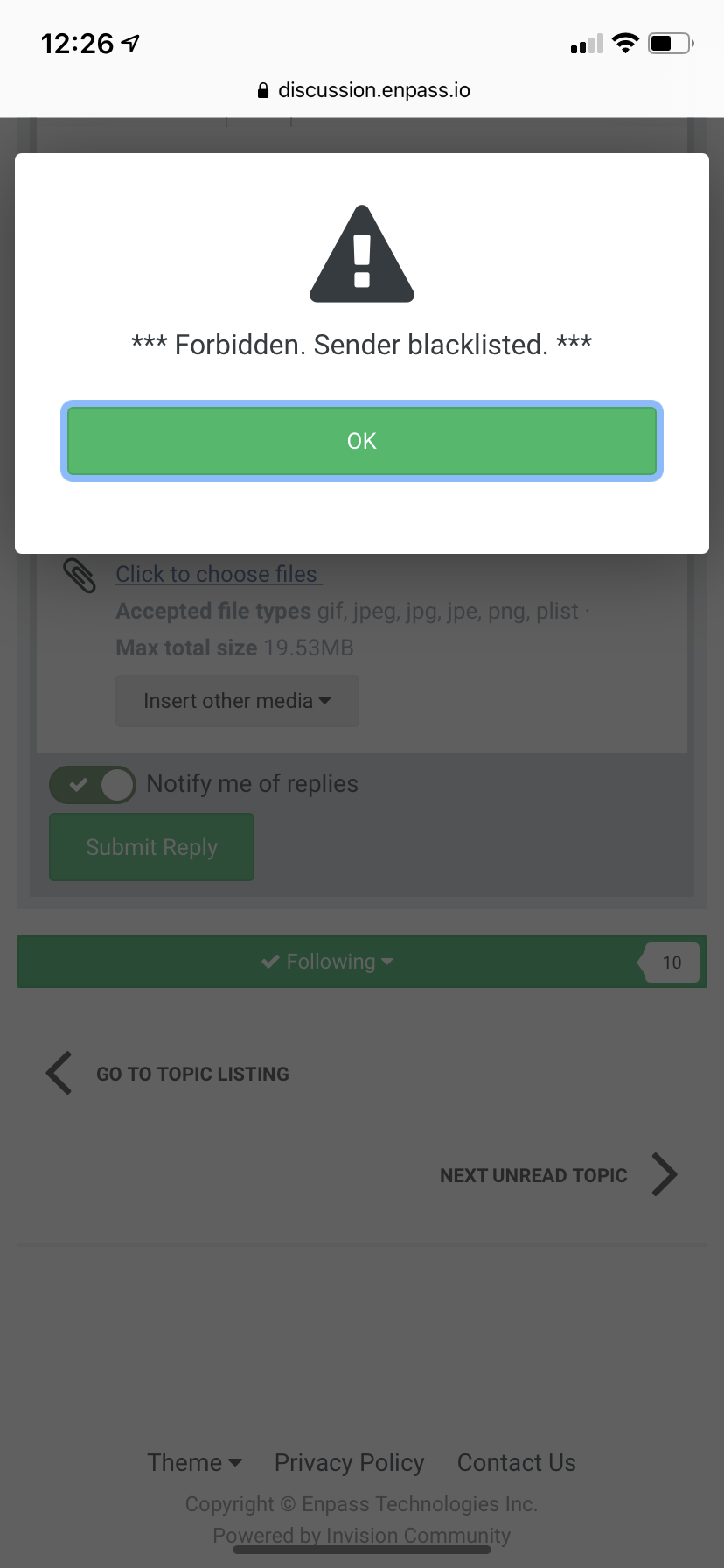
  4. What about a resonable on time fee to convert a PRO lifetime license into Premium lifetime license ? and don't ask to many question!!! It will get you blacklisted and unable to use the forums. Thanks you, morons!

Account

Navigation

Search

Search

Configure browser push notifications

Chrome (Android)
  1. Tap the lock icon next to the address bar.
  2. Tap Permissions → Notifications.
  3. Adjust your preference.
Chrome (Desktop)
  1. Click the padlock icon in the address bar.
  2. Select Site settings.
  3. Find Notifications and adjust your preference.