Skip to content
View in the app

A better way to browse. Learn more.

Enpass Discussion Forum

A full-screen app on your home screen with push notifications, badges and more.

To install this app on iOS and iPadOS
  1. Tap the Share icon in Safari
  2. Scroll the menu and tap Add to Home Screen.
  3. Tap Add in the top-right corner.
To install this app on Android
  1. Tap the 3-dot menu (โ‹ฎ) in the top-right corner of the browser.
  2. Tap Add to Home screen or Install app.
  3. Confirm by tapping Install.

Nodoka

Members
  • Joined

  • Last visited

  1. tagged like outdatted in firefox dev edition 56.0b3 (64 bits) but still work (with crash)
  2. firefox 57+ compatibility ? Did you have start doing the browser extention for firefox compatible on 57 ? On this version XUL extension will stop to work. All legacy add-ons will stop working on Firefox 57 when WebExtension will replace legacy add-ons and XUL/XPCOM support will be removed for add-ons completely. Enpass can not survive this change.
  3. sorry for the up but ubuntu will soon give up Mir & unity for use Gnome & Wayland for 17.10. by default. If you don't work on the compatibility, enpass will stop to work soon on ubuntu.
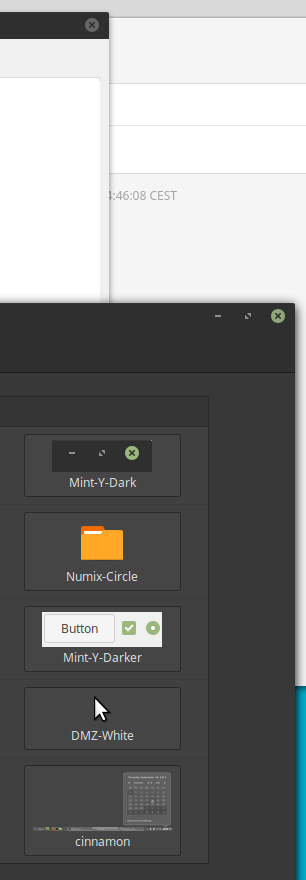
  4. i had the same problem before, try to use another theme. Linux mint Cinnamon 3.2.7 Enpass 5.3.0
  5. i have try to use enpass on linux "KDE Neon", i have no problem with xorg but if y use Wayland the app don't launch. If i try on a console. he say : "Module wayland not found"
  6. thanks now it's work
  7. same problem, win 10 x64 obviously no problem on linux.
Account

Navigation

Search

Search

Configure browser push notifications

Chrome (Android)
  1. Tap the lock icon next to the address bar.
  2. Tap Permissions โ†’ Notifications.
  3. Adjust your preference.
Chrome (Desktop)
  1. Click the padlock icon in the address bar.
  2. Select Site settings.
  3. Find Notifications and adjust your preference.