Phil FR
Members
-
Joined
-
Last visited
-
Hello, From my iPad (iPadOS version), I purchased the version on March 12: Onetime purchase- Premium, which is now fully functional on iPad. However, on my Android mobile phone this purchase was not taken into account despite the use of the same email address (same account) on my iPad and on my phone, why is this integrated purchase not active on Android as well? Thank you Bought Best Regards
-
The problem disappeared without any particular action. A mystery !
-
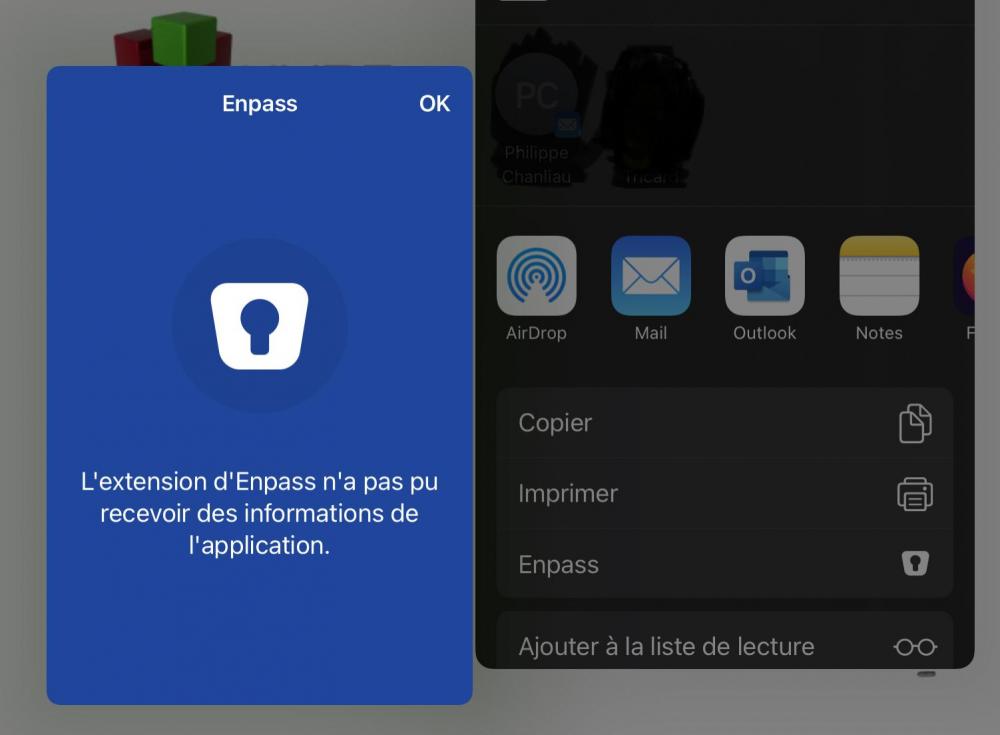
Hello, This problem is on iPad under iPadOS 14.3. Surprisingly I don't see the bug anymore. So it works again. Thank you I enclose the screenshot of the bug that was found. best regards
-
Phil FR joined the community
-
Hello, Hello, Since today it is impossible to make the link between a website and enpass. A window displays : « The Enpass extension could not receive information from the application. » How to correct this problem? Thank you.