

Skip to content
View in the app

A better way to browse. Learn more.

Enpass Discussion Forum

A full-screen app on your home screen with push notifications, badges and more.

To install this app on iOS and iPadOS
  1. Tap the Share icon in Safari
  2. Scroll the menu and tap Add to Home Screen.
  3. Tap Add in the top-right corner.
To install this app on Android
  1. Tap the 3-dot menu (⋮) in the top-right corner of the browser.
  2. Tap Add to Home screen or Install app.
  3. Confirm by tapping Install.

govind

Members
  • Joined

  • Last visited

  1. My annual subscription of enpass had expired recently. I primarily use enpass to sync the data between my desktops and laptops. 1.The new entries are still being synced between my desktops and laptops. I would like to know whether the sync between pc's is free even after the expiration of subscription. 2. As i don't use the mobile version of enpass, should i need to subscribe again to the premium version ? Please let me have a reply. Thanks.
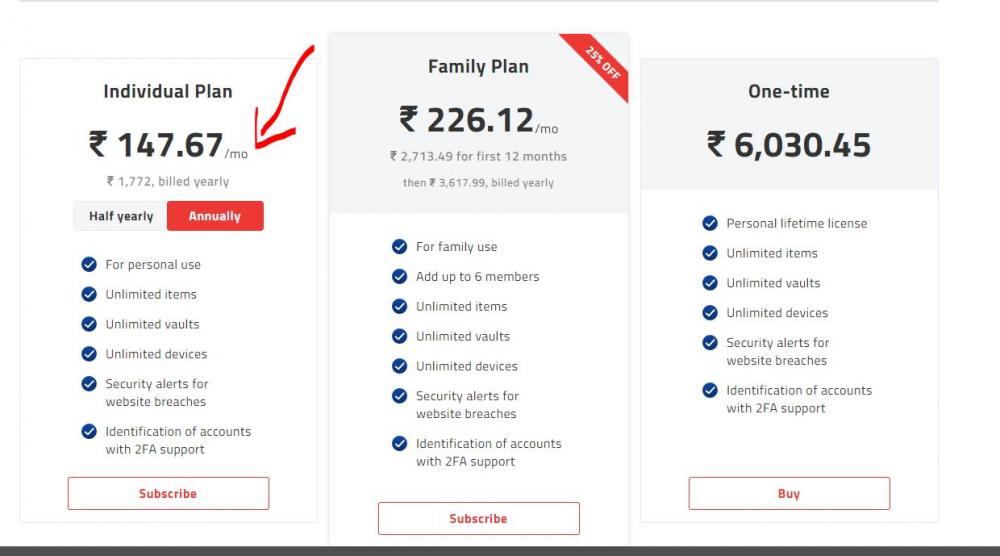
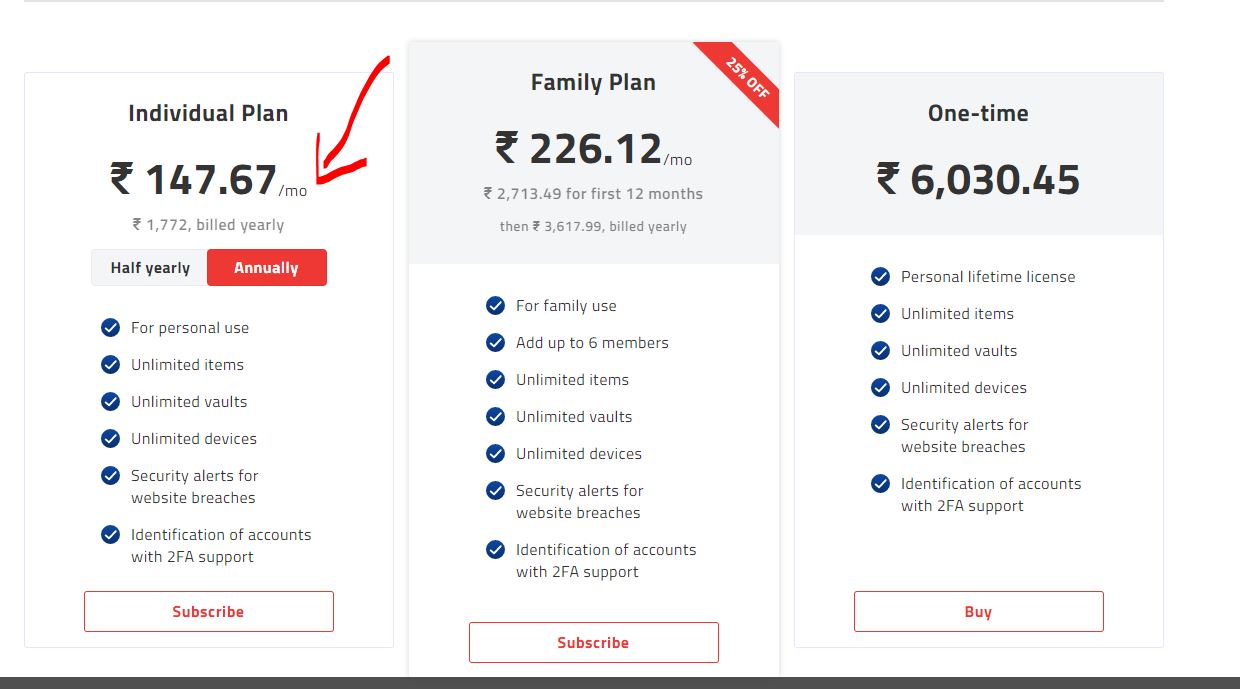
  2. Dear Enpass, I am a premium user and the subscription was around 160 INR, and now it is around 1772 INR. Is the price applicable for new user ? and what would be the cost for the renewal ? Please let me know. Thanks.
Account

Navigation

Search

Search

Configure browser push notifications

Chrome (Android)
  1. Tap the lock icon next to the address bar.
  2. Tap Permissions → Notifications.
  3. Adjust your preference.
Chrome (Desktop)
  1. Click the padlock icon in the address bar.
  2. Select Site settings.
  3. Find Notifications and adjust your preference.