Skip to content
View in the app

A better way to browse. Learn more.

Enpass Discussion Forum

A full-screen app on your home screen with push notifications, badges and more.

To install this app on iOS and iPadOS
  1. Tap the Share icon in Safari
  2. Scroll the menu and tap Add to Home Screen.
  3. Tap Add in the top-right corner.
To install this app on Android
  1. Tap the 3-dot menu (⋮) in the top-right corner of the browser.
  2. Tap Add to Home screen or Install app.
  3. Confirm by tapping Install.

mjeshurun

Members
  • Joined

Everything posted by mjeshurun

  1. Thank you. Your solution worked for me too. Once I deleted the "old" Enpass 6 Beta app, the sync setup worked ok.
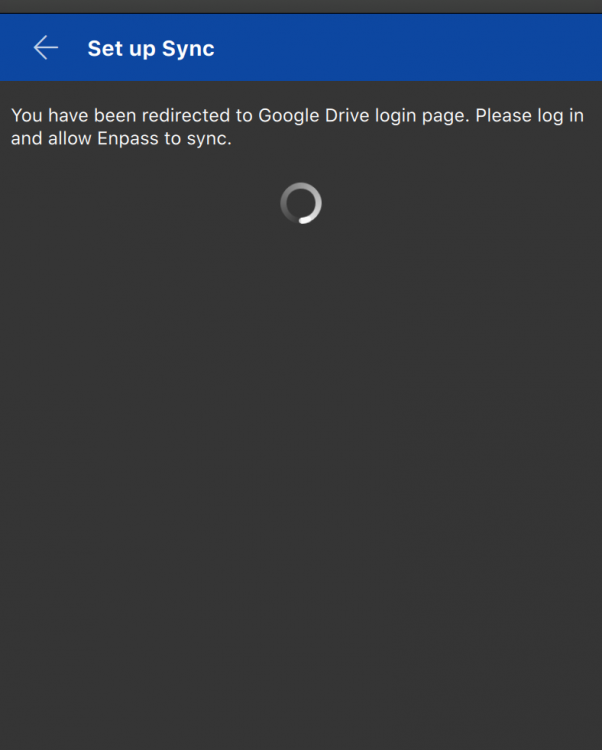
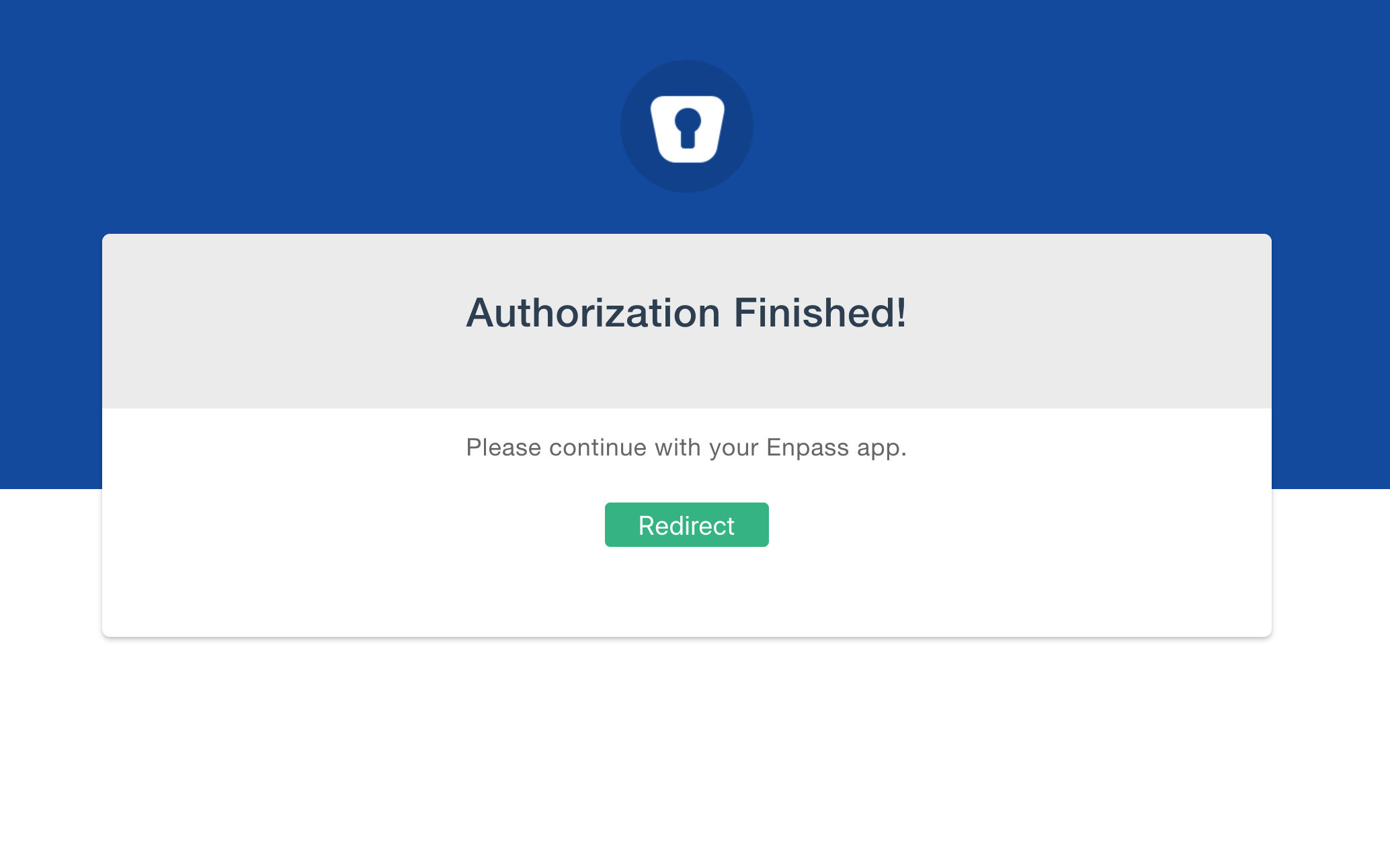
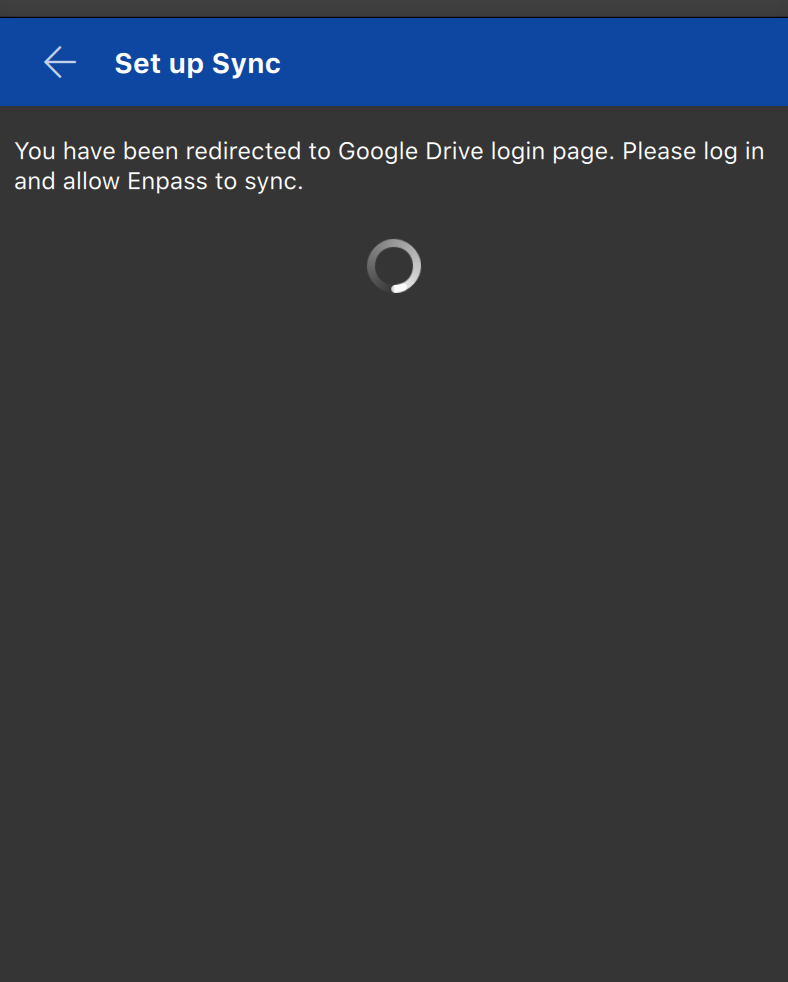
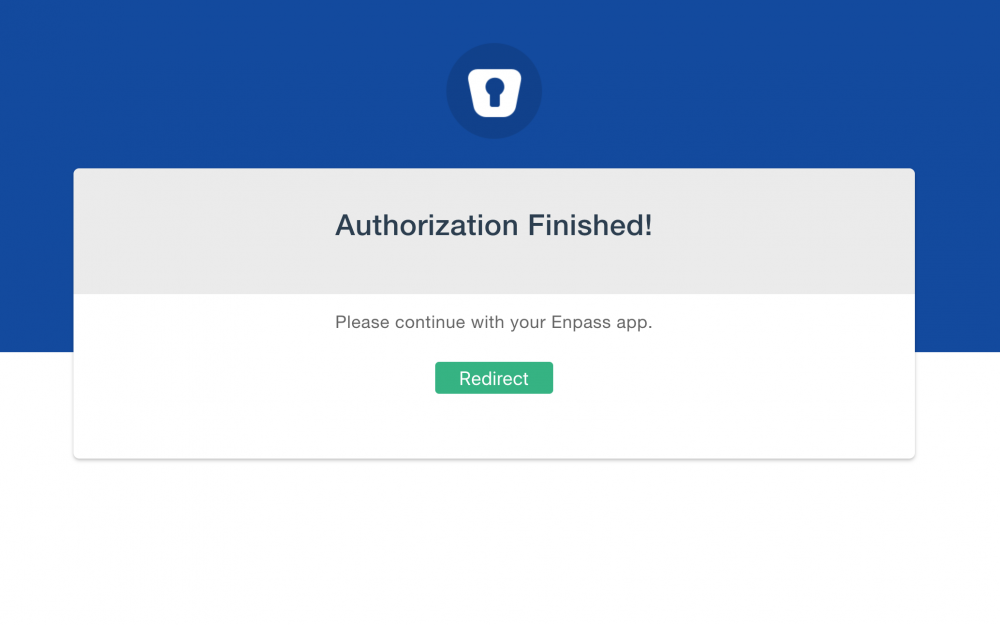
  2. I can't get my primary vault to sync with Google Drive. I get the "Authorisation Finished" message, but I'm not redirected back to the enpass app so the sync isn't enabled. When I press the "redirect" button nothing happens, and on the app I just see a spinning wheel. Anyone else seeing this behavior?
  3. Hi Vikram, Thanks for your attention. I have read the blog post you mentioned, but it doesn't explain how to share a vault with other people. Can you please explain how vault sharing works? I've tried opening a new vault on dropbox, but Enpass 6 created an "Enpass Beta" folder that cannot be shared. And in Google Drive I couldn't even find the folder Enpass 6 created, so I can't try to share it either.
  4. +1 for this feature. Filling more than two data fields is super important. I just moved from 1Password and found out this feature is missing. Hope you can add it quickly.
  5. +1 Waiting for Enpass 6 beta to move away from 1Password.

Account

Navigation

Search

Search

Configure browser push notifications

Chrome (Android)
  1. Tap the lock icon next to the address bar.
  2. Tap Permissions → Notifications.
  3. Adjust your preference.
Chrome (Desktop)
  1. Click the padlock icon in the address bar.
  2. Select Site settings.
  3. Find Notifications and adjust your preference.