mjeshurun
Members
-
Joined
Everything posted by mjeshurun
-
Hi friends, reviving this post for 2025. I'm considering switching to a Samsung Galazy Z Fold 7 that supports DeX mode. Does Enpass for Android in 2025 already supports DeX? If it does, can Enpass use biometric fingerprint unlock with an external Bluetooth Keyboard that has a builtin fingerprint scanner? Can Enpass use face unlock with an external monitor that has a builtin webcam? Hope someone can help with these questions.
-
Hi friends, reviving this post for 2025. I'm considering switching to a Samsung Galazy Z Fold 7 that supports DeX mode. Does Enpass for Android in 2025 already supports DeX? If it does, can Enpass use biometric fingerprint unlock with an external Bluetooth Keyboard that has a builtin fingerprint scanner? Can Enpass use face unlock with an external monitor that has a builtin webcam? Hope someone can help with these questions.
-
Hi friends, reviving this post for 2025. I'm considering switching to a Samsung Galazy Z Fold 7 that supports DeX mode. Does Enpass for Android in 2025 already supports DeX? If it does, can Enpass use biometric fingerprint unlock with an external Bluetooth Keyboard that has a builtin fingerprint scanner? Can Enpass use face unlock with an external monitor that has a builtin webcam? Hope someone can help with these questions.
-
Hi Enpass support, Can you please make your website Blog compatible with RSS readers? Personally speaking, I would like to subscribe to get blog updates with an RSS reader, so that I automatically get notified when you share new posts. Hope you can make this happen 🙏
-
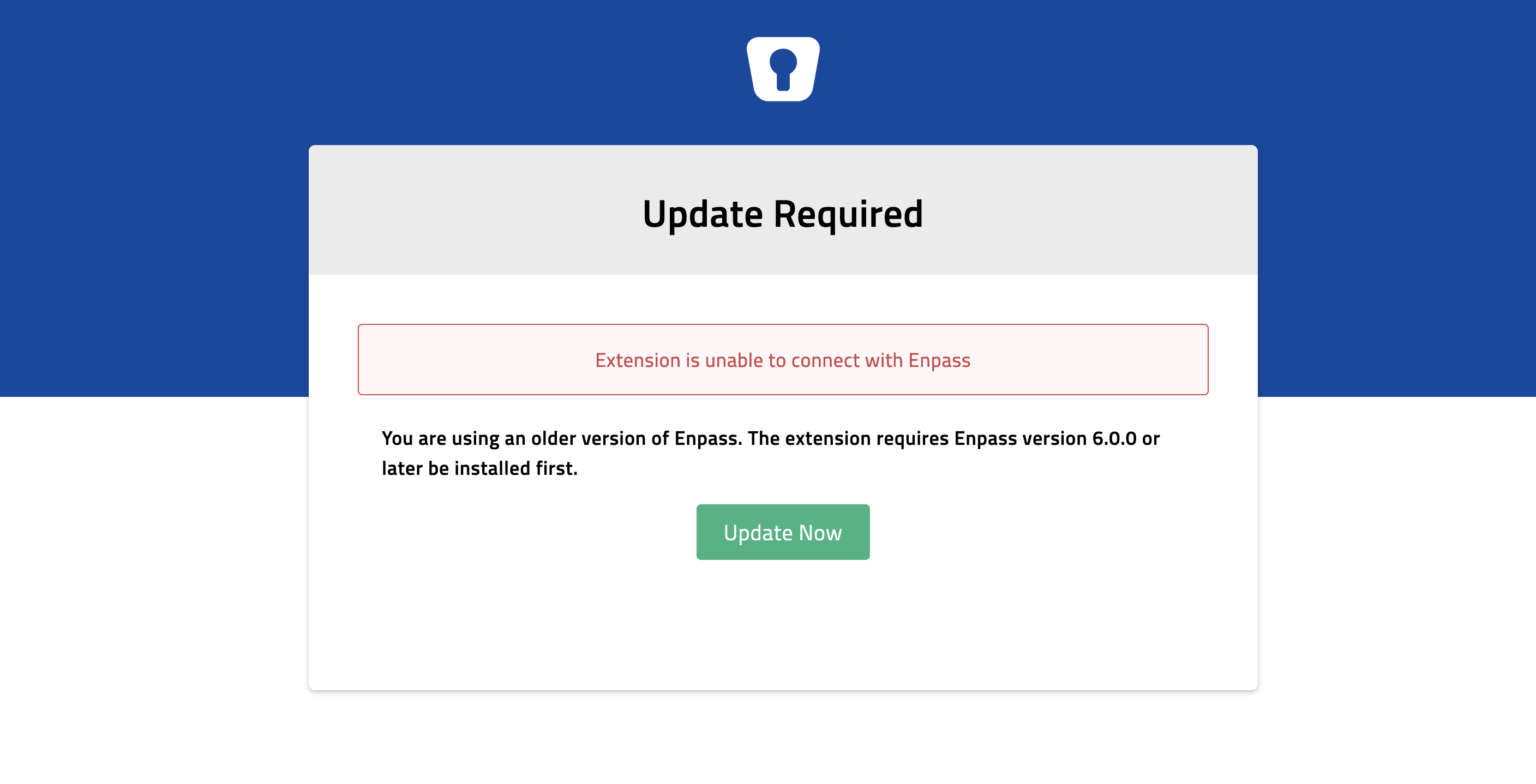
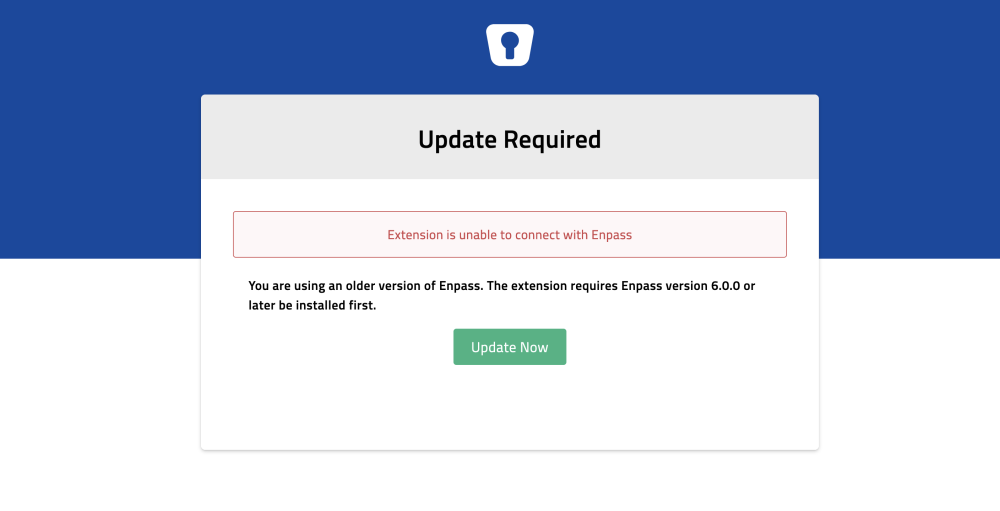
Hello Enpass staff, For the past few days I've been getting an update required error message when using the Enpass extension on Firefox for MacOS. The message is showing every few hours, and the only way to make the extension work is re-install the extension. This helps temporarily, but the error message returns after I start working on the computer after it was in sleep mode. My Enpass app and extension are updated to version 6.9.2. Firefox is on version 119.0.1 and MacOS is on version 14.1.1. Hope you can fix this issue soon.
-
I also would find a Raspberry Pi version of Enpass very useful. +1 vote for this feature. Thank you Enpass team for all your good work.
-
Sorry to hear. Hope you find a fix soon.
-
Try to restart your phone. It fixed the error message for me. Since then my app has been running in Pro mode.
-
@Anshu kumar @Vikram Dabas or any other support staff, I would appreciate a response regarding this issue.
-
Hello support friends, This a friendly reminder that restoring Enpass cloud data on Meizu Pro 6 is still not working with Enpass 6.0.2 . What's the status of this issue? I bought the app almost two months ago and I still can't use it to sync my passwords with my ios/Mac devices. That's very disappointing.
-
Hi @Vinod, Are you sure the problem is with iCloud? I managed to sync my iCloud Enpass 6 vault on my Nexus 5X (running Android 8.1), but I wasn't able to sync the same vault on Meizu Pro 6 (running FlymeOS 6.3.0.0G). Looks to me, Enpass has problems with specific devices and OS's.
-
I purchased Enpass 6 for my sister. She has two Android phones using the same Google Play Store account. The first phone I used to purchase Enpass works ok and I see all premium features. The second phone still shows the trial version, and when I press "purchase" I get a message saying I already paid for the app. And then I see the following message: "Error while purchasing Enpass. Response code 7". Any idea for a solution?
-
I purchased Enpass 6 for my sister. She has two android phones using the same Google play store account. The first phone I used to purchase Enpass works ok and I see all premium features. The second phone still shows the trial version, and when I press "purchase" I get a message saying I already paid for the app. And then I see the following message: "Error while purchasing Enpass. Response code 7". Any idea for a solution?
-
Thank you for the reply. Hope this will help you quickly solve the problem.
-
Same here for me on Meizu Pro 6. I'm using Enpass 6.0.0.100 and cloud sync does not work, so I can't use the mobile app to sync with my desktop device :(((
-
Wonderful. This will be very helpful. If possible, please let us know here once Tapatalk integration is active. Thanks.
-
Hello Enpass forum support team, Is there any plan for the Enpass Forum to add support for Tapatalk? If I'm not mistaken, Tapatalk does not charge anything from forum owners for adding the feature, and it will allow us to follow the forum and participate more easily.
-
[UPDATE] Enpass 6.0.0.100 still has the cloud sync bug on Meizu Pro 6.
-
@Anshu kumar @Vikram Dabas Any news about the cloud sync fix for Android phones? Was the support team able to reproduce the bug? Do they have any new ideas to solve it?
-
Just an update that cloud sync still fails also on Enpass 6.0.0.98 running on Meizu Pro 6.
-
My primary vault database is from the new Enpass 6. The restore worked on my iPad Pro, Mac and Nexus 5X. The only device that can't restore is my Meizu Pro 6.
-
-
6.0.0.93 didn't solve the cloud sync problem on Meizu Pro 6 running FlymeOS 6.3.0.0G. I still can't restore primary vault from cloud.
-
I'm also having sync problems with Dropbox and iCloud. 1) Enpass redirects me to dropboxq/icloud to approve the sync. 2) I approve the sync on Dropbox/icloud website. 3) Dropbox/icloud redirects me back to Enpass 6 on Android. 4) Enpass appears to be syncing for a few seconds, but then reverts back to initial "new vault" setup with no sync calibrated. i'm using Meizu Pro 6 running FlymeOS 6.3.0.0G [Update] Syncing the same vault on Nexus 5X worked ok, so I guess the problem depends on phone type.
-