Tobl
Members
-
Joined
-
Last visited
-
Hi @Abhishek Dewan, some answers to your findings. URL pattern: discussion.enpass.io Result: Password suggestion is shown for https://discussion.enpass.io/ And just to be clear, I don't want the wildcards to block URLs, they should match them URL pattern: *.enpass.io expected behavior: match: www.enpass.io discussion.enpass.io anything-else.anpass.io should not match: enpass.io URL pattern: test*.enpass.io expected behavior: match: test-foo.enpass.io test-bar.enpass.io test-anything-else.anpass.io should not match: dev-test.enpass.io www.enpass.io discussion.enpass.io www.discussion.enpass.io
-
updated my previous post but it did not work with older versions either
-
Hi, I also have the problem that the wildcard does not work. versions: OS: OSX 13.5.1 Enpass App: 6.9.0 Browser Extension 6.8.6 Browser: Chrome 116.0.5845.110 (arm64) to reproduce: configuration of exact hostname matching is not active Website: https://discussion.enpass.io URL pattern which work: https://discussion.enpass.io enpass.io URL pattern which not work: .enpass.io *.enpass.io https://*.enpass.io https://dis*.enpass.io https://discussi*.enpass.io Kind regards
-
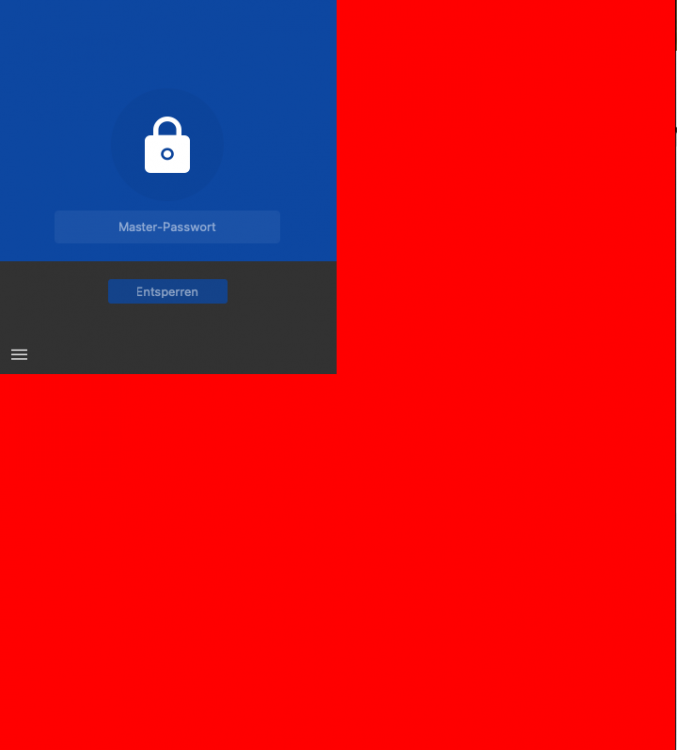
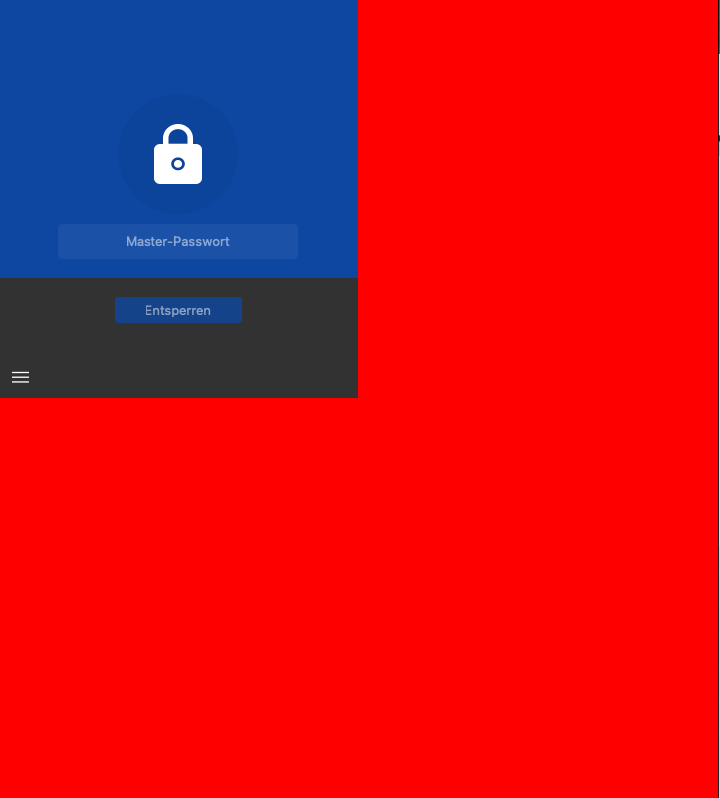
Hey, sometimes i have this visual bug which occurs when i'm right clicked to open the chrome extension (attachment). This solves when i move this window to another screen. And an other bug is that i the autofill after the unlock doesn't work, i click on the matching password but nothing happen.