Vilkacis
Members
-
Joined
-
Last visited
-
Hello, I believe when the passwords changed that caused the issue. The attachments created with the new password, I can access. The attachments created with the old password I am not able to access. Is there a way to change the password on attachments? Thanks!
-
Hello, Here is the information you requested 1 - Windows 10 Home os 19042.1415 Enpass 6.7.4 (934) 2 - No not on any other device 3 - Yes, I had an issue with the password...I tried to reset my google password and reset Enpass... then I changed the google password to be different than Enpass. May be this all has to do with a password issue. Let me know how to proceed. Thanks!
-
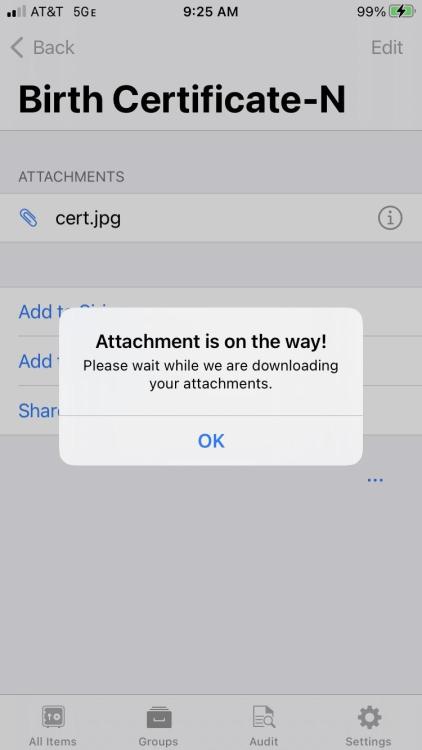
The version is 671 (572) yes, I receive the same message when I try to access the attachments on my pc - windows thanks!
-
Hello, I need some assistance... I have loaded over 60 attachments into Enpass that is stored on my Google drive. I can see some of the attachments but not all of them. It appears that any attachment loaded prior to 2021 will not be retrieved. For attachments uploaded in 2021 the software will display the image. Can someone tell me how to retrieve all the attachments? Thanks in advance for your assistance!