

Skip to content
View in the app

A better way to browse. Learn more.

Enpass Discussion Forum

A full-screen app on your home screen with push notifications, badges and more.

To install this app on iOS and iPadOS
  1. Tap the Share icon in Safari
  2. Scroll the menu and tap Add to Home Screen.
  3. Tap Add in the top-right corner.
To install this app on Android
  1. Tap the 3-dot menu (⋮) in the top-right corner of the browser.
  2. Tap Add to Home screen or Install app.
  3. Confirm by tapping Install.

footcalf

Members
  • Joined

  • Last visited

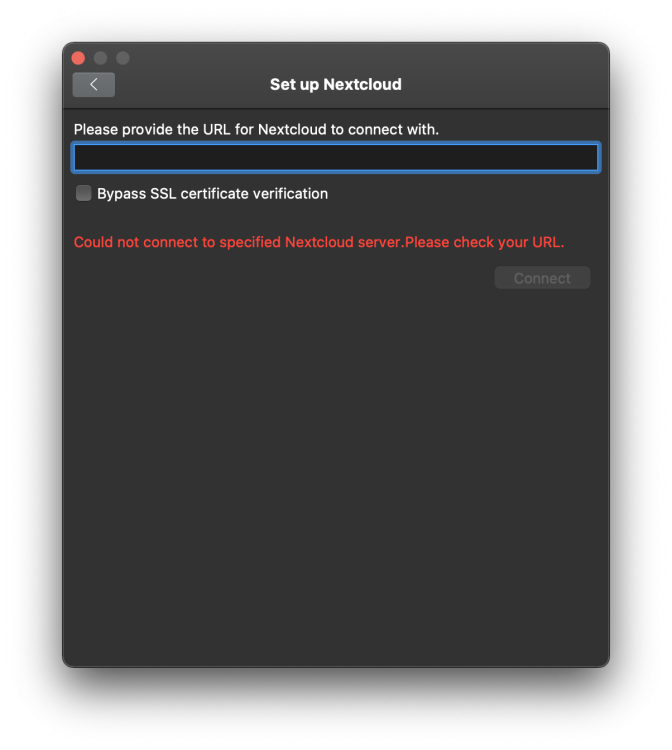
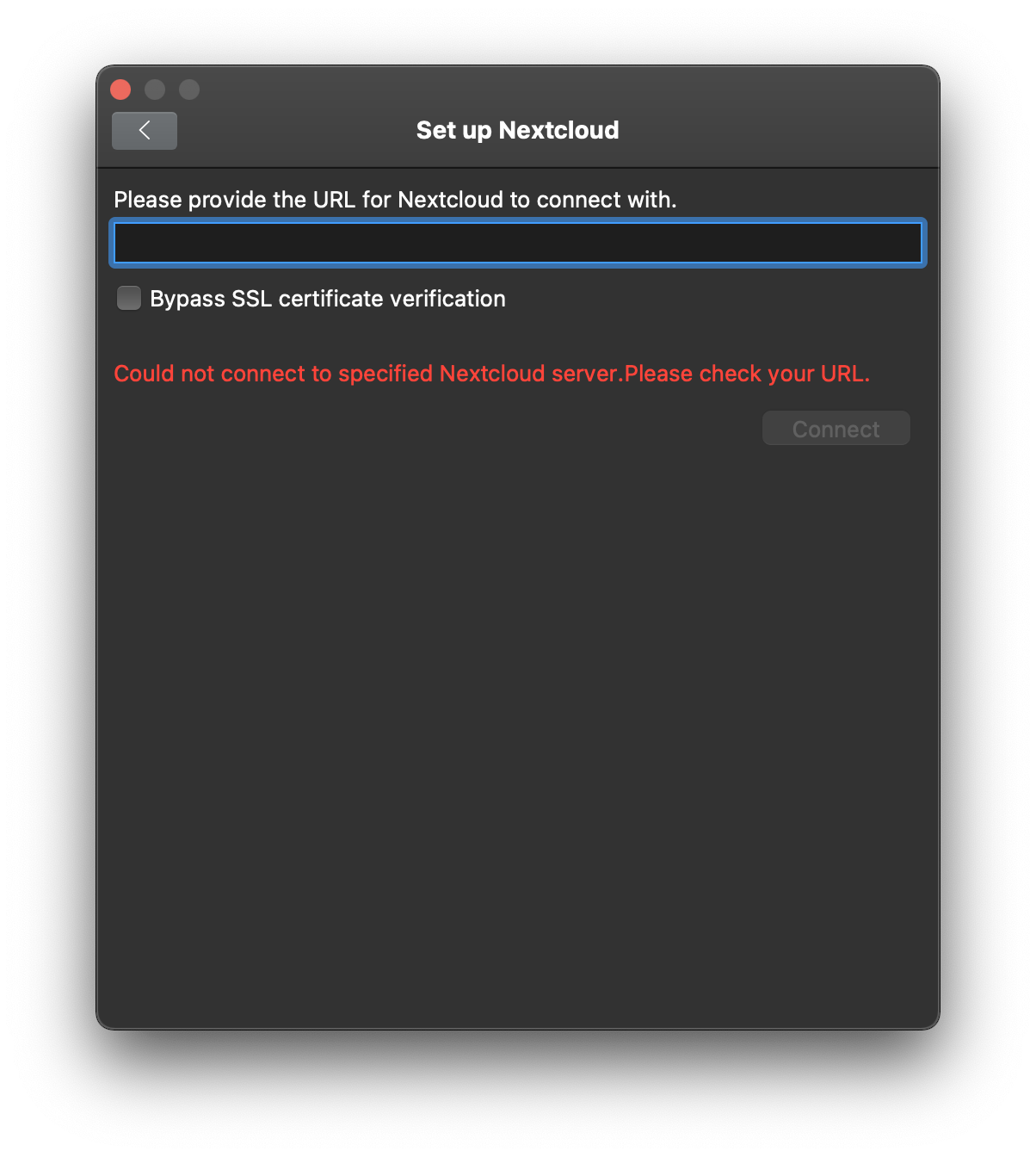
  1. I'm having this same problem. Using the desktop app, I've created a new master password and go to Vault Settings>Set up Sync>Nextcloud. After adding my Nextcloud server URL to the field, when I click on Connect, I get the same "Could not connect to specified Nextcloud server. Please check your URL". What am I doing wrong? Do I need to adjust a setting in my Nextcloud set up? I understand there is a workaround using WebDAV but it seems like the Nextcloud sync should work. The advertised Nextcloud integration is one specific reason I'm trying to switch to Enpass from 1Password. If it's just lip service then I'd like to know that upfront. macOS Monterey 12.2.1 MacBook Pro Apple M1 Max Enpass 6.7.4 (938) Mac App Store Nextcloud 22.2.3 running on Linux 5.8.0-1041-azure x86_64
Account

Navigation

Search

Search

Configure browser push notifications

Chrome (Android)
  1. Tap the lock icon next to the address bar.
  2. Tap Permissions → Notifications.
  3. Adjust your preference.
Chrome (Desktop)
  1. Click the padlock icon in the address bar.
  2. Select Site settings.
  3. Find Notifications and adjust your preference.