steppy
Members
-
Joined
-
Last visited
Everything posted by steppy
-
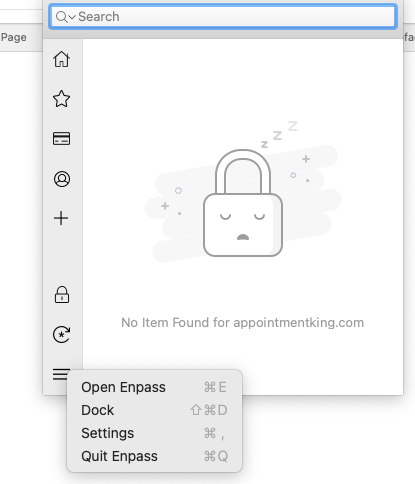
Meant to say: How do I get the Enpass icon in Safari? Safari 17.2 Mac OS 14.2 Enpass 6.9.2 stephen
-
How do I get the encase icon in Safari? Safari 17.2 Mac OS 14.2 Enpass 6.9.2 stephen
-
thank you and look forward to further assistance. Stephen
-
Maniah: I've emailed the files. I'm not sure what my "forum link" is; this page, my profile? stephen
-
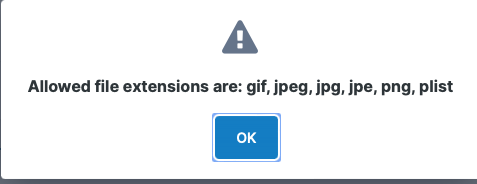
Thanks for reply. I saved both web archive and page source from Safari but file type is not allowed for upload. Is there an alternate way to get files to you? If it helps, the site URL is: https://app.appointmentking.com/scheduler_self_service.php?domid=1342&appt=6359704&extcal=1 Thanks again. stephen
-
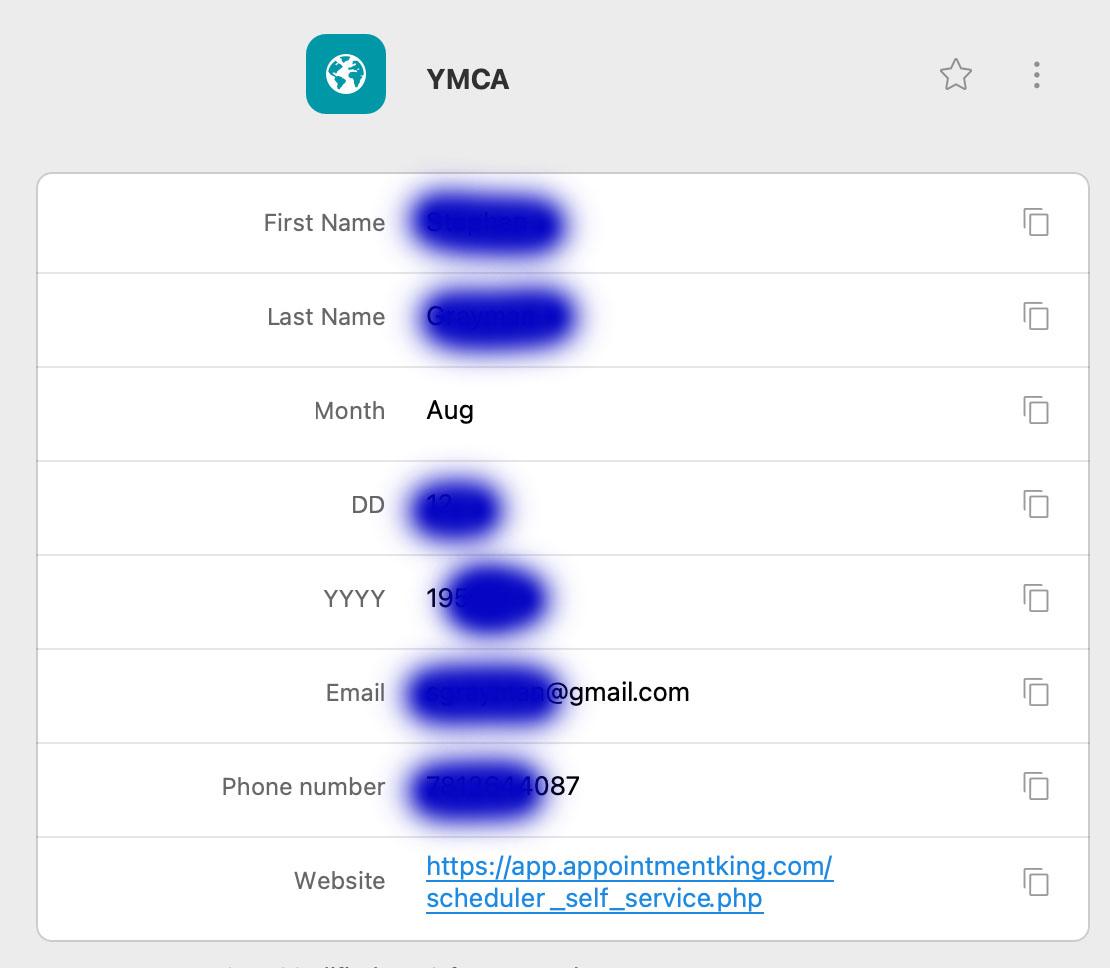
Manish: Using and identity type item does get me closer! It is now all correct except the Month, DD and Email fields. Month always comes up Dec even with my identity form set to Aug DD comes up 08 and I've set to 12. All else works as I've set up. I've tried text and number format. Any ideas? Is there a special way to handle a pull down selection? Thank you. stephen
-
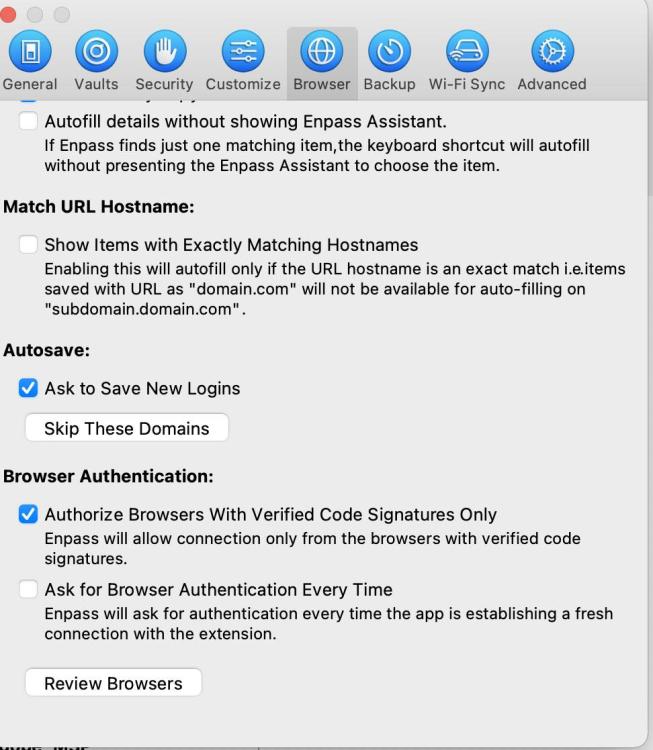
Manish: Took another look at the user manual. In the saving webforms section it shows options I do NOT have, (screen shot attached). Is this because Enpass is from the Apple Store? Should I download from Enpass site? Thanks again. Hope to hear back soon. Stephen
-
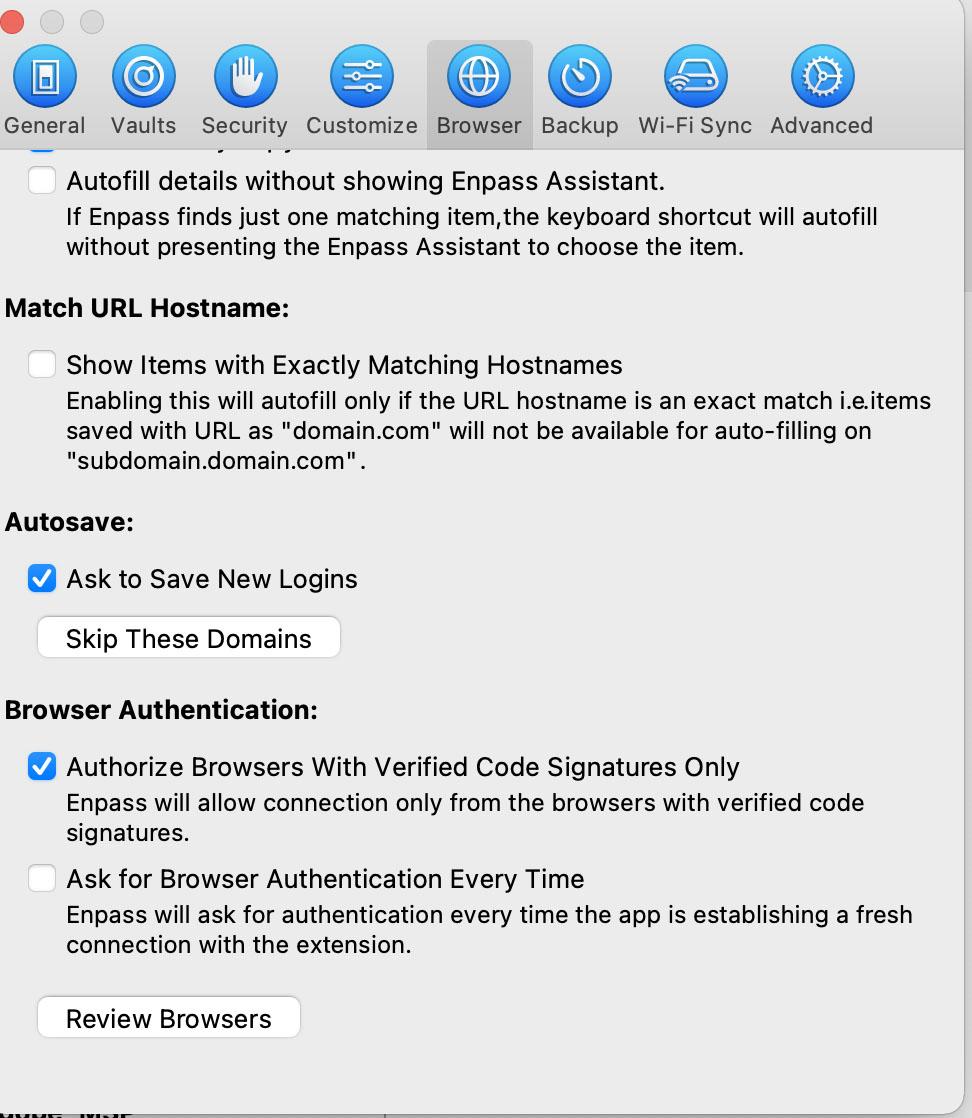
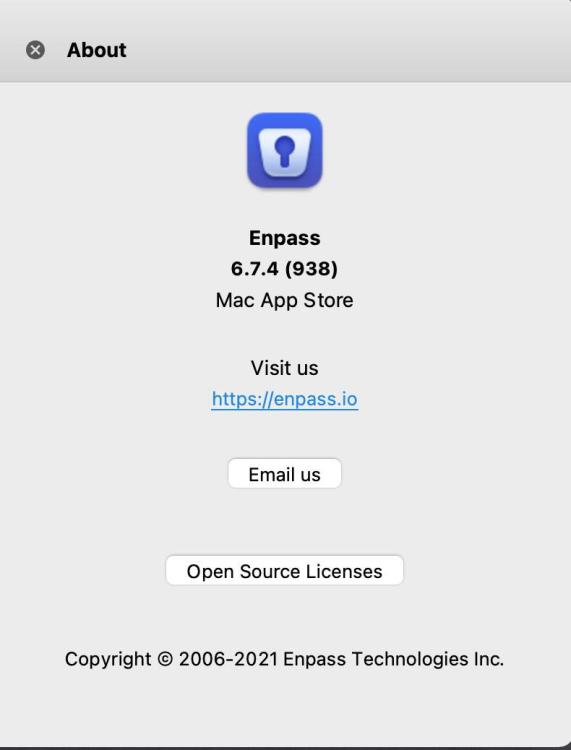
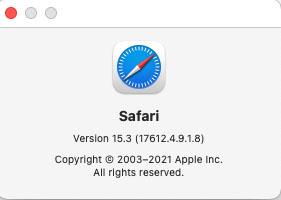
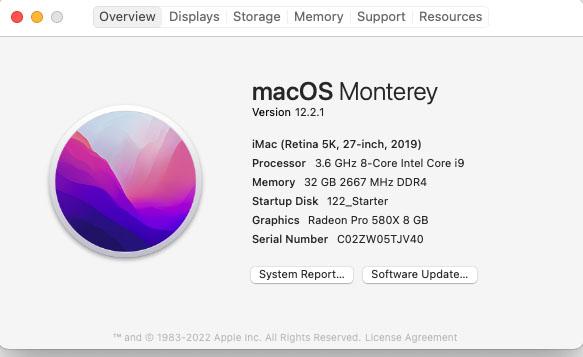
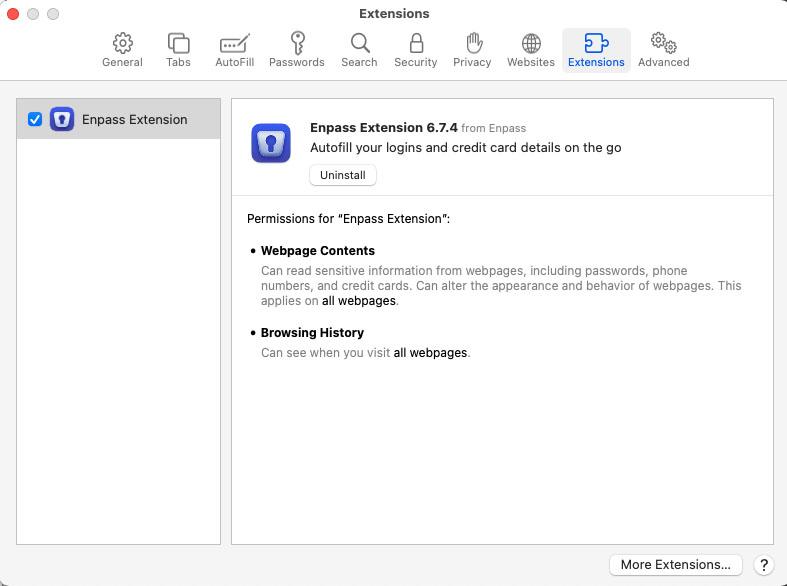
Manish: Thanks for your reply! I've attached screen shots that should answer question 1 Install was from App Store. Please let me know if one is preferred and if I should reinstall. Let me know if I can provide additional information. stephen
-
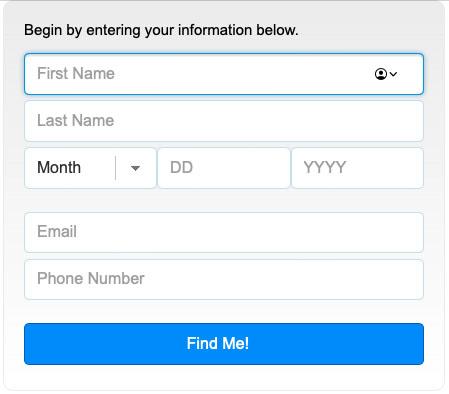
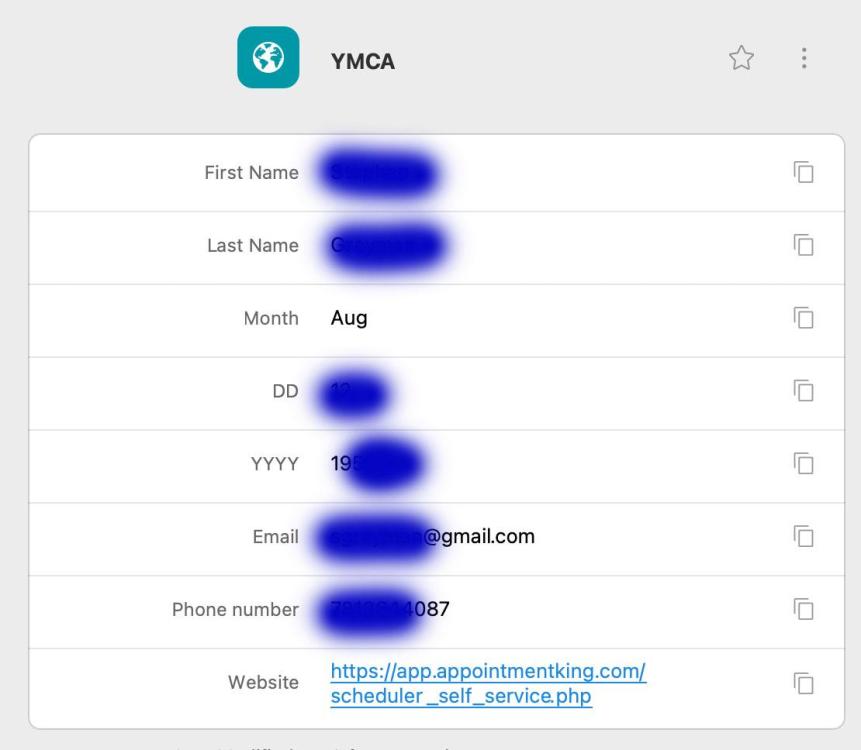
Every day I need to reserve a swimming lane at the YMCA on appointmentking.com. I'd love to have an auto fill from Enpass. I've attached screen shots of webform and my latest attempt in Enpass to create a custom item (it doesn't work). Thoughts? Ideas? Help!!! thanx stephen