


0n10n
Members
-
Joined
-
Last visited
-
Hi, is there any update about this case? It's really annoying to have to search for the key file on any unlock.
-
OK, so I just need to wait for an update. Thank you!
-
Hello, I recently added a keyfile to my standard vault and it's working fine so far. Except I have to select the keyfile again on every start of enpass. Of course I have already set the option to remember the last used keyfile (see attached images). The keyfile is stored on an internal drive (ssd) and the behaviour is always the same whether it's at system start oder after exiting enpass and starting it again manually. I don't want to select the keyfile on any start. How can get it to work? Or is this a bug in enpass? Regards
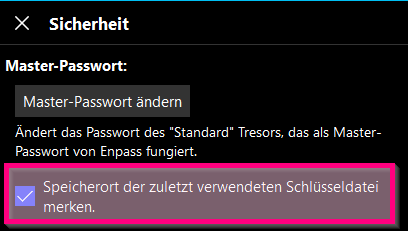
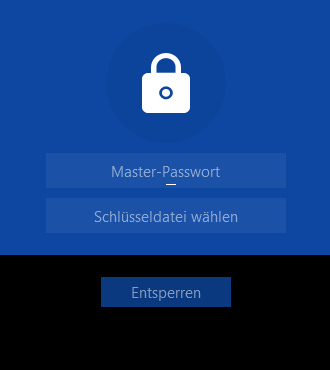
-
Hi @Abhishek Dewan, many thanks for your response! I will try your suggestion as soon as possible.
-
Hello, I have some websites with more than one login but I normally use only one of them - I'm the "family admin" and need to keep some of my family's passwords just in case. So here's my question: Can I make one entry a default entry so when I open a website this entry is used for autofill and the others can be chosen in the dropdown menu? Best Regards
