EddyLB
Members
-
Joined
-
Last visited
Everything posted by EddyLB
-
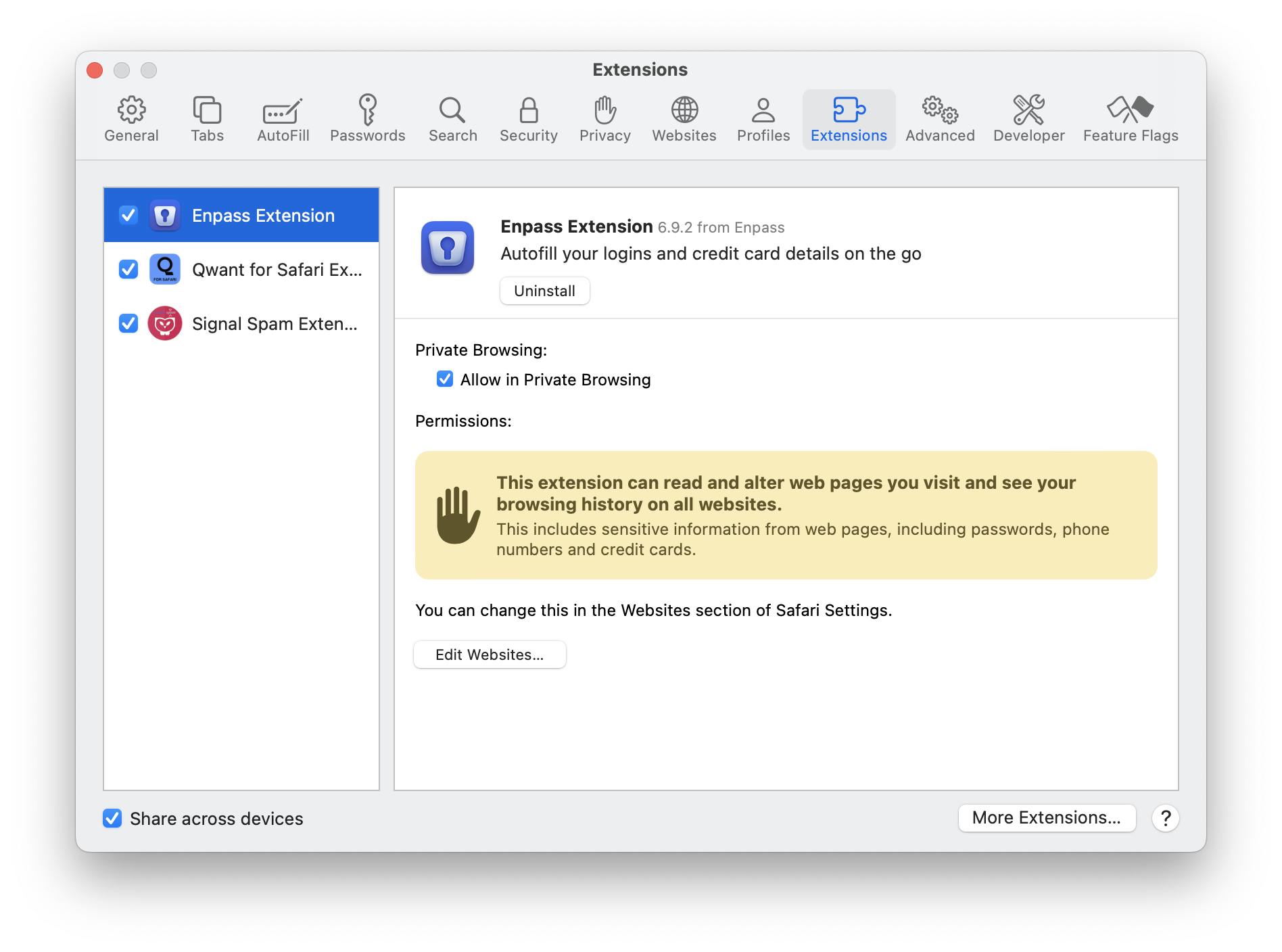
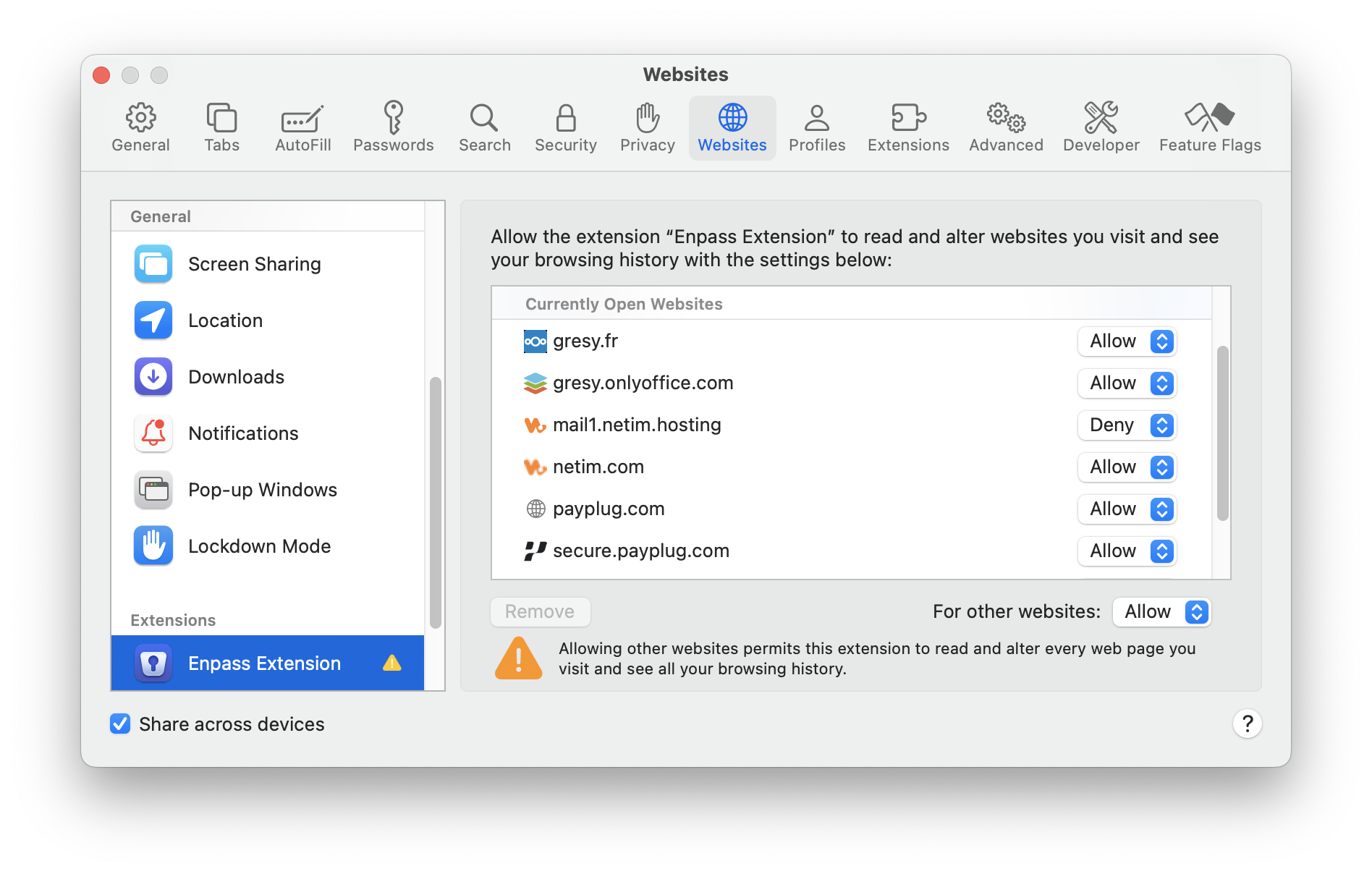
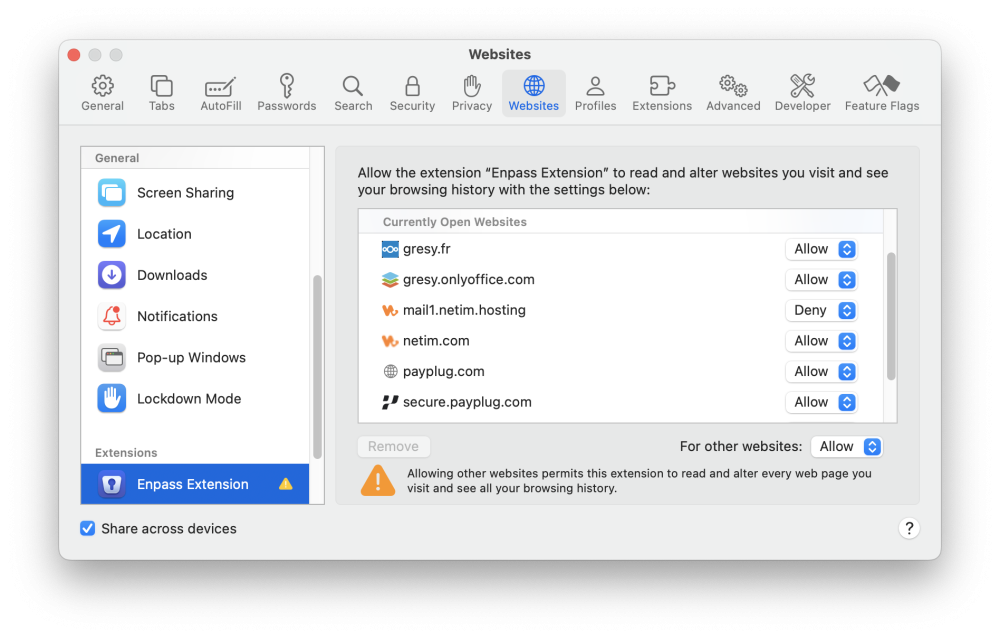
It is impossible to send mails with the Netim webmail (mail1.netim.hosting) when the Enpass extension is installed. I have denied access to the webmail as you can see in the attached screenshots and I still cannot send mails. I must deactivate the Enpass extension completely to be able to send mails. This means that Enpass still alters the web page when it is denied to do so, which is a big issue. I can create temporarily a Netim mail account for debugging this issue. Just let me know. Enpass extension 6.9.2 (1564) Mac App Store Safari 17.3 (19617.2.1.11.3)
-
This bug is still present in version 6.9.2 (1564) Mac App Store.
-
Great! Thank you very much to you and the dev team.
-
Hi @abhishek, I use macOS Sonoma 14.1 (23B73) and Enpass 6.9.1 (1512) from the Mac App Store. Thank you
-
Hello, Here is how to reproduce this annoying issue: Open Enpass 6.9.1 (1512) Select a vault Scroll down to the wanted item Click on the icon for copying the URL or the username or the password Wait few seconds Enpass starts syncing (why? no change to sync) and selects another item when finishing syncing All the best, Eddy
-
-
Same issue on a Mac Pro (Late 2013) running macOS Monterey 12.6.5. I fixed it by deleting Enpass and the ~/Documents/Enpass/Vaults folder and re-installing Enpass.
-
Hello, Have you planned to supply an extension (or SDK) allowing to use Enpass form any iOS app (not only browsers)? I ask this question because customers would be pleased to see me adding this feature to my iOS app. Cheers
-
Thank you Justin. I'm glad to learn that Sinew has offered to troubleshoot.
-
Hi Justin, I've also encountered this issue. Sometimes, that can be fixed by simply uninstalling and reinstalling the extension. But when that does not work, I clear the system caches and rebuild the permissions with a tool like OnyX and restart the system. Clearly, there is something buggy in the extension management but I enjoy very much this app (Desktop and iOS). All the best