stanwu
Members
-
Joined
-
Last visited
-
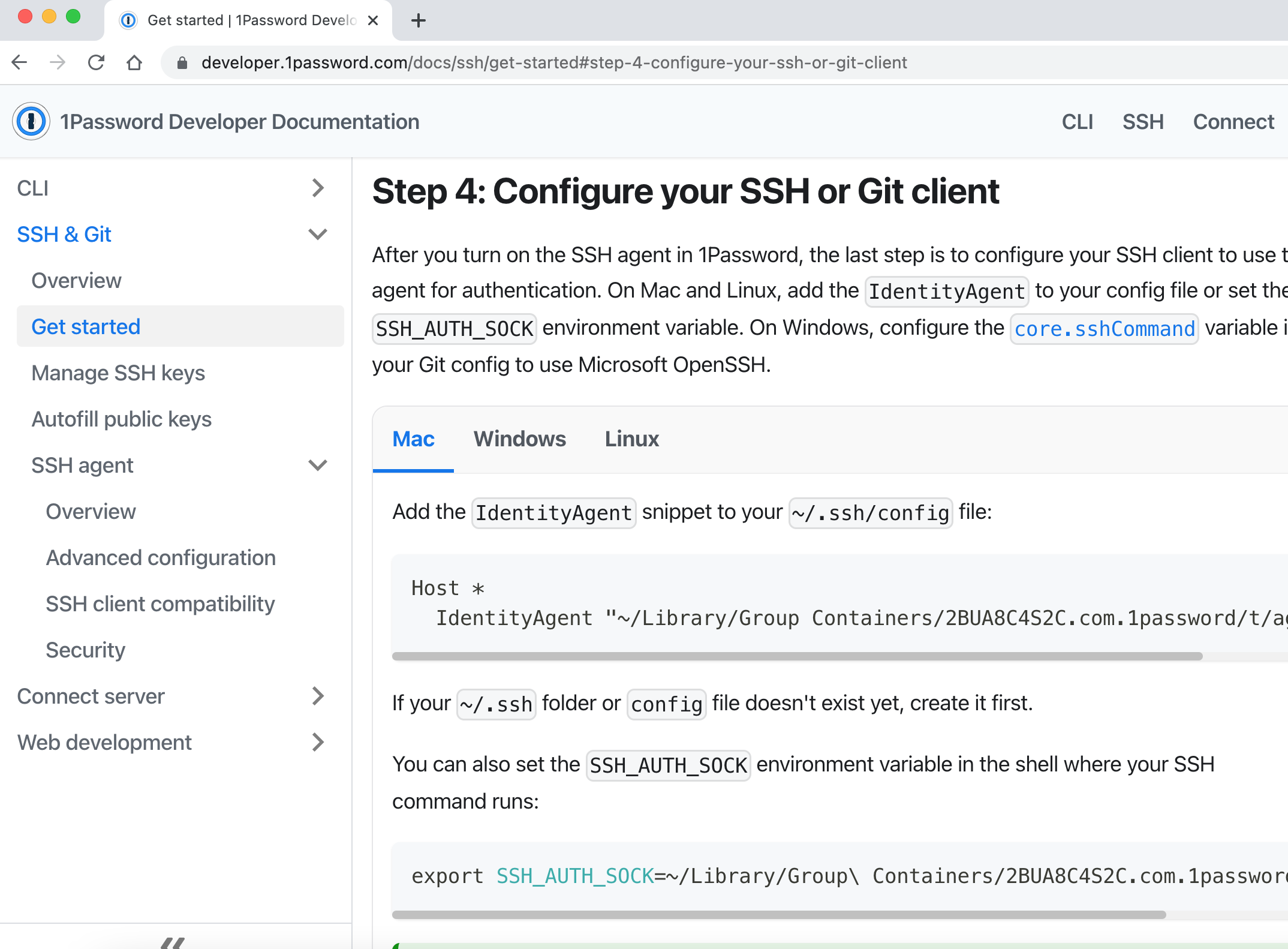
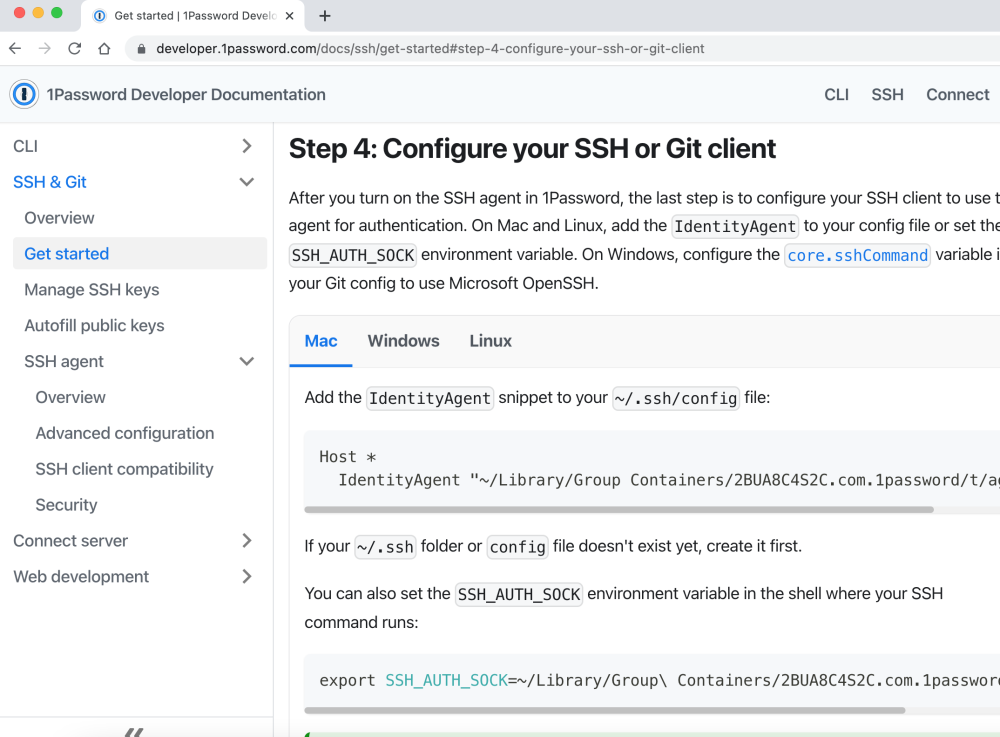
I would like to pay to subscribe this feature, it is amazing feature that after I tried 1Password 8 SSH agent, it is a total solution that add extra layer to protect id_rsa key also very flexible to management multi-ssh key issue
-
Stef, thanks for your help to this :-) Can Enpass developing team help to comment on this? we choice Enpass because of it support private cloud and should be a independent app. We can understand maybe Enpass need active license to link back server, hope we could get the official answers, thanks
-
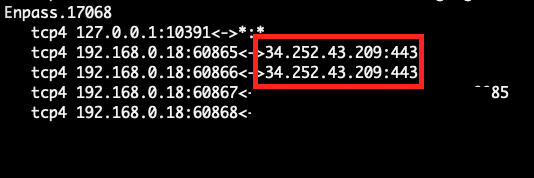
Hi, all I found Enpass 6.8.1 (1060) (Mac App Store) connect to unknown IP address 34.252.43.209:443 when startup, it seems Amazon EC2 server, then I tried turn off both Check Compromised Passwords and Use Website Icons 2 options (uncheck) but got the same result I'm worry about this issue (I do love Enpass)