hofpad
Members
-
Joined
-
Last visited
-
You are spot-on... thank you! Very helpful what you wrote (also about rosetta not being uninstallable). Maybe it's a sort of habit of me, to not have stuff installed which I do not (want to) use (at all)? But yes, maybe I'll use the AppStore-Version for a while... I just have less trust to Apple when it comes to "security" products, that's why I prefer to get them directly from the developers.
-
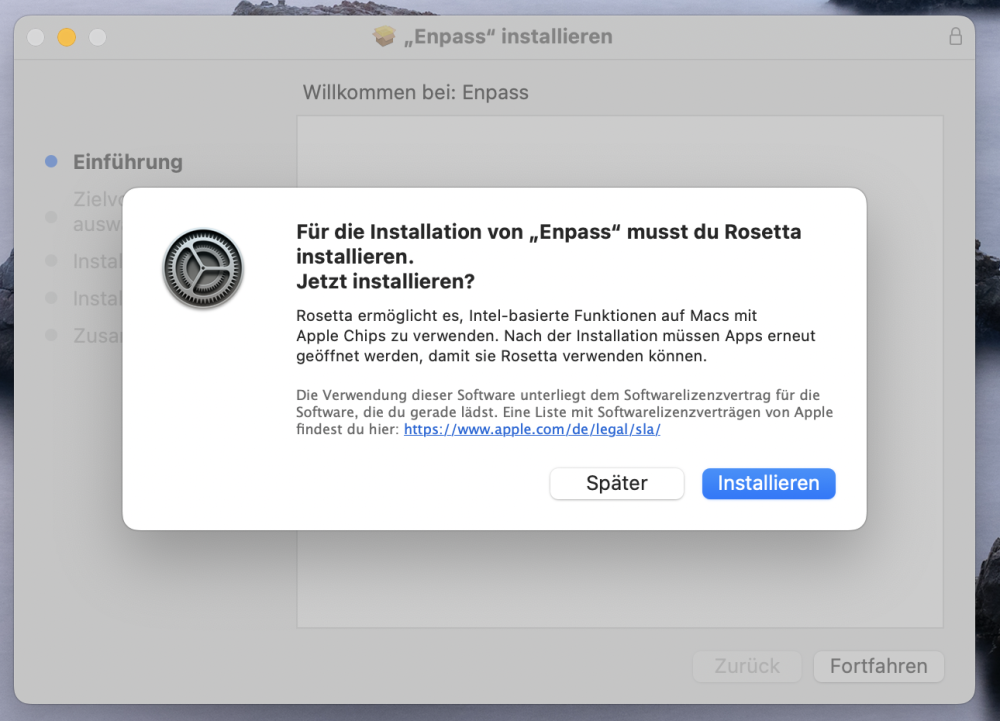
...just an idea: could it be that the Installer (of the website version) is still on INTEL......?? (because when the installer starts, the message about rosetta pops up)
-
I cannot install the application in the first place...
-
Thx for mentioning. But no, I do not want the AppStore-version for several reasons... But both versions should be on ARM anyway, right?
-
Hi, I just tried to install version 6.8.2 to my new MacBook Pro (16", 2021, OS 12.4). The result: macOS is asking me to install Rosetta... I thougt: 1. my Mac is ARM 2. 6.8.2 is now native ARM 3. I don't need Rosetta What am I doing/thinking wrong here?