enpasser
Members
-
Joined
-
Last visited
Everything posted by enpasser
-
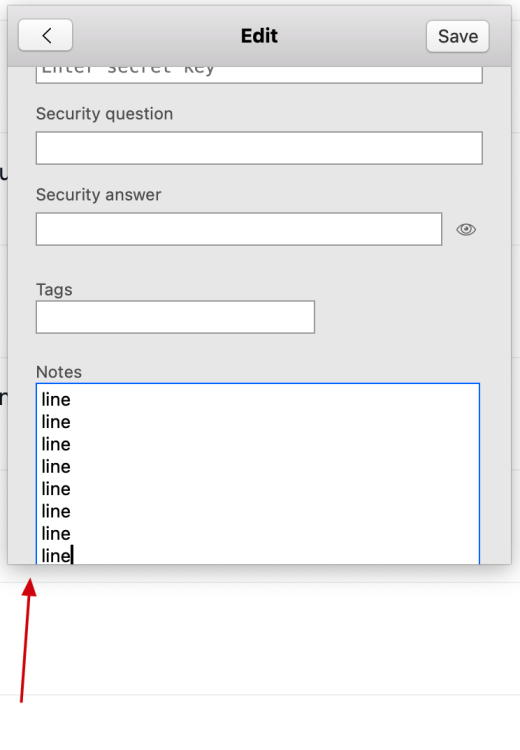
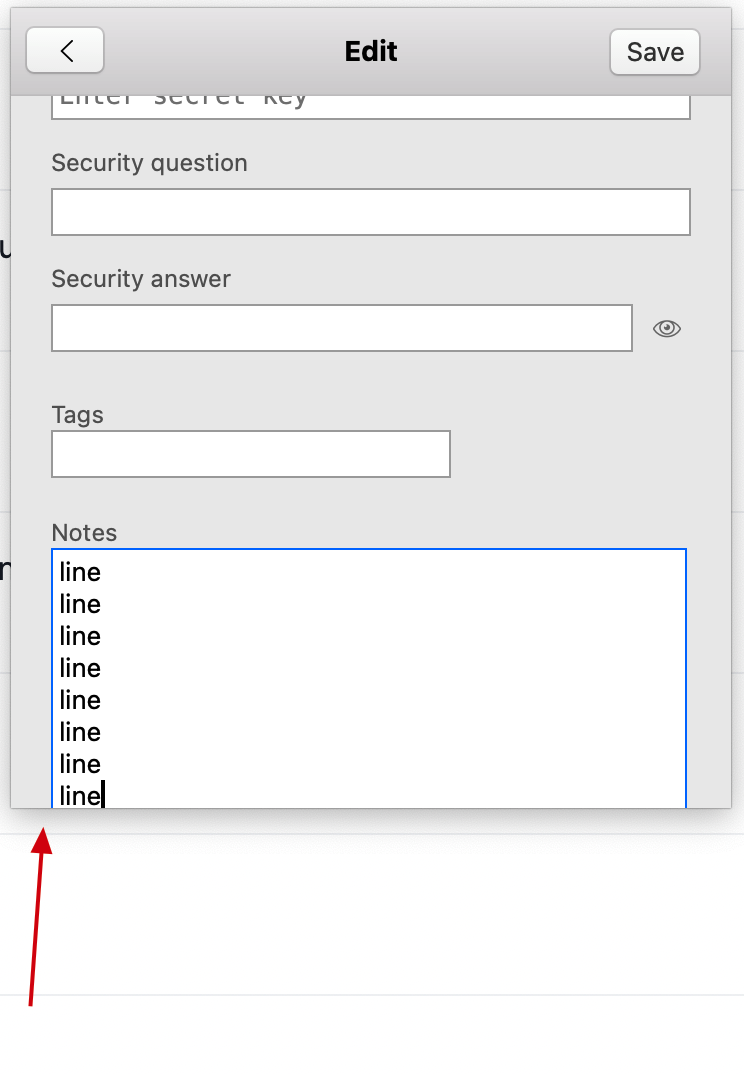
Hi, notes field within enpass popup view, when in edit mode, usually is displayed incorrectly for me (part of the text area field in the bottom gets "boyond" enpass popup boundary), as seen on the attached screenshot. Note how bottom "Notes" section boundary is not within a visible popup window, but rather is cut down. This happens most of the time when either creating entries or editing ones, but not always (works fine really rarely, but still does at times somehow). The problem becomes especially annoying when you actually have a lot of contents in the notes field, so that actual content goes beyond the viewable area, but scrollbar either isn't triggered at all or triggers several lines late, either making it impossible or very hard to to access that part of the notes section. Enapass 6.8.2 (1082) Mac App Store version MacBook Pro (14-inch, 2021), MacOS 12.4, default display, scaled up screen resolution (!), one step finer: 1800 x 1169. Thanks a lot in advance for addressing this.