peejaygee
Members
-
Joined
-
Last visited
Everything posted by peejaygee
-
Thank you, yes, that was it, on my laptop it was unchecked, on my desktop it was checked. Appreciate the help and support.
-
When you do the first install on Enpass and open your browser and install the extension, it asks you for a 6 digit 'pin' number to link the two. On one of my machines, this happens more often than I think it should, seems to be after each fresh reboot, fresh master password, then browser open. Is this the norm now? or an option that has been turned on, that I can turn off, or a bug? Thanks for your time. Regards Paul.
-
Email sent to support with crash details.
-
I will do this next time i have the pop up and the crash at the same time, it's very intermittent.
-
As the subject says, I'm all up to date, a lot of the times opening a web browser, mainly Firefox, I'll get the browser popup to link Enpass with the browser, sometimes that's the end of it until I close and re-open the browser, but sometimes Enpass just crashes, then when restarting it, it's asking for a crash report to be sent, which I do (and have done 3 times) recenlty I've seen a little update and thought, oh, maybe they know and fixed it, but alas, no. Is there anything I can check on either Enpass or Firefox to stop it doing this?
-
I did check, it was selected on my vault (not the wifes) and I switched it to 'all vaults' even though the details are saved in mine, but it still didn't give me the option to choose it until I clicked the >>> and manually found it and double clicked it to fill in the details.
-
Thank you Manish for getting back to me. I did try that, and I even copied and pasted it one more time, just in case their had been a typo [when the app grabbed it] and still, as you can see, didn't work.
-
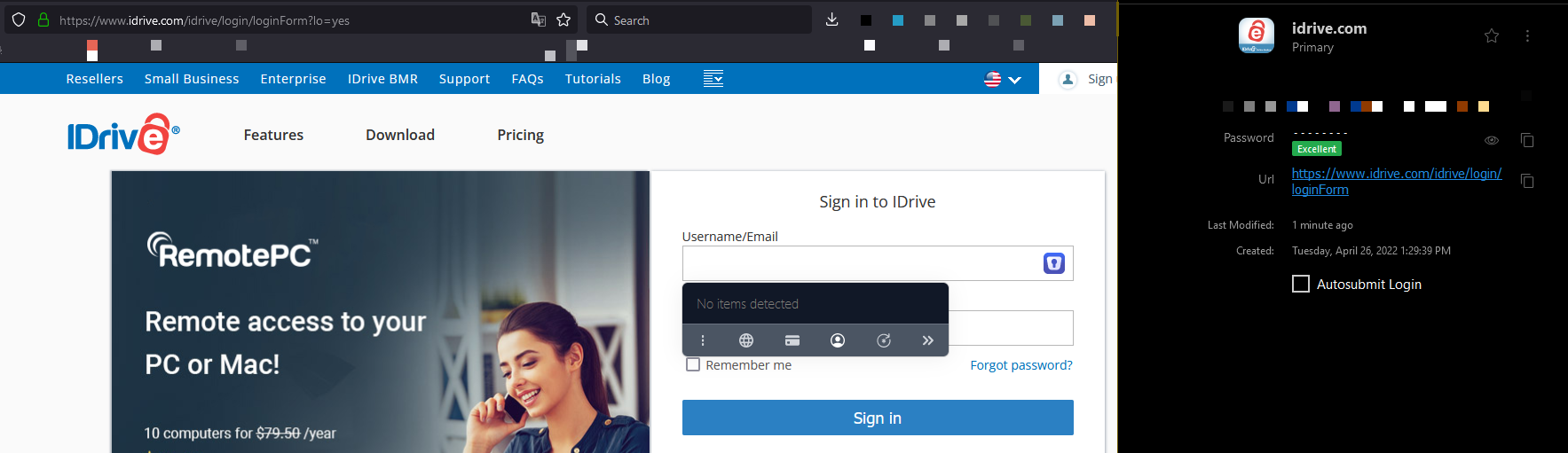
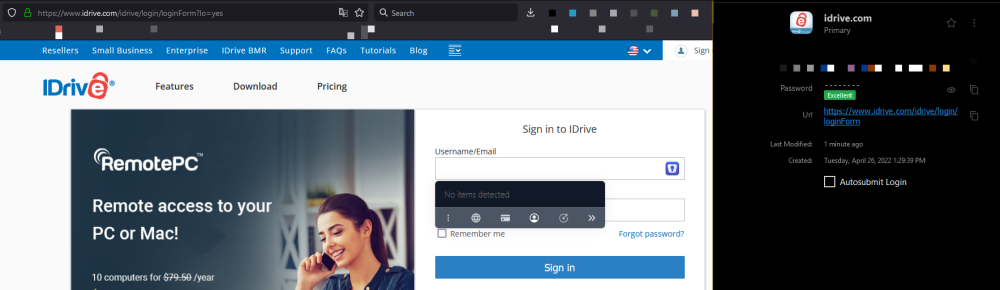
When going to https://www.idrive.com/idrive/login/loginForm login details do not appear. On which device (along with OS version) are you using Enpass? Laptop - Windows 11 / Desktop - Windows 10 - Both 21H2 (Latest Version) Which Enpass and Enpass extension version are you using? Main App / Full Install version 6.8.2 (1085) - Extension 6.8.0 [June 26 2022] Which browser are you using? Firefox and Chrome Also, let us know, which part of Autofill is not working. Whether username/password fields are not getting filled or It is not getting auto submitted after filing the login fields? One website mentioned above in particular doesn't put the details in for me, even saying 'No Items Detected' It's the Username/Email - Password complete box on the main login page.