J57165
Members
-
Joined
-
Last visited
-
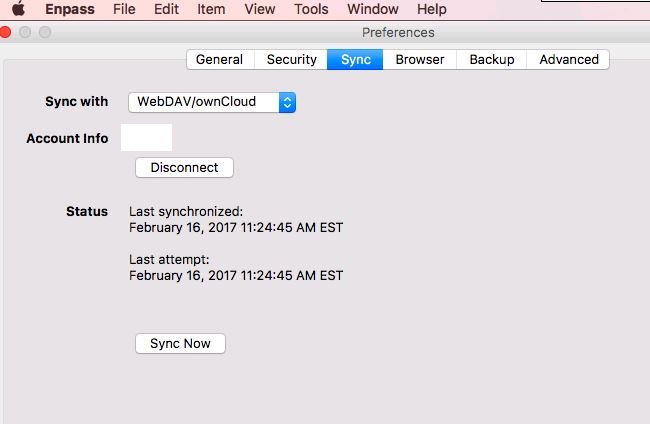
I've run into a weird issue with webdav sync will not connect on setup. I'm not sure where the error is but it is only happening on my windows 10 installs of 5.4.1 and 5.5.0. This is happening on three different windows 10 computers that I have tested it on. I can install both versions without any issues and use the program but when I go to setup the sync to my nextcloud server, enpass just sits there saying connecting (see photo). I know my webdav is working as enpass works on both android, 7.1.1, and macOS Sierra, 10.12.3, on versions 5.4.8 and 5.4.1, respectively (See photo). I have tried uninstalling/reinstalling, deleting local data cache, I even installed it on a newly installed windows 10 computer and still not working. I have created a test account on my nextcloud server to see if it was the password or account but still get the same results. I was looking at the TCP/IP connections when hitting the connect button but didn't see enpass actively make a connection to my sever, unless I was looking in the wrong spot. My server logs also do not show anything when I'm trying to connect either. Is there a place were enpass stores logs or anything of the sort that I can reference to see what is going on?