Skip to content
View in the app

A better way to browse. Learn more.

Enpass Discussion Forum

A full-screen app on your home screen with push notifications, badges and more.

To install this app on iOS and iPadOS
  1. Tap the Share icon in Safari
  2. Scroll the menu and tap Add to Home Screen.
  3. Tap Add in the top-right corner.
To install this app on Android
  1. Tap the 3-dot menu (⋮) in the top-right corner of the browser.
  2. Tap Add to Home screen or Install app.
  3. Confirm by tapping Install.

Sven Ottoson

Members
  • Joined

  • Last visited

Everything posted by Sven Ottoson

  1. Hi, if you guys can already tell at this point: What can be done to prevent this from happening again in the future? Regards
  2. It worked for me for a couple of hours, now it suddenly stopped working again.
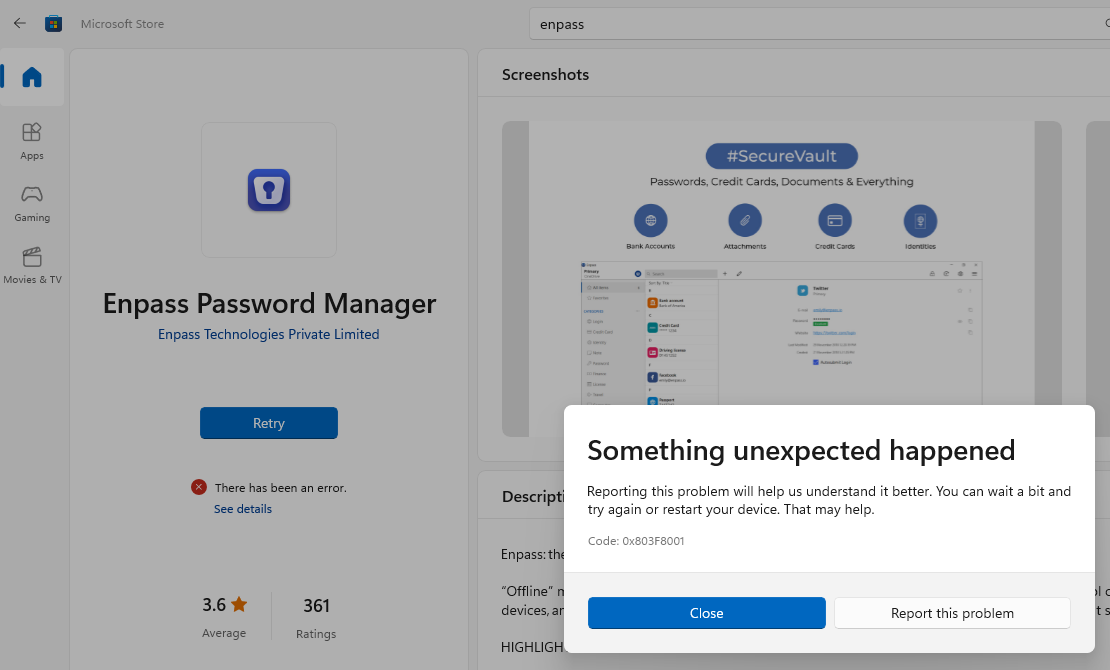
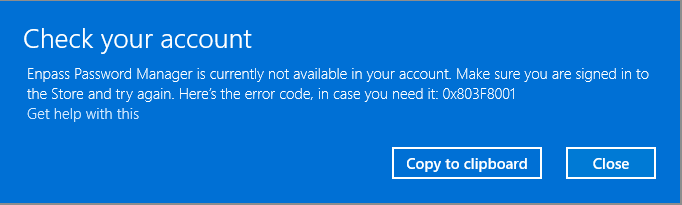
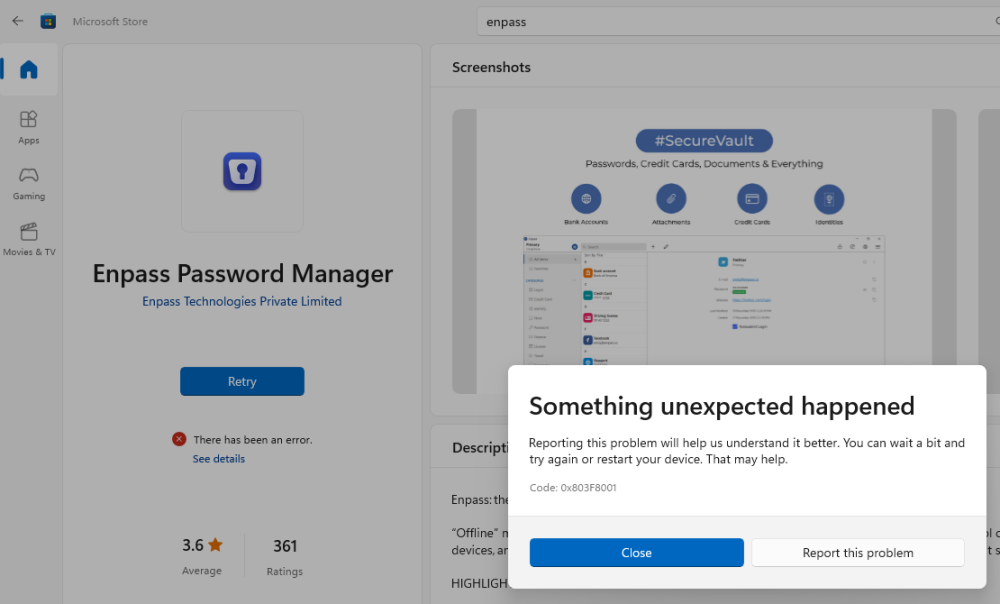
  3. Same problem on my Windows 11 Surface Laptop Studio and my dad's Windows 10 PC (different Microsoft account) Error 0x803F8001 after update on 31-Oct-2022 Absolutely unacceptable!
Account

Navigation

Search

Search

Configure browser push notifications

Chrome (Android)
  1. Tap the lock icon next to the address bar.
  2. Tap Permissions → Notifications.
  3. Adjust your preference.
Chrome (Desktop)
  1. Click the padlock icon in the address bar.
  2. Select Site settings.
  3. Find Notifications and adjust your preference.