DieuxXi
Members
-
Joined
-
Last visited
-
Yup, i did the reactivation two times (one for test). By the way, I use Keepass in my work. It's less userfriendly but in fact, it is highly recommanded by my company cause it was verified and approved by ANSSI in France. "Keepass, dont la sécurité a été évaluée par l’Agence nationale de sécurité des systèmes d’information (ANSSI),"
-
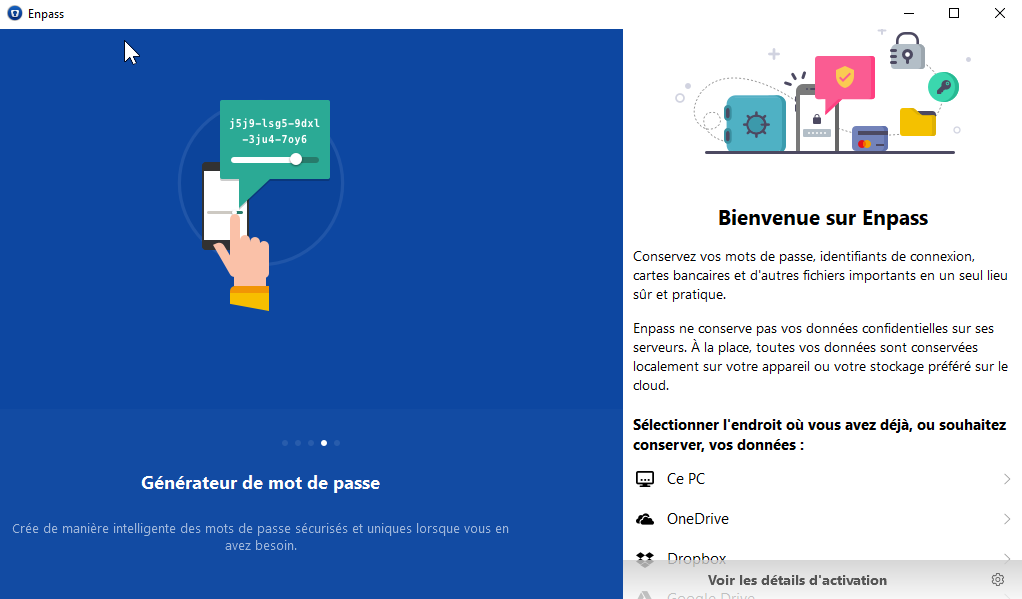
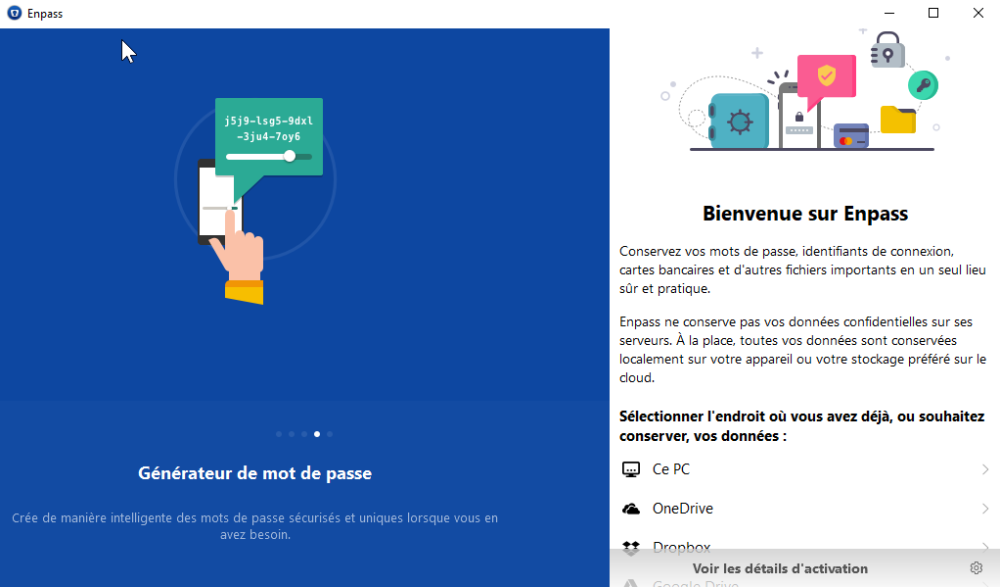
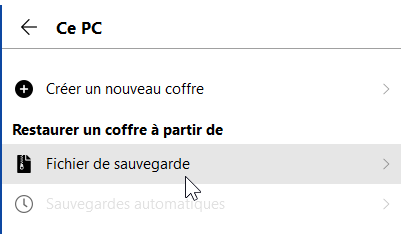
Thanks BarrBarr. I did that : - backup/zip of "C:\Users\[user]\AppData\Local\Packages\SinewSoftwareSystems.EnpassPasswordManager_[someid]" - Install Webversion : "https://dl.enpass.io/stable/windows/setup/6.8.4.1167/Enpass-setup.exe" - Register the mail, then choose PC location - Select last ".enpassbackup" file from : C:\Users\[user]\AppData\Local\Packages\SinewSoftwareSystems.EnpassPasswordManager_[someid]\LocalState\Backups - Validate restoring with password. - Result OK : now I have access my datas ! (but I don't know if really this was my last backup...)
-
Can someone explain how to use those files with a fresh installation ? I just updated my Windows 10 and I keep having the problem. Thanks in advance
-
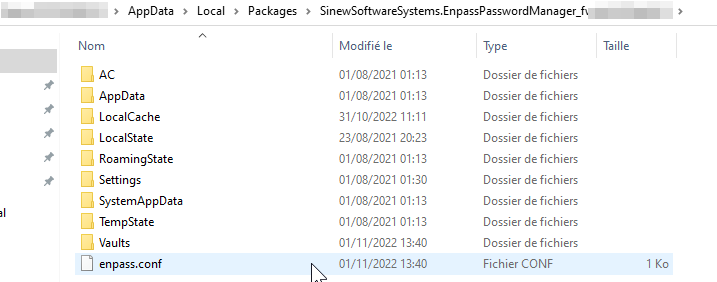
Thanks for the reply. I have no sync with a cloud, i'm full local. But Step confirmed the folder location So I backuped all this folder: In \LocalState\Backups there are many files "*items-auto.enpassbackup" In \LocalState\Vaults\primary there are "vault.enpassdb" and "vault.json" With this I didn't understand how to use those files with the webversion or portable version.
-
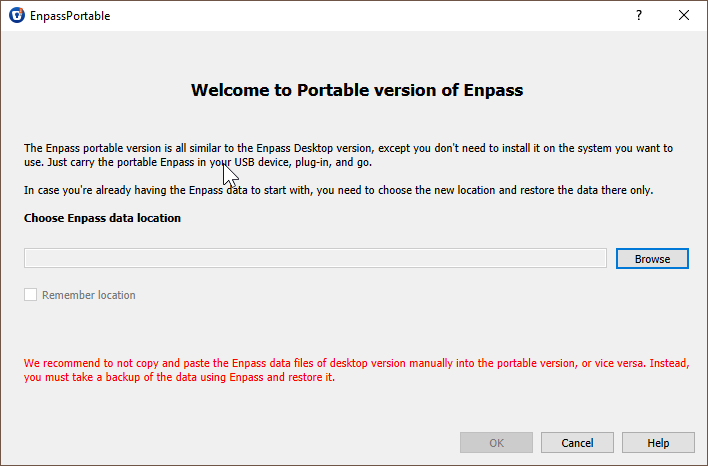
Where are files on Windows ? The portable version said that : Is it this folder ? C:\Users\[myuser]\AppData\Local\Packages\SinewSoftwareSystems.EnpassPasswordManager_[some_id]\LocalState\Vaults\primary
-
Hi. Same here. Where are Enpass data files (programs files ? AppsData ?) ? I want to do a backup before installing any others distrib. I hope the probleme didn't remove my datas... I hava no recent copy of my last 1 year ! Thanks