Abi
Members
-
Joined
-
Last visited
-
Die Zeiteinstellung steht bei allen Geräten auf automatisch
-
Firewall Windows defender ist ausgestellt, obwohl ich die lieber laufen lassen würde. VPN ist ebenfalls ausgestellt. Icloud erweiterter Datenschutz ist nicht aktiviert. Die Tresore wurden auf allen Geräten von der ICloud getrennt und zusätlich die Daten gelöscht. Ich bin ratlos
-
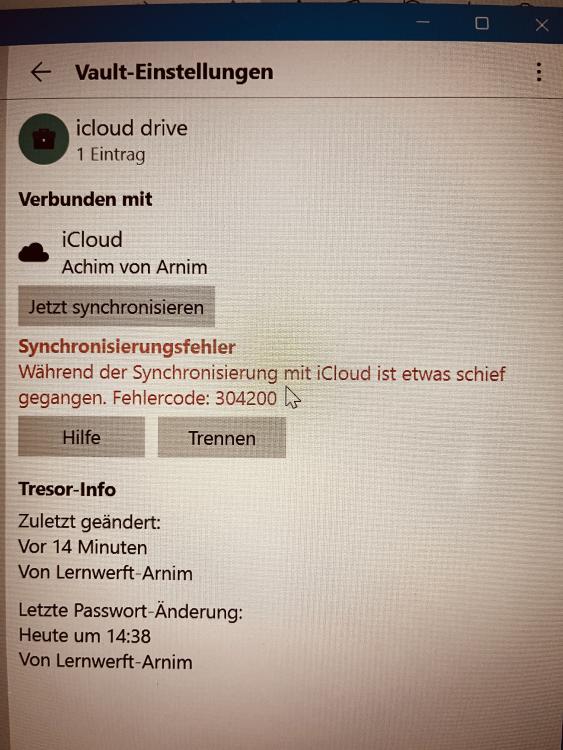
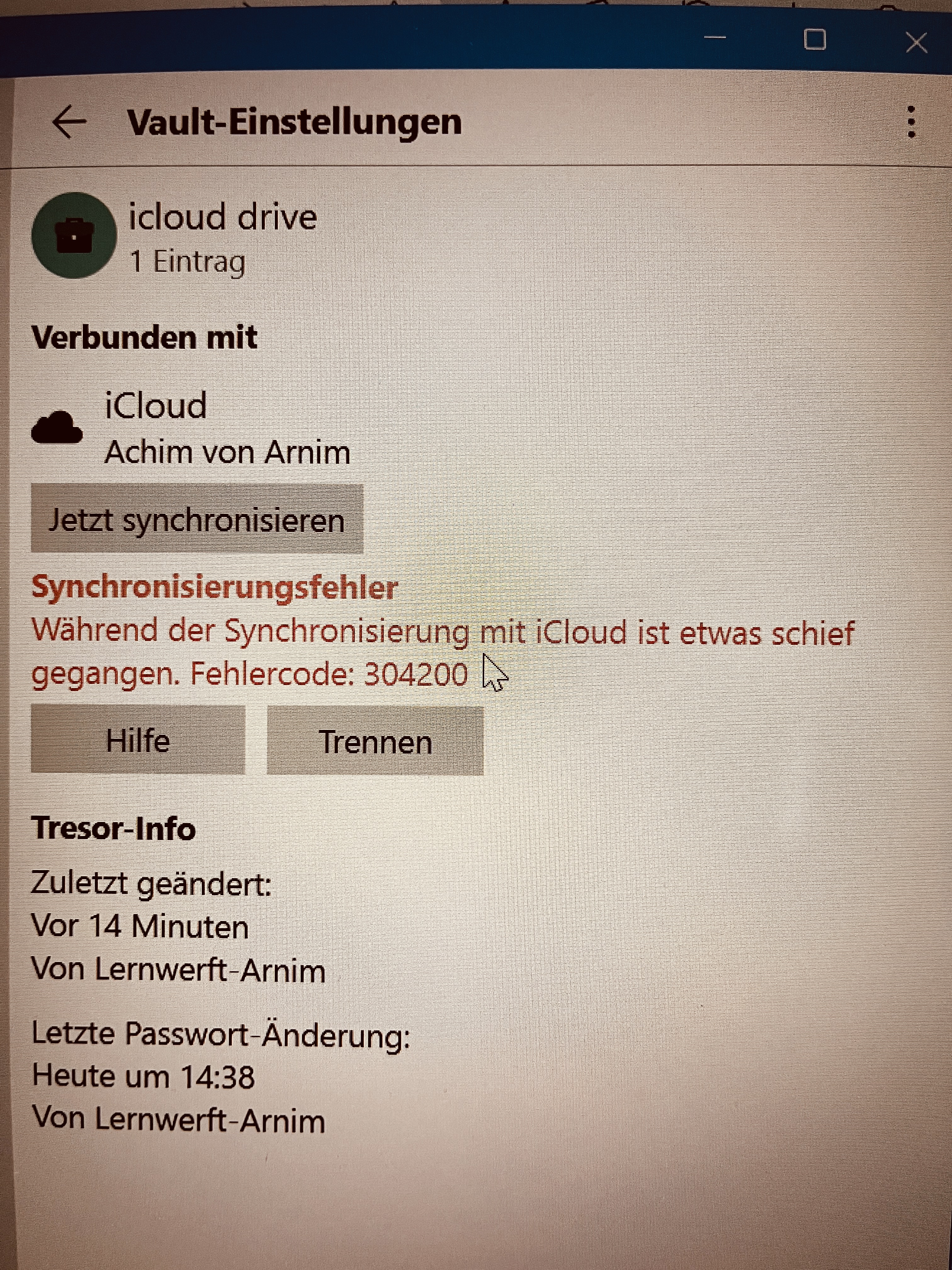
Hallo, ich habe alle Ihre Punkte gecheckt und angewendet. Leider bekomme ich auf meinem Windows 11 PC immer noch die gleiche Fehlermeldung.
-
Hello there, I use the latest Enpass version on my Mac (Ventura 13.2) on my iPhone 13 (IOS 16.3) and on my Windows machine (Windows 11 version 22H2) and have a lifetime license. The synchronization between Mac and iPhone works very well. Recently, Windows can no longer synchronize with the cloud. Error code 3042000 is displayed. I disconnected the vault, deleted and reinstalled the app, changed the backup data path...nothing worked. What can I do? Greetings Achim
-
Guten Tag, ich benutze die neuste Enpass Version auf meinem Mac (Ventura 13.2) auf meinem iPhone 13 (IOS 16.3) und auf meinem Windows Rechner (Windows 11 Version 22H2) und habe eine Lebenslange Lizenz. Die Synchronisation zwischen Mac und iPhone klappt sehr gut. Windows kann sich seit neustem nicht mehr mit der Cloud synchronisieren. Es wird der Fehlercode 3042000 angezeigt. Ich habe den Tresor getrennt, die App gelöscht und neuinstalliert, den Pfad der Backupdaten geändert….nichts funktioniert. Was kann ich tun? Gruß Achim