Lou G
Members
-
Joined
-
Last visited
-
I resolved this by turning off windows sandbox and rebooting windows. It seems if you enable the sandbox feature, even if you are not using it, it interferes with the enpass app -- browser connectivity.
-
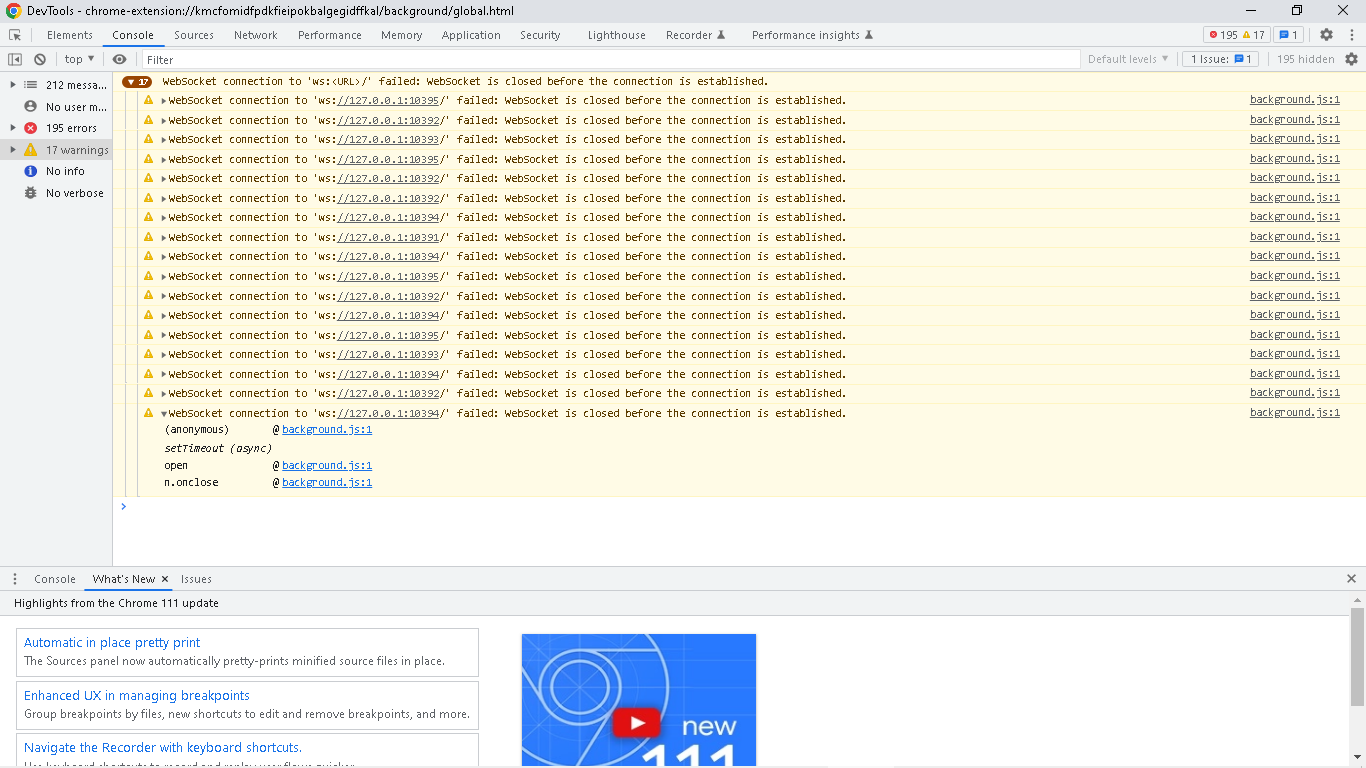
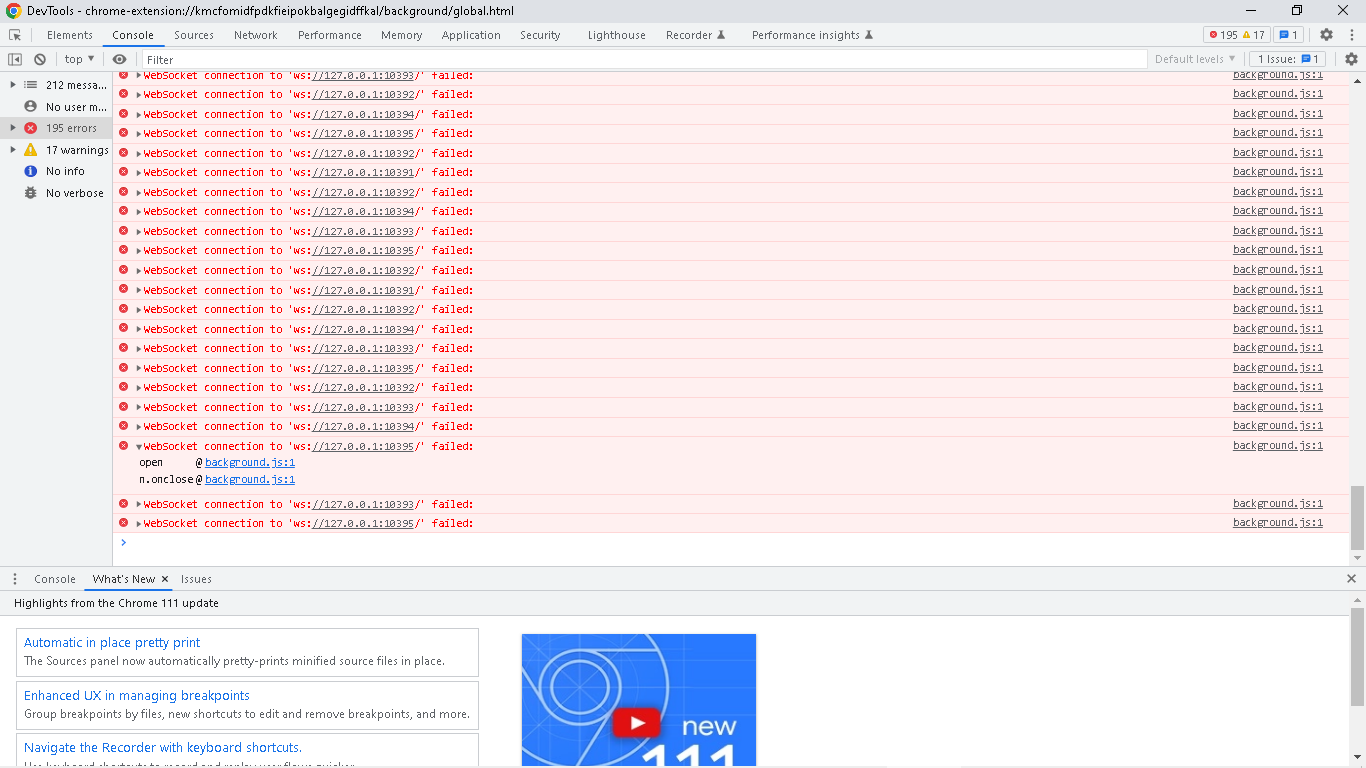
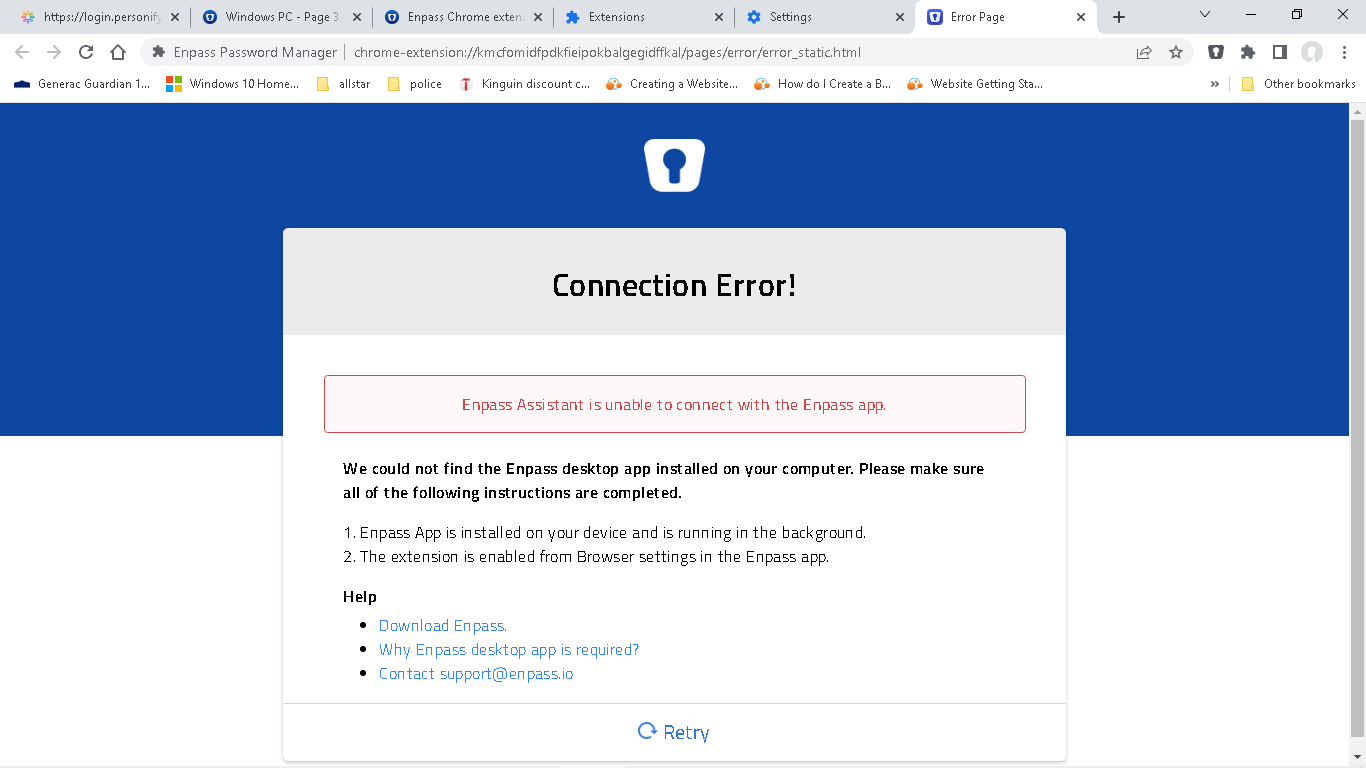
does not work with chrome or edge tried clearing cache, cookies and browsing history making sure enpass app running got latest app and extension turned off firewall disabled all other extensions turned off authenticate browser enabled extension logs got following * 3/23/2023, 3:07:01 PM : Got Error * in app turned off browser authentication clicked on review browsers and got an empty list enable browser extensions is checked on system info Edition Windows 10 Pro Version 22H2 Installed on 12/5/2020 OS build 19045.2728 Experience Windows Feature Experience Pack 120.2212.4190.0 Chrome is up to date Version 111.0.5563.111 (Official Build) (64-bit) Chrome extension version Version 6.8.3 Enpass app from Microsoft Store version 6.8.5 (1238) netstat does not show any 127.0.0.1:1039x connectionsdetails to follow.