

Skip to content
View in the app

A better way to browse. Learn more.

Enpass Discussion Forum

A full-screen app on your home screen with push notifications, badges and more.

To install this app on iOS and iPadOS
  1. Tap the Share icon in Safari
  2. Scroll the menu and tap Add to Home Screen.
  3. Tap Add in the top-right corner.
To install this app on Android
  1. Tap the 3-dot menu (⋮) in the top-right corner of the browser.
  2. Tap Add to Home screen or Install app.
  3. Confirm by tapping Install.

Maximilian

Members
  • Joined

  • Last visited

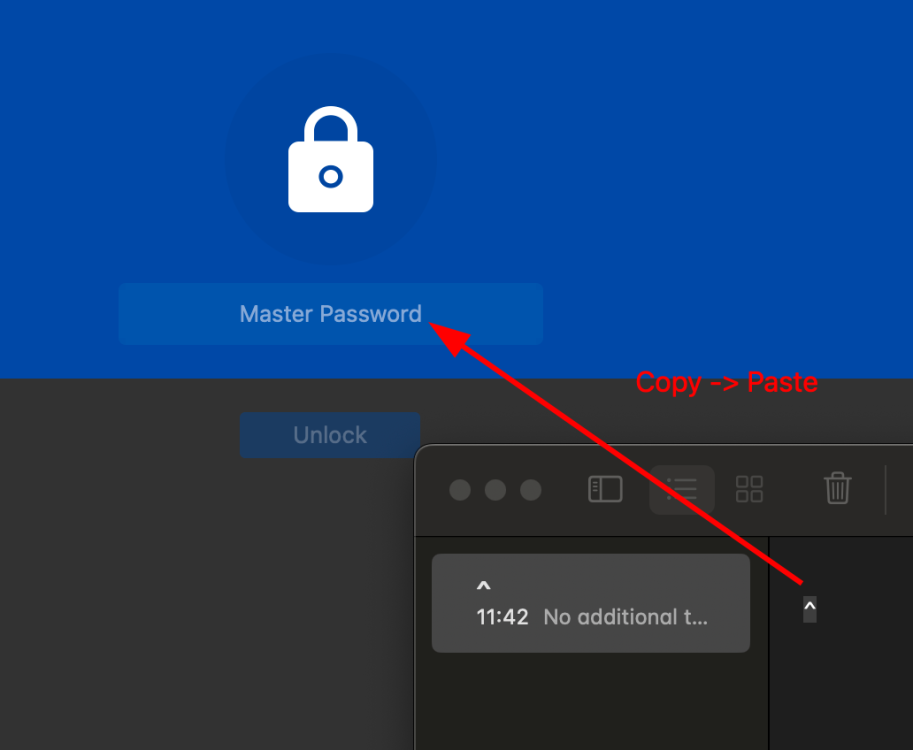
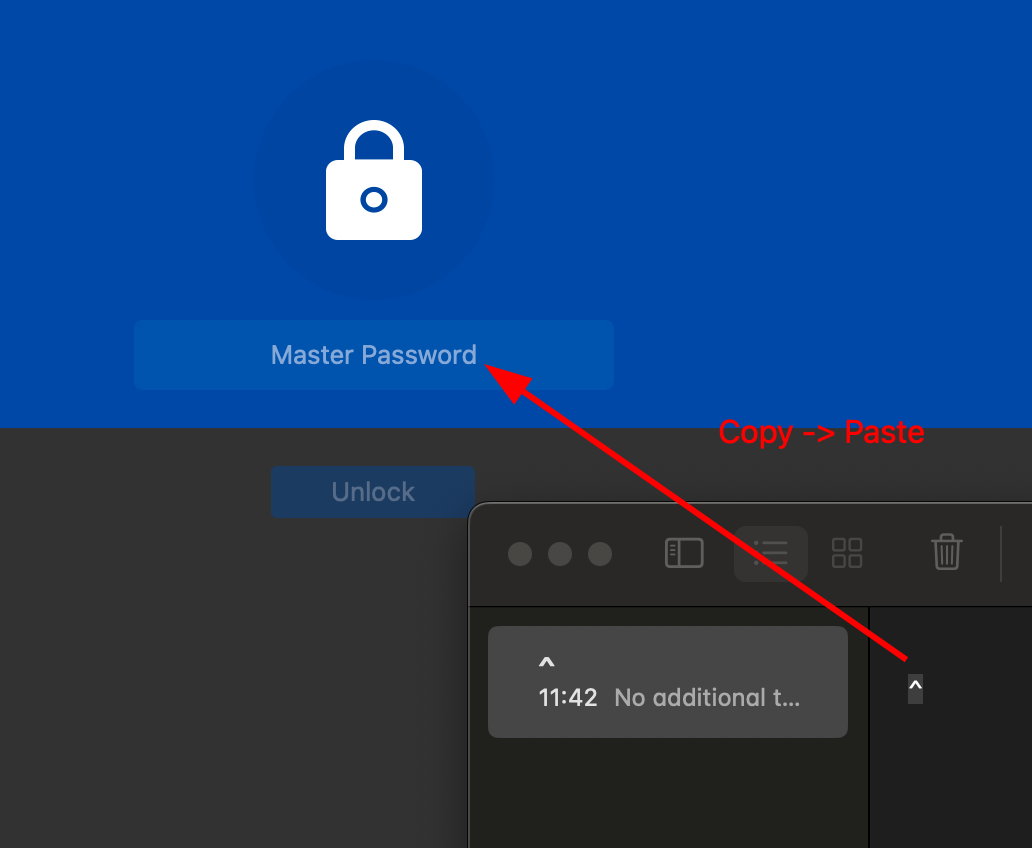
  1. Hi, I've been using Enpass happily for several years, but this bug bothered me ever since. It is not possible to input a caret (^) in the master password field. One has to copy it from somewhere else and paste it as a workaround. This behaviour is the same on Linux (e.g. Linux Mint Cinnamon 21.2) or macOS Sonoma 14.0. Device language is set to English, and I'm using the latest Enpass version 6.9.1 (1512). Everywhere else in Enpass, there is no such problem. I hope this could be fixed. Best regards, Maximilian
Account

Navigation

Search

Search

Configure browser push notifications

Chrome (Android)
  1. Tap the lock icon next to the address bar.
  2. Tap Permissions → Notifications.
  3. Adjust your preference.
Chrome (Desktop)
  1. Click the padlock icon in the address bar.
  2. Select Site settings.
  3. Find Notifications and adjust your preference.