Jan.Bee
Members
-
Joined
-
Last visited
Everything posted by Jan.Bee
-
Hi, yes enabled and the issue still persist
-
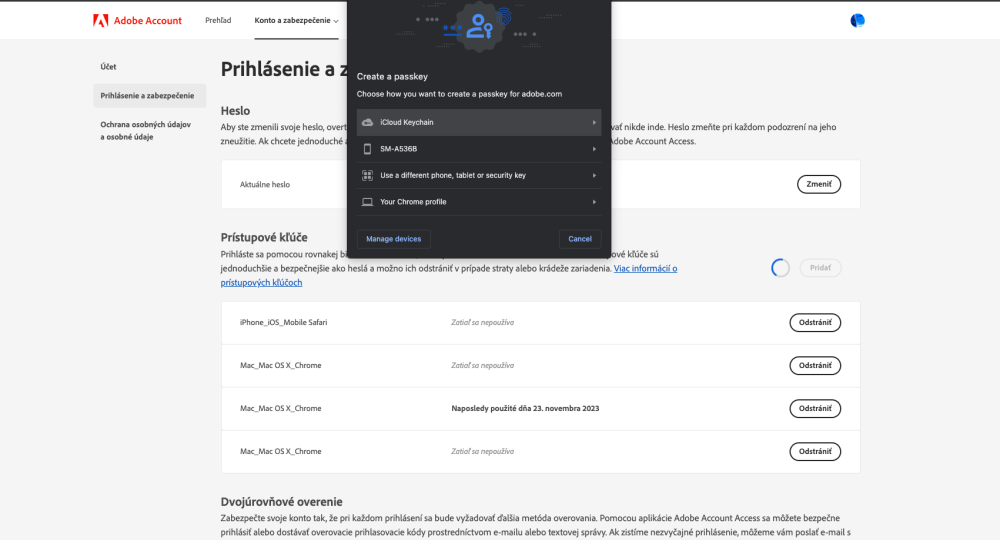
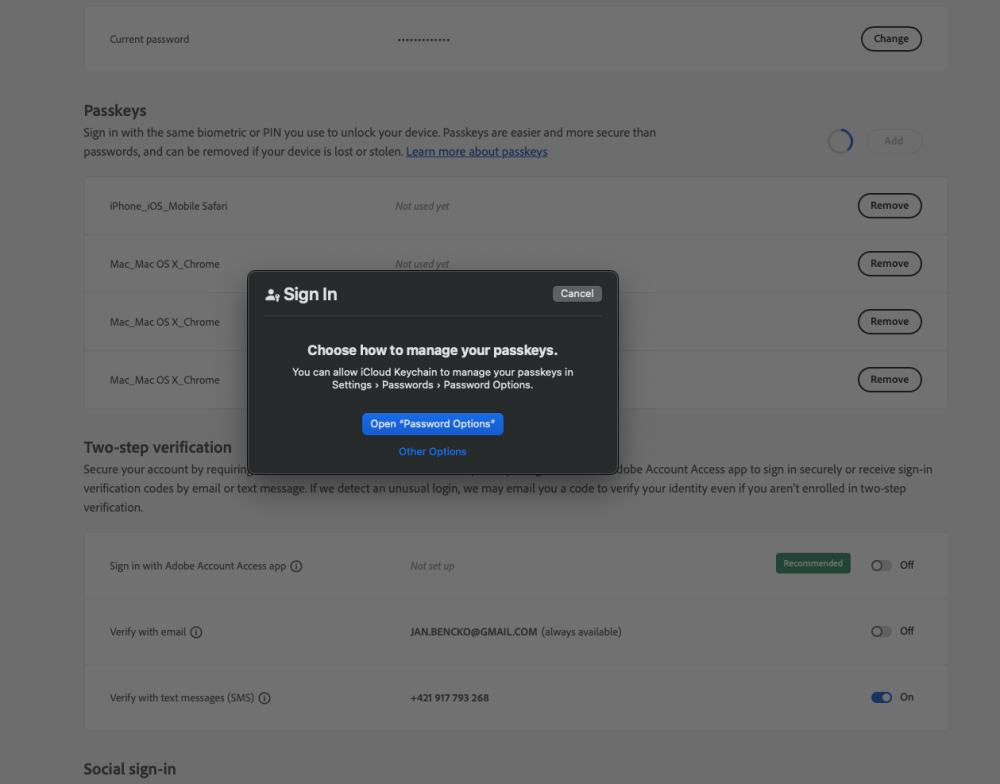
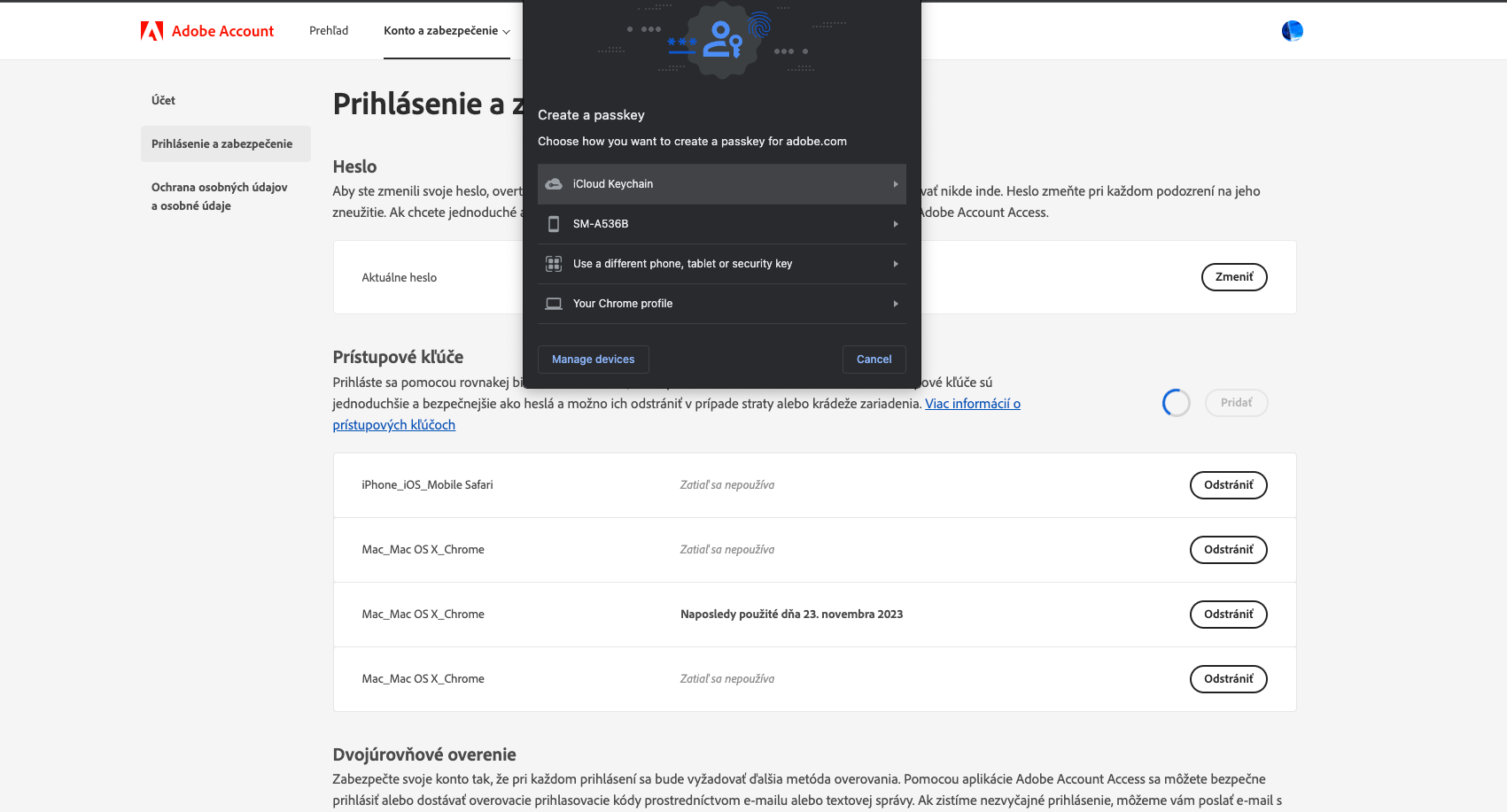
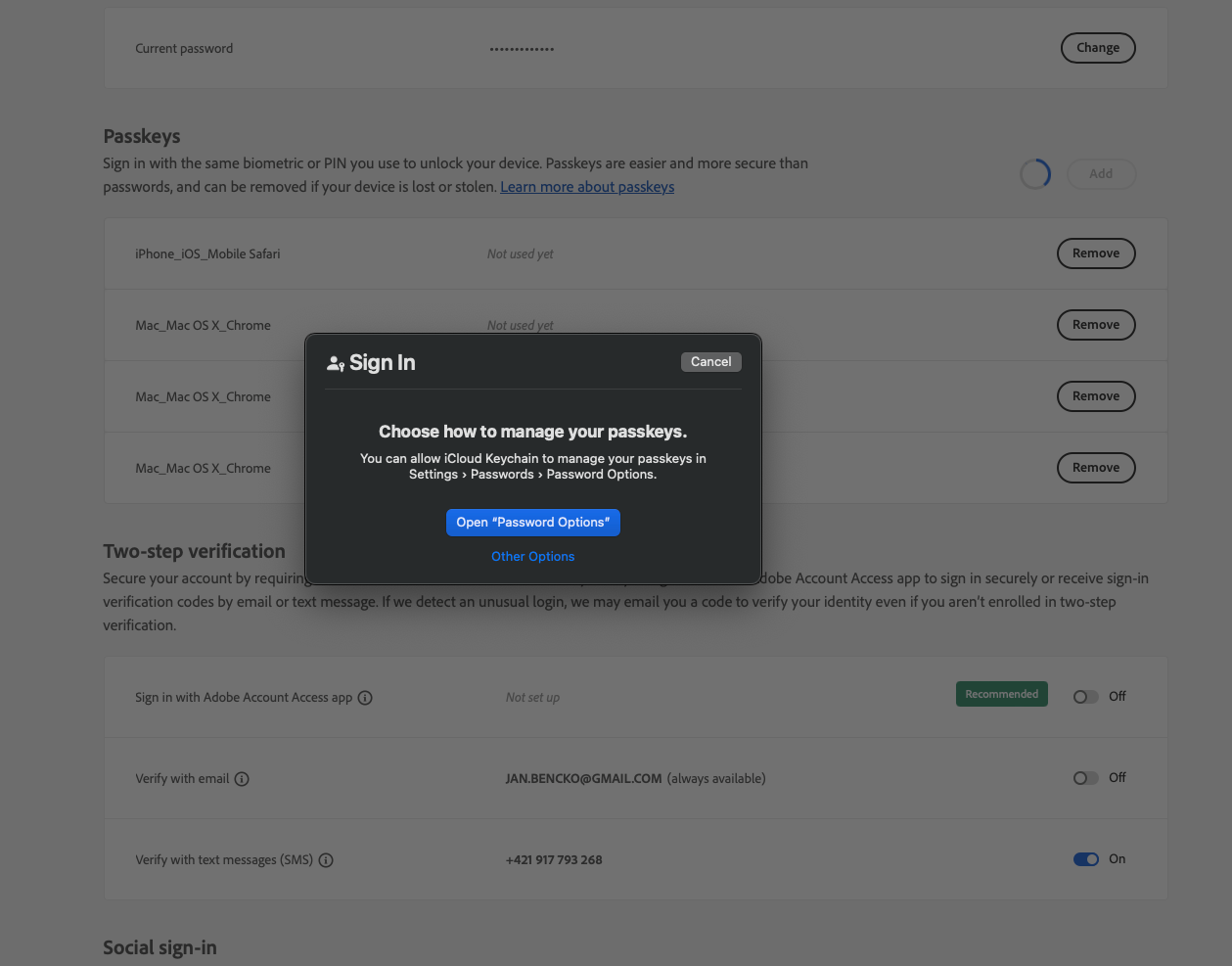
Hi, Thanks for the quick response. I double-checked the steps you sent, and I followed everything correctly. The issue still persists. It is important to mention that Enpass was able to detect the Facebook Passkey on the first try. Where Enpass couldn't detect Passkey creation process was i.e. https://adobe.com/, or google account passkey creation. (https://myaccount.google.com/) I tried in multiple browsers. OS: macOS Sonoma 14.1.1 Chrome browser: Version 119.0.6045.159 (Official Build) (arm64) Brave Version 1.60.118 Chromium: 119.0.6045.163 (Official Build) (arm64) (even with shields disabled) Safari: Version 17.1 (19616.2.9.11.7) Enpass version: Enpass 6.9.2 (1564) Mac App Store Browser extension: 6.9.3 Thanks, Jan
-
Hello, I updated Enpass for macOS, which supposedly already supports saving Passkeys, but I never see a window in macOS with the option to save the created Passkey to Enpass. I tried Brave, Chrome, Safari. In brave, he turned off Shield, I turned off adblockers, etc. I also checked the Browser settings in Safari, where I turned on the saving of Passkeys. Also, I have disabled the saving of Passkeys when using the keychain in macOS System Settings. Nevertheless, in Safari, I still see a native window with a menu, how I want to handle Passkeys, and in Chrome and Brave, a browser window with a menu, how I want to save the passkey. Can you give me some advice?