SnowyLessy
Members
-
Joined
-
Last visited
-
FINALLY!!! the problem solved...
-
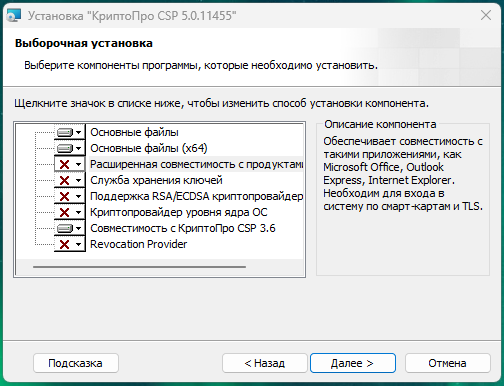
The Cryptopro module "improved compatibility with Microsoft products" breaks the CURL utility. Enpass uses that utility for sending requests to web services eg: activation/vault sync/pass check etc. so you need to fully remove cryptopro or just that concrete module for back enpass to live. My personal choise is move cryptopro inside VM --- FOR RUSSIAN USERS Модуль криптопро "Расширенная совместимость с продуктами Microsoft" что-то ломает внутри системы и перестает работать CURL, enpass делает запросы в сеть именно через этот пакет. Если отключить модуль не удаляя криптопро, все начинает работать, мне этот модуль требуется и я решила проблему радикально, полностью удалив криптопро из системы и установив его в hyper-v VM на этом же компьютере. --- This post is the result of a long history of debugging on this topic, and I decided to highlight this case as a more specific issue related to incompatibility and probably a specific country.
-
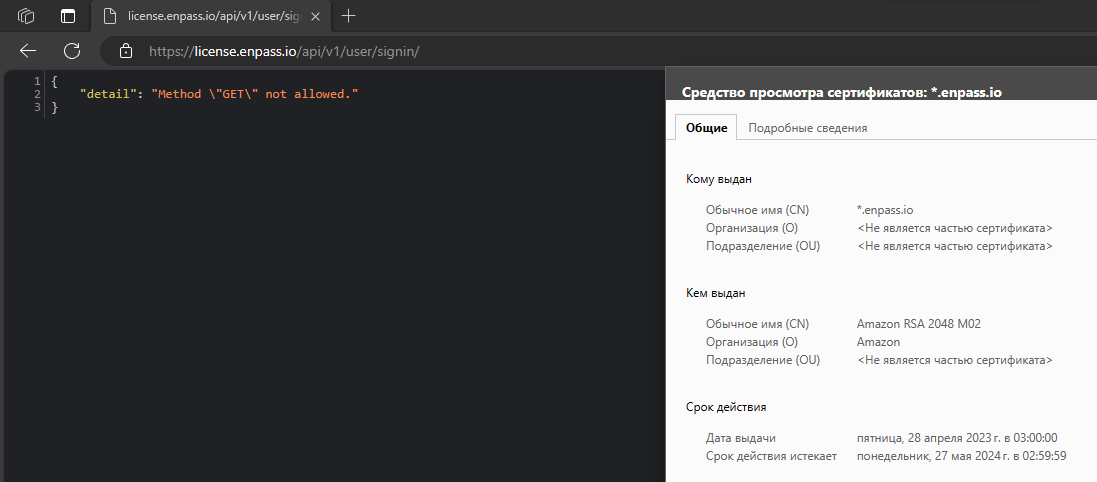
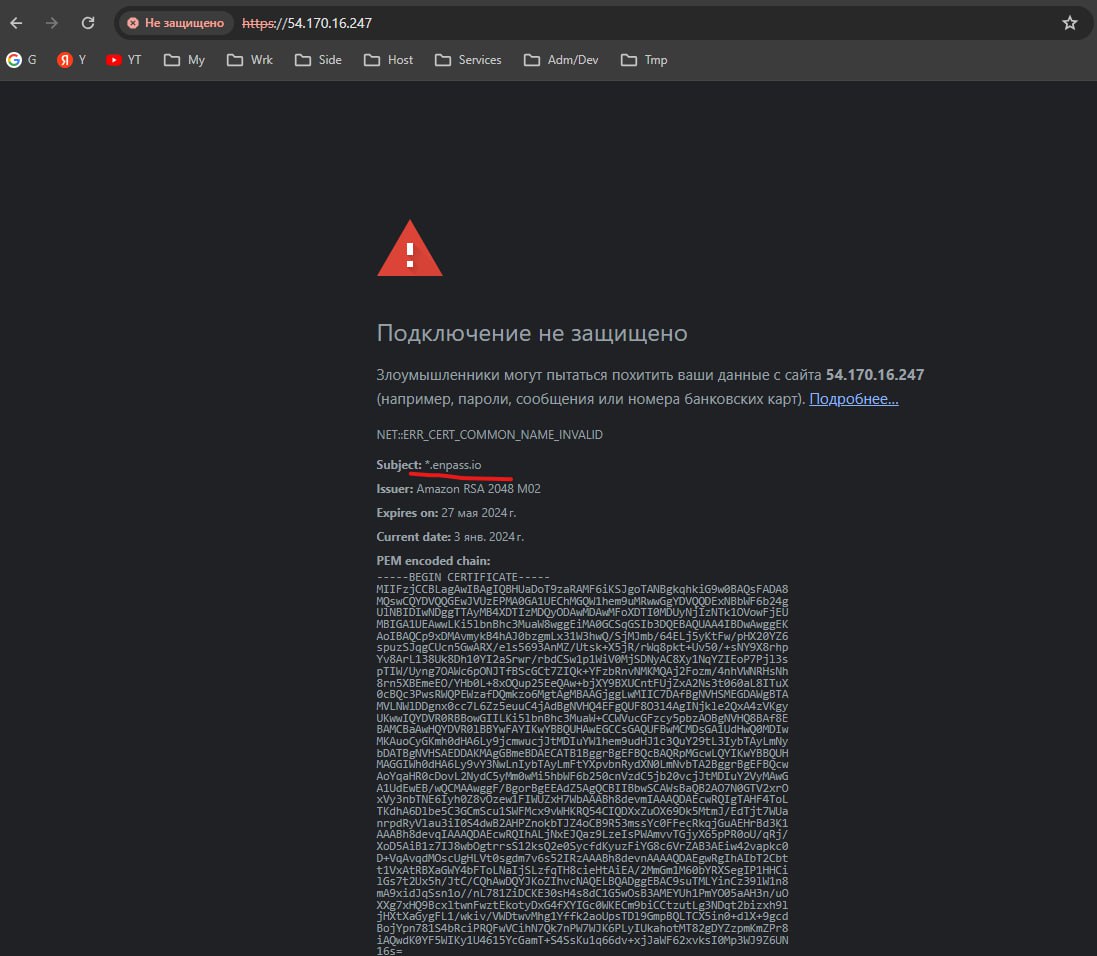
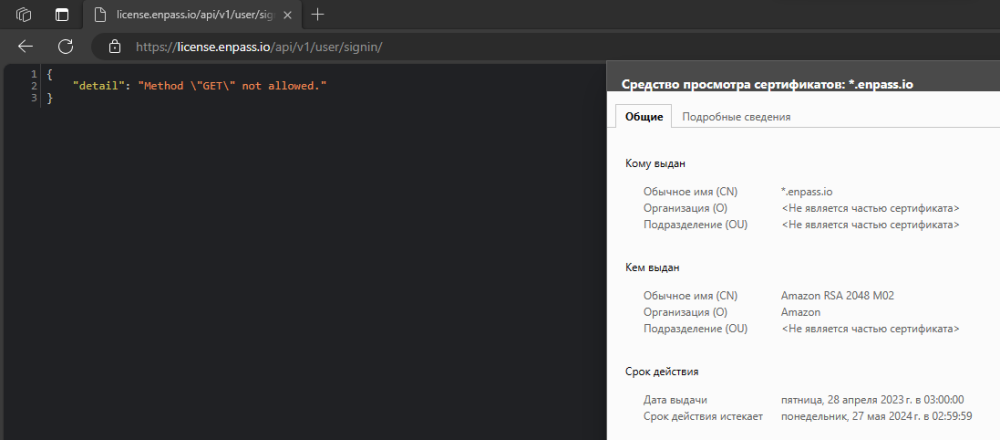
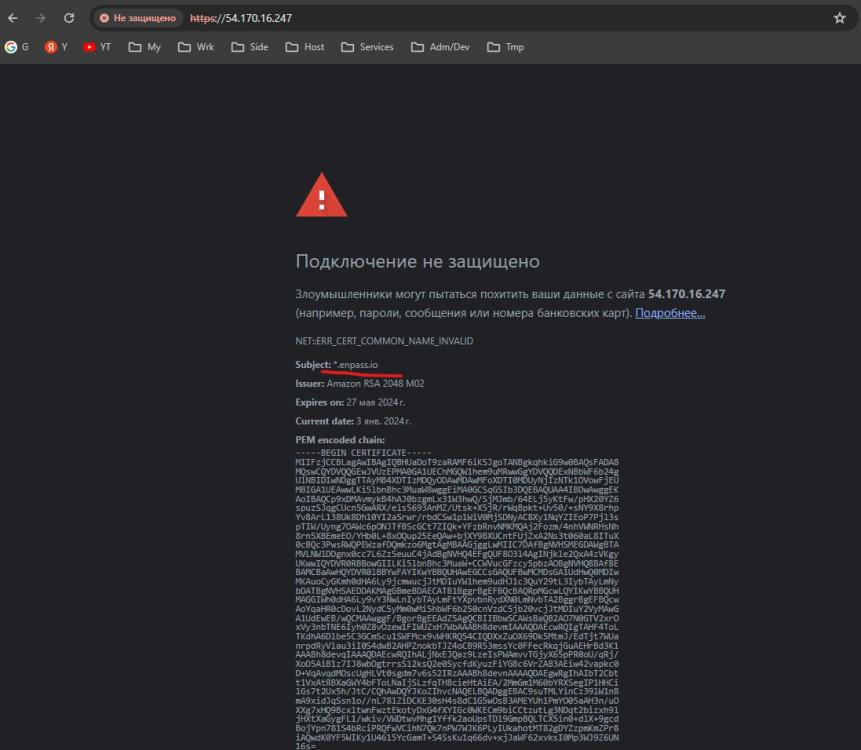
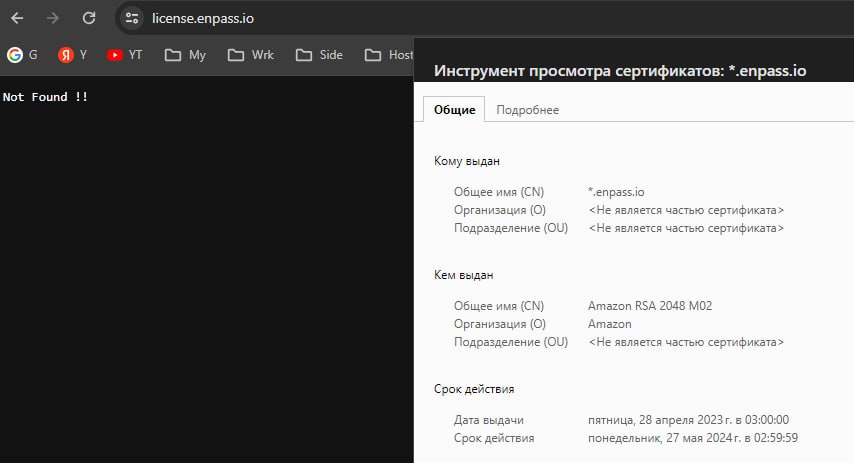
But browser says that certificate is correct
-
I found how to enable logging system, and there is: Info: 1705736847 [HTTPS] CURLE_SSL_CONNECT_ERROR try again Info: 1705736847 [HTTPS] ****Unable to verify server certificate ***** Info: 1705736847 [Enpass::HttpClient::performQuery] License server API Response :: URL : https://license.enpass.io/api/v1/user/signin/ Info: 1705736847 [Enpass::HttpClient::performQuery] License server API Response :: Status code : 35 Info: 1705736847 [Enpass::HttpClient::performQuery] Response Body : SSL connect error p.s. For other users: Settings -> Advanced -> Logs -> "Enable" checkbox
-
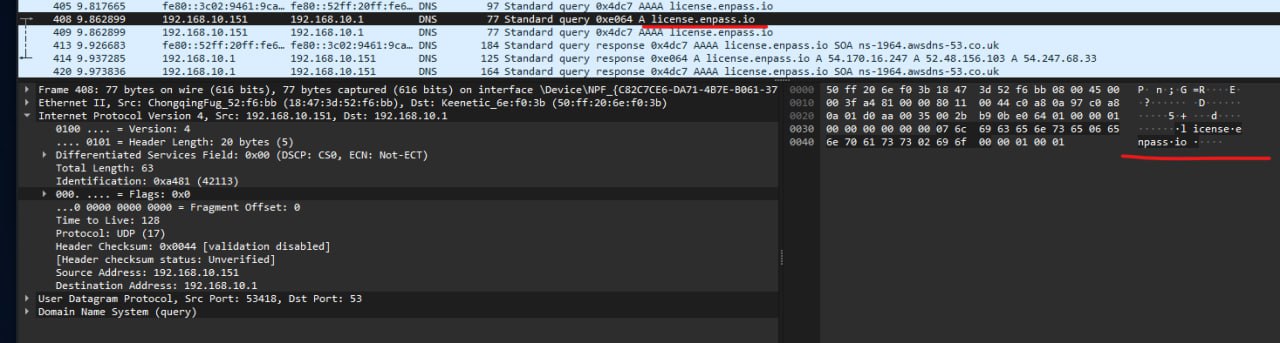
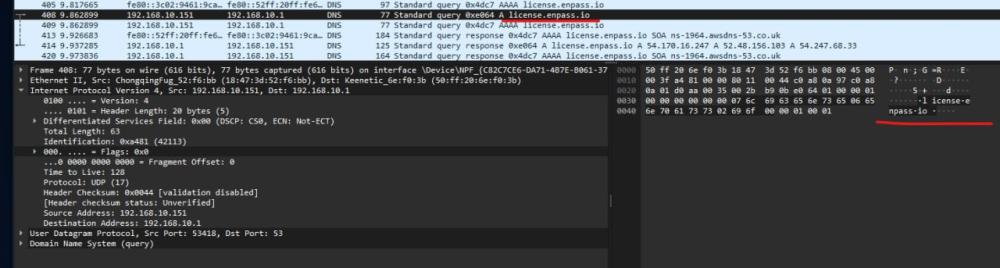
Today I tried to use an https proxy, it has no effect. I did some research, installed Wireshark and tried to catch some requests. Of course, without MITM I can't read the packets, but I can check if the application is trying to send them. And yes, it happened! Moreover, he gets some answers. At the same time, I checked the main problems with SSL; the browser opened the activation URL correctly, without errors. I think the error is somewhere near (or inside) the "no_internet_connection" exception, something like: "i got wrong answer from server / i can't read it / or something well throw exception" and the closest exception is "no_internet_connection"
-
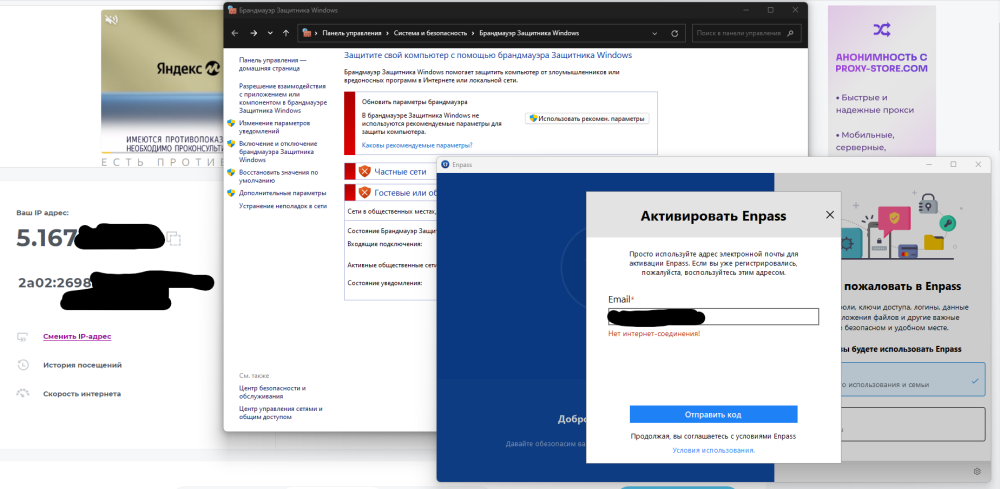
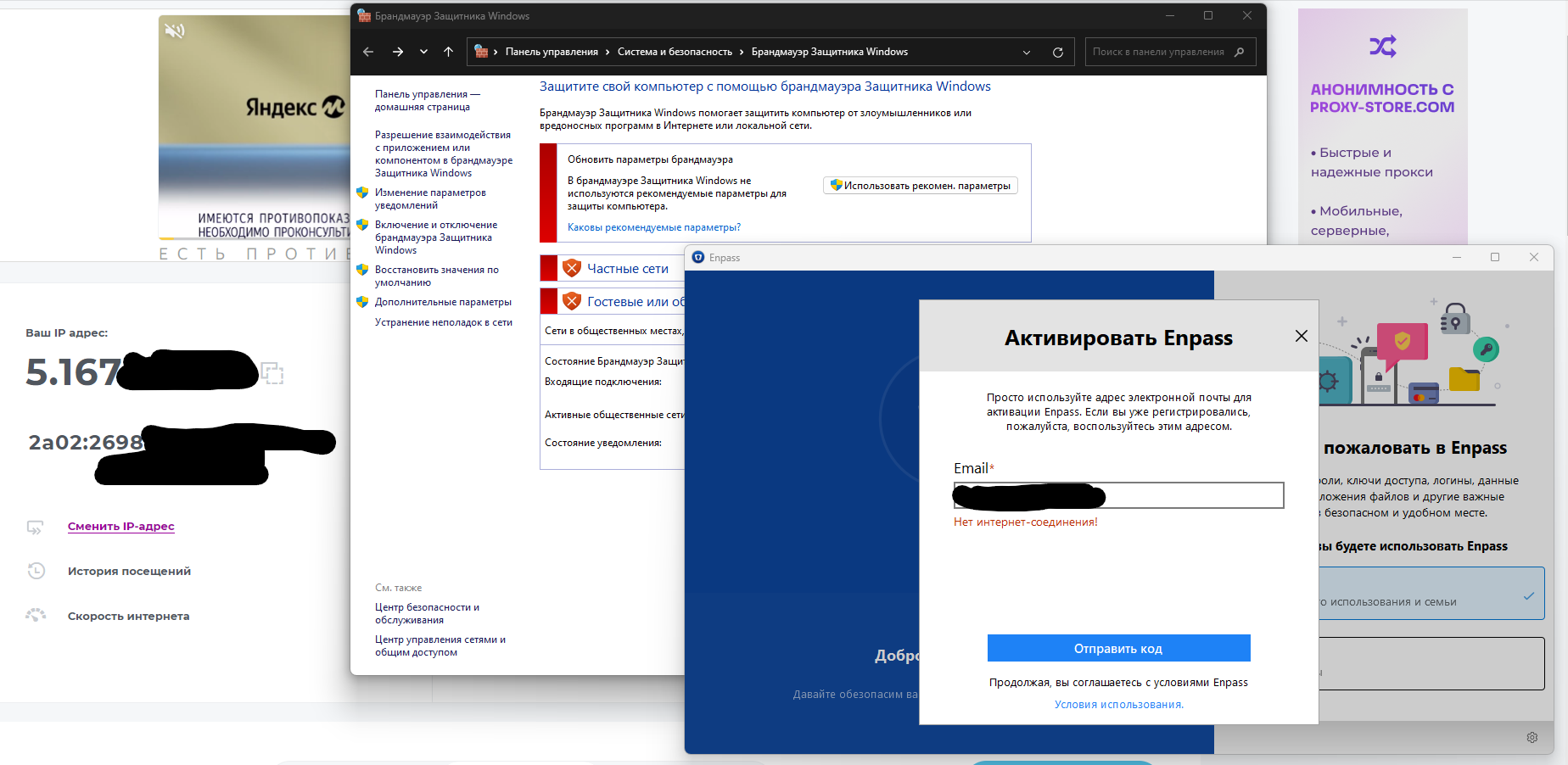
I have the same problem. It starts with a vault sync error, I decided to reinstall the app and now I can't activate it with the error "No internet connection". Of course I have an internet connection, I tried turning off the firewall but it doesn't help. I think this is the reason of fist issue with vault sync error... Details: OS: Windows 11 Pro (22H2) Build 22621.2283 [Windows Feature Experience Pack 1000.22662.1000.0] Antivirus and firewall: default windows defender and default windows firewall VPN: Installed outline, but not connected to the server (if connected it dows not work too)