.png.15558704e9431c31a629cf6555887452.png)

symmetricalboy
Members
-
Joined
-
Last visited
Everything posted by symmetricalboy
-
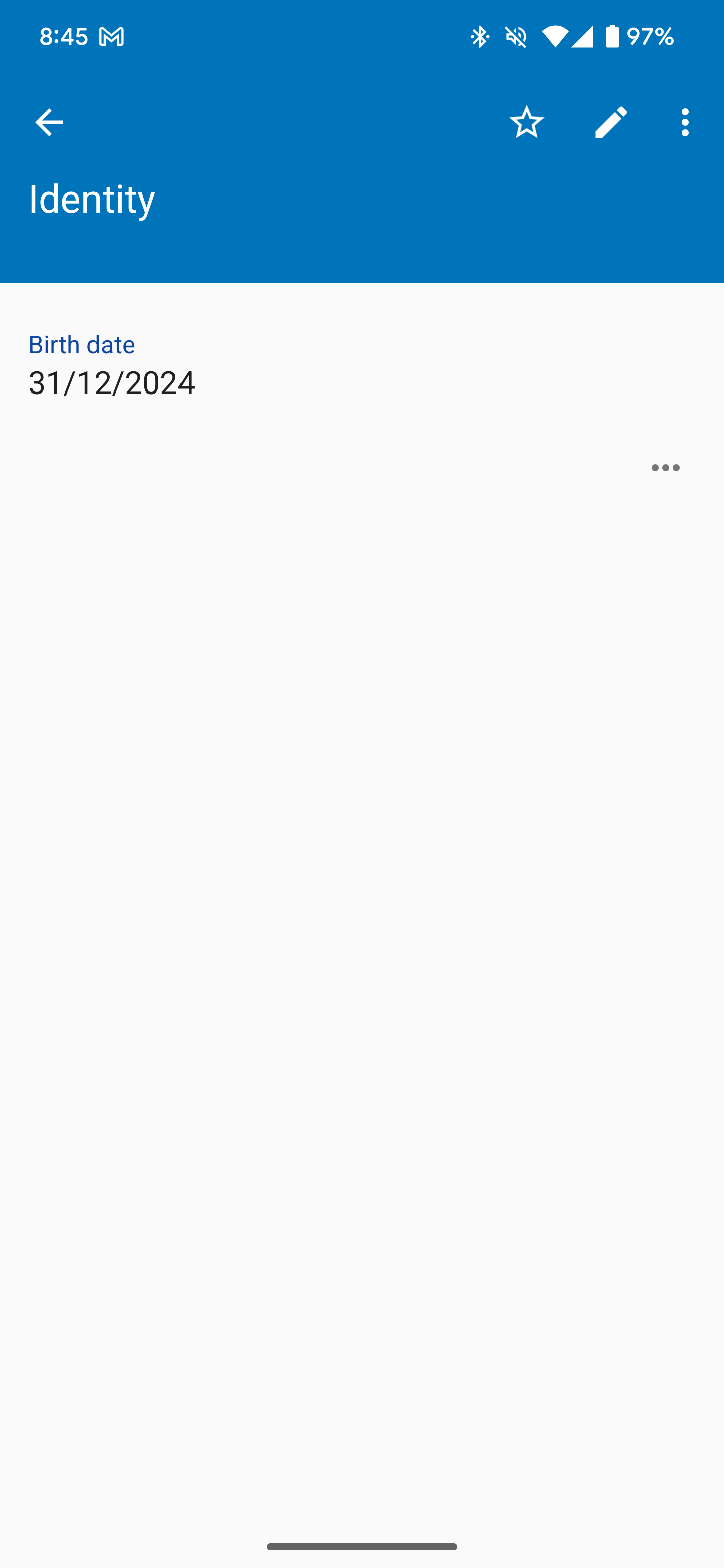
Date fields on Android need to respect the format of the device locale, i.e. my US phone should display the date MM/DD/YYYY by default. Here are the key Android developer documentation resources related to locale and date formatting: Core Classes Locale: The foundation for handling locale-specific information. Documentation: https://developer.android.com/reference/java/util/Locale Key methods: getDefault(), getDisplayName(), getLanguage(), getCountry() DateFormat: High-level class for locale-sensitive date formatting. Documentation (Java): https://developer.android.com/reference/java/text/DateFormat SimpleDateFormat: More customizable date formatting with explicit patterns. Documentation (Java): https://developer.android.com/reference/java/text/SimpleDateFormat Note: For modern Android development, consider using java.time APIs where possible. android.text.format.DateFormat: Android-specific utility class for date formatting. Documentation: https://developer.android.com/reference/android/text/format/DateFormat Guides and Examples Language and Locale Resolution Overview: Explains how Android handles language and locale settings. Documentation: https://developer.android.com/guide/topics/resources/multilingual-support Formatting Date and Time: Provides examples of date and time formatting using various classes. Documentation: (Check for updated guides on Android developer site) Additional Notes Best Practices: Use DateFormat or the Android-specific android.text.format.DateFormat when possible for automatic locale handling. Avoid hardcoding date formats if you want your app to be adaptable to different regions. User Preferences: Respect user settings for 12/24-hour time using DateFormat.is24HourFormat(context). Java 8+ APIs: If you are targeting newer Android versions (API level 26 or higher), you can also leverage the modern java.time package for enhanced date and time manipulation.
-
EDIT: Ignore this initial message. Read the following comment for more info.
-
https://www.enpass.io/security-audit-report/
-
+1 for Wear OS support, btw! This was a huge reason I moved to Enpass!
-
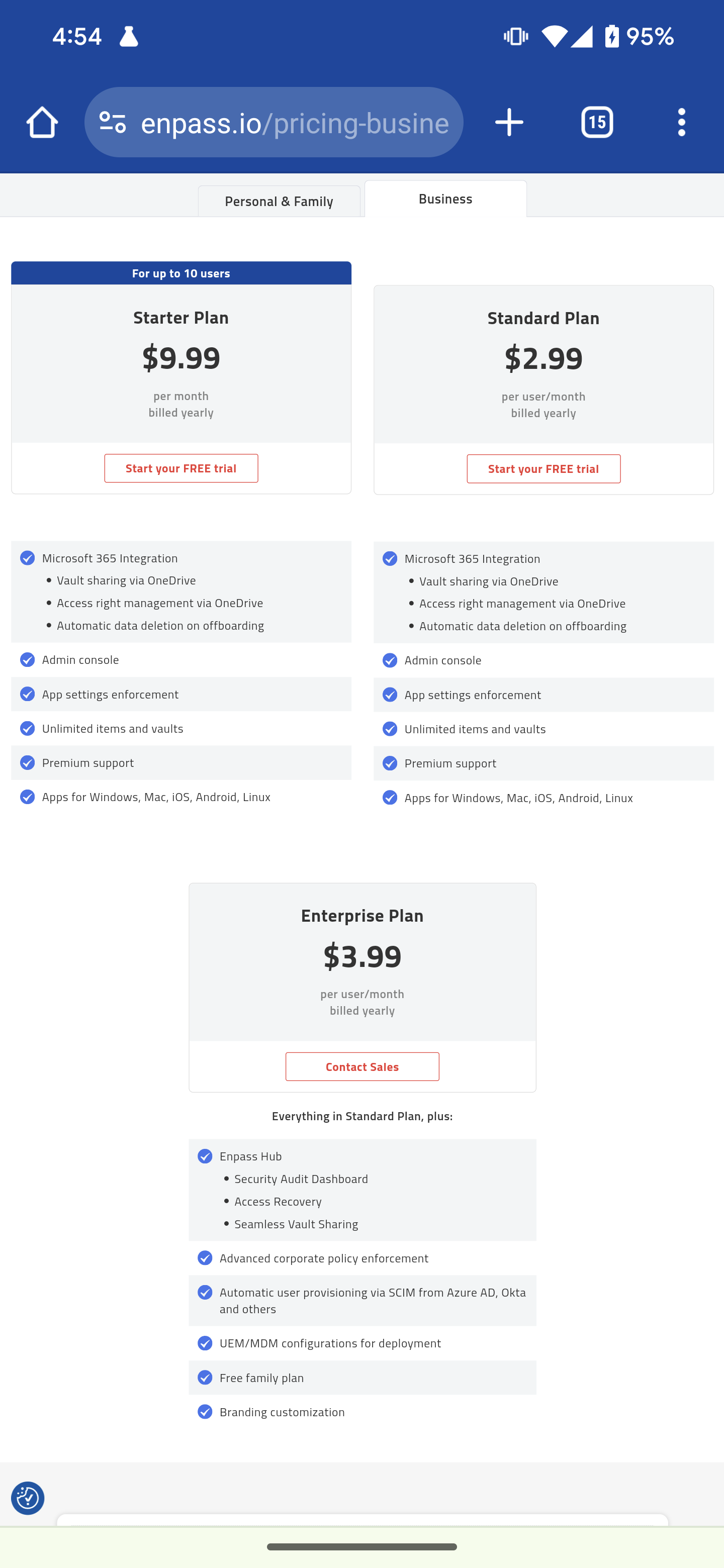
IMAGE: This seems to me like some mistakes got published, right? Or am I missing the point of something here?
-
I am really enjoying Enpass. I switched from Bitwarden about 6 months ago. I had been with Bitwarden about a year after ditching Google Password Manager. I am very very pleased overall with this product. But one thing about it just doesn't make sense for how I use it: I have no desire to use any of the category functionality at all. This is fine on desktop; I can pretty much just hide it & forget it. But on Android, it is stuck there, in your face, unmovable. So my request is simply to let me hide the categories. I don't think they're useless for everyone; I'm not out to kill them off. I just personally don't have any use for them. I hope that's an easy one to do! You guys are great! Thanks!
-
Just thought I'd report a win; Windows Hello in Enpass has been broken for me for a while, & I decided to switch to your beta build, & that fixed it. I had reinstalled the previous version & set it up again, but that didn't solve it. Whatever you've done in 6.10.0 (1609) (website beta version) is working for me. System: Edition Windows 11 Pro Insider Preview (Canary) Version 23H2 OS build 26040.1000 Experience Windows Feature Experience Pack 1000.26040.1000.0 Device Microsoft Surface Book 3 Current (working): Enpass 6.10.0 (1609) (website beta version) Previous (failing): Enpass 6.9.3 (1592) (Microsoft Store stable version) Windows Hello was just never opening up. Enpass would say it was using it, but nothing would actually happen. Seems like you fixed whatever it was!