Skip to content
View in the app

A better way to browse. Learn more.

Enpass Discussion Forum

A full-screen app on your home screen with push notifications, badges and more.

To install this app on iOS and iPadOS
  1. Tap the Share icon in Safari
  2. Scroll the menu and tap Add to Home Screen.
  3. Tap Add in the top-right corner.
To install this app on Android
  1. Tap the 3-dot menu (⋮) in the top-right corner of the browser.
  2. Tap Add to Home screen or Install app.
  3. Confirm by tapping Install.

Andrea Vannini

Members
  • Joined

  • Last visited

  1. Confirmed!!! I tried with Firefox and solved it! Thank you very much!
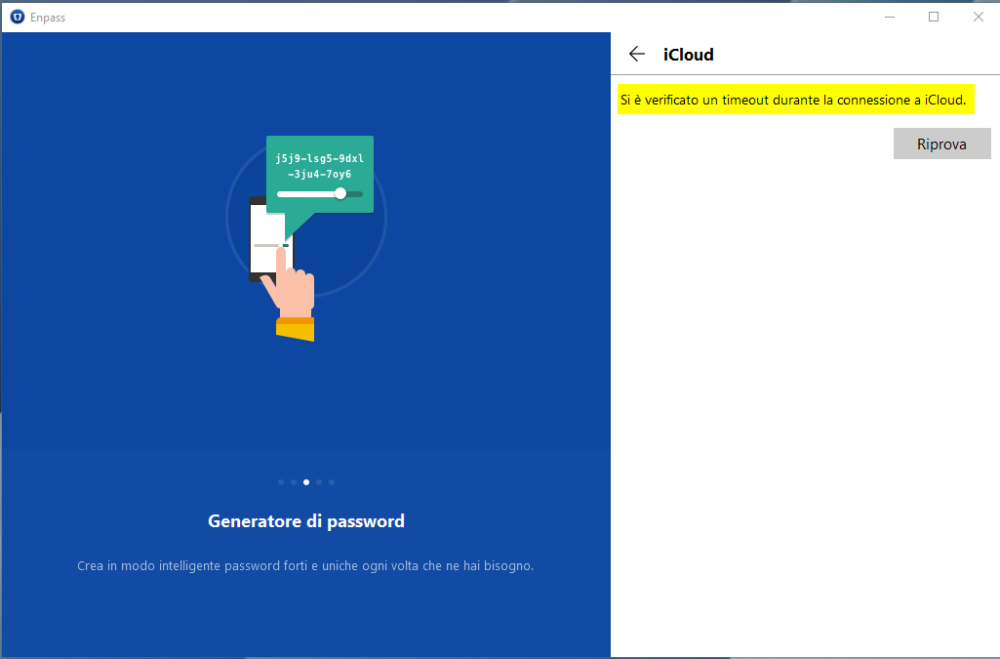
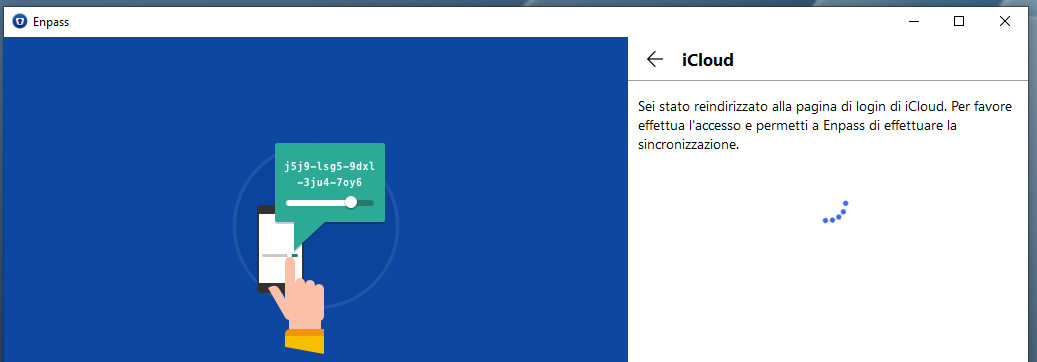
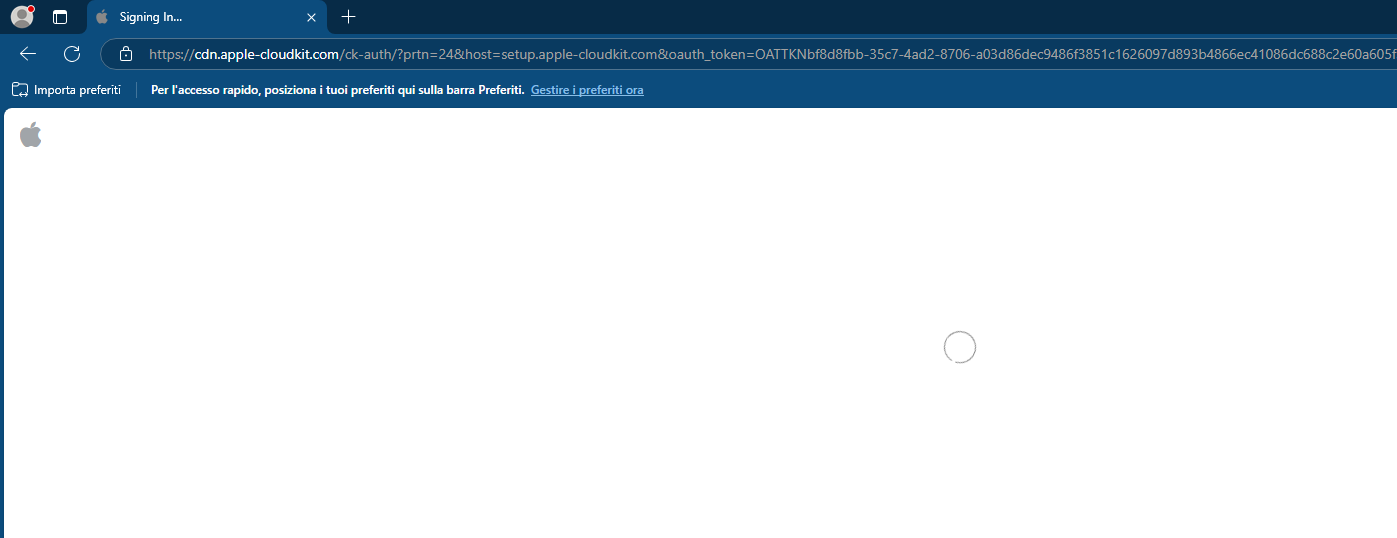
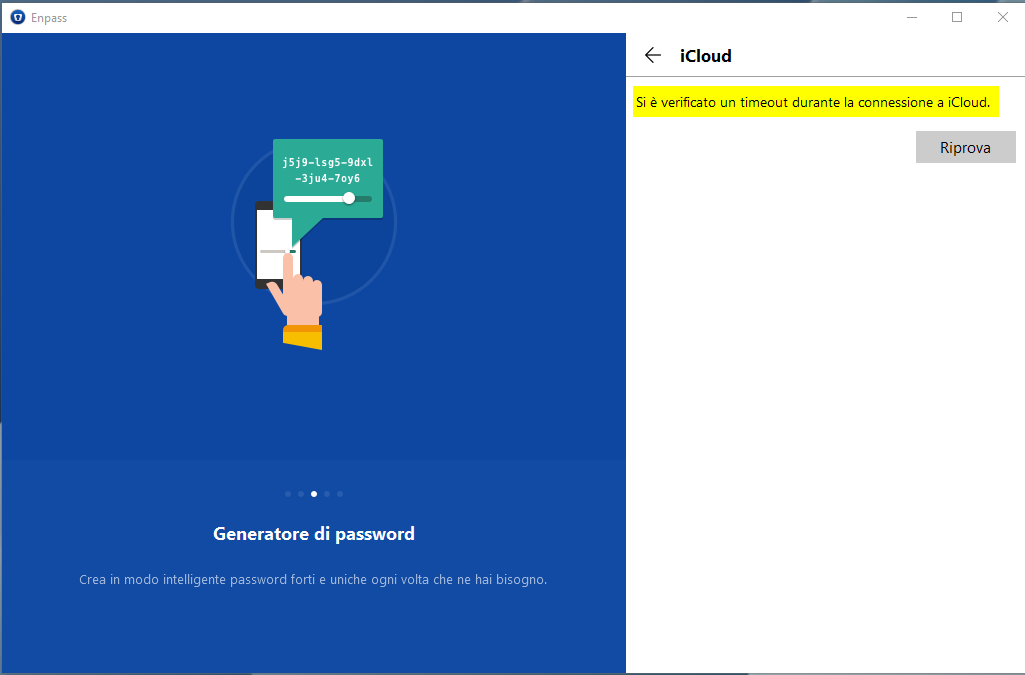
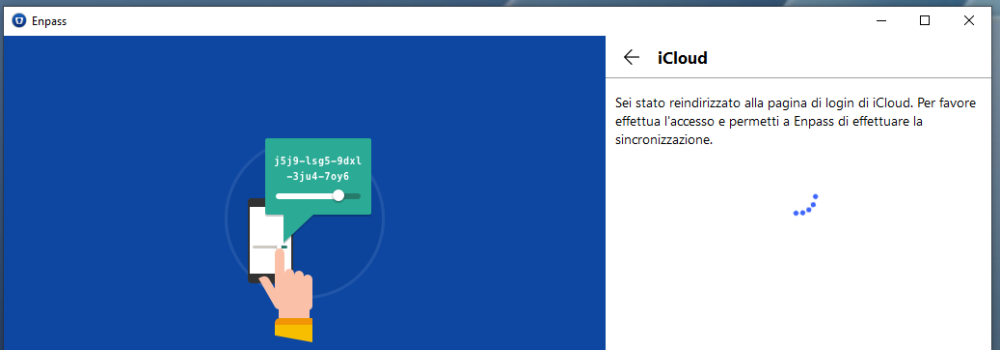
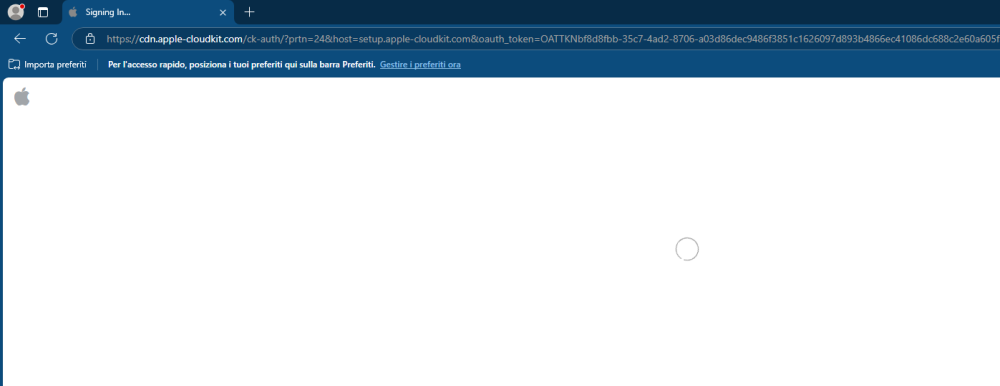
  2. Good morning, For the past few weeks, iCloud synchronization has not been working on one of my Windows 10 PCs. I get a timeout error after signing in with my Apple ID and waiting for some minutes. I have tried signing in using both Chrome and Edge. See attached images. I also tried uninstalling and reinstalling Enpass, but that didn’t solve the issue. I have another Windows 10 PC that syncs correctly. My iPhone also syncs correctly. Can you help me? Thanks!
Account

Navigation

Search

Search

Configure browser push notifications

Chrome (Android)
  1. Tap the lock icon next to the address bar.
  2. Tap Permissions → Notifications.
  3. Adjust your preference.
Chrome (Desktop)
  1. Click the padlock icon in the address bar.
  2. Select Site settings.
  3. Find Notifications and adjust your preference.