lmlmlm
Members
-
Joined
-
Last visited
Everything posted by lmlmlm
-
Output of lsof -i:10391 COMMAND PID USER FD TYPE DEVICE SIZE/OFF NODE NAME Enpass 4919 lorenzo 29u IPv4 34976 0t0 TCP localhost:10391 (LISTEN) Enpass 4919 lorenzo 31u IPv4 452603 0t0 TCP localhost:10391->localhost:38490 (ESTABLISHED) brave 5128 lorenzo 21u IPv4 460871 0t0 TCP localhost:38490->localhost:10391 (ESTABLISHED) Output of netstat -lnp --tcp | grep "Enpass" (Not all processes could be identified, non-owned process info will not be shown, you would have to be root to see it all.) tcp 0 0 127.0.0.1:10391 0.0.0.0:* LISTEN 4919/Enpass
-
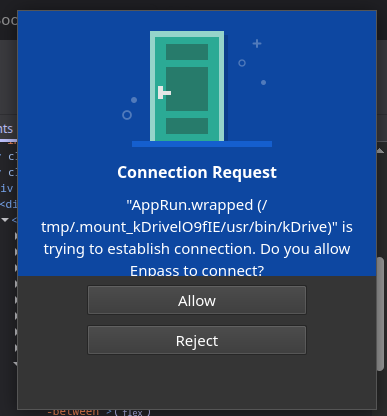
Another application, another connection request
-
Today it happened the same issue with Telegram

-
- I'm using 3 Google accounts (2 are @gmail accounts, 1 is Google workspace account) - I use Brave Browser v1.78.97
-
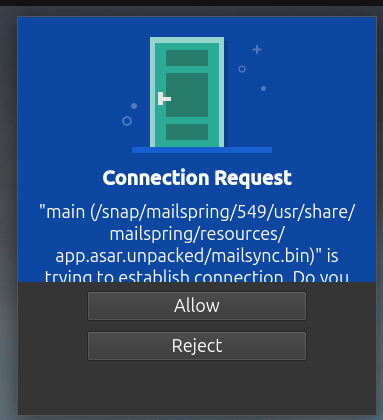
Hello, this issue just happened to me with a connection request from my mail software (mailspring). I've managed to capture a screenshot of the request. On logs I see many Info rows with: Info: 1743682803 [Enpass Browser Extension Server] Browser extension validation failed. Info: 1743682873 [Enpass Browser Extension Server] Browser extension validation failed. Info: 1743683237 [Enpass Browser Extension Server] Browser extension validation failed. I'm using Ubuntu 24.04.2 LTS and Enpass 6.11.6 (1833)