eliu01
Members
-
Joined
-
Last visited
Everything posted by eliu01
-
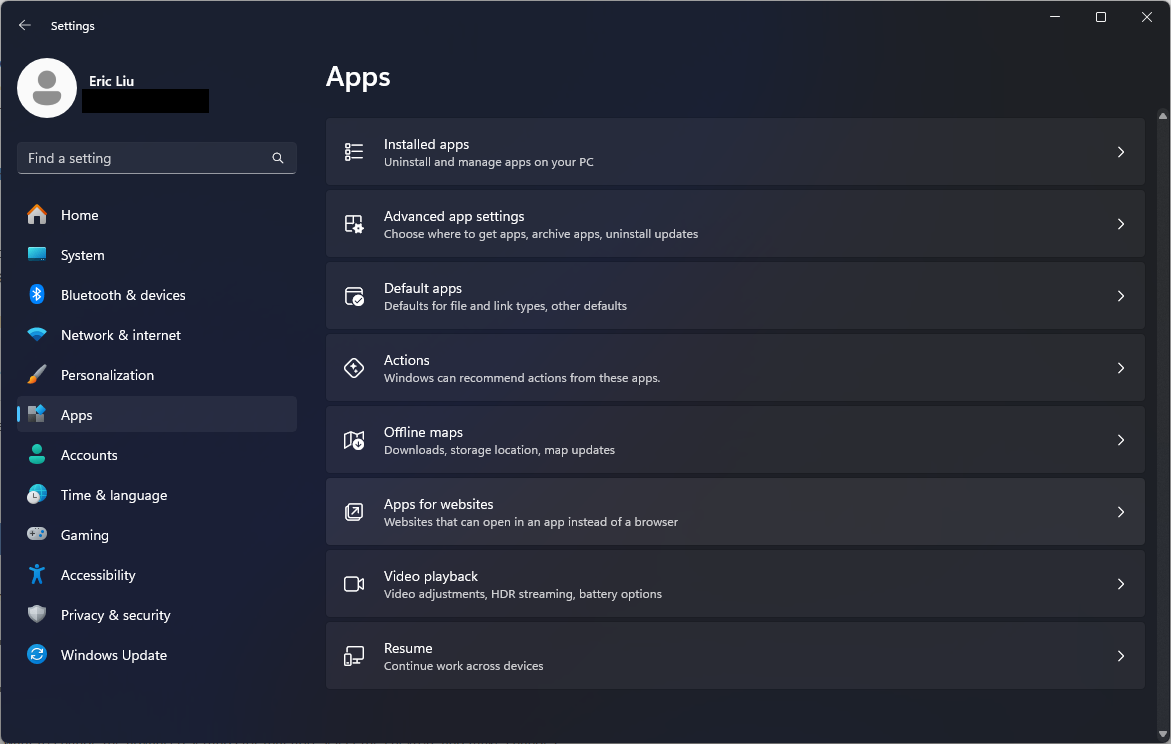
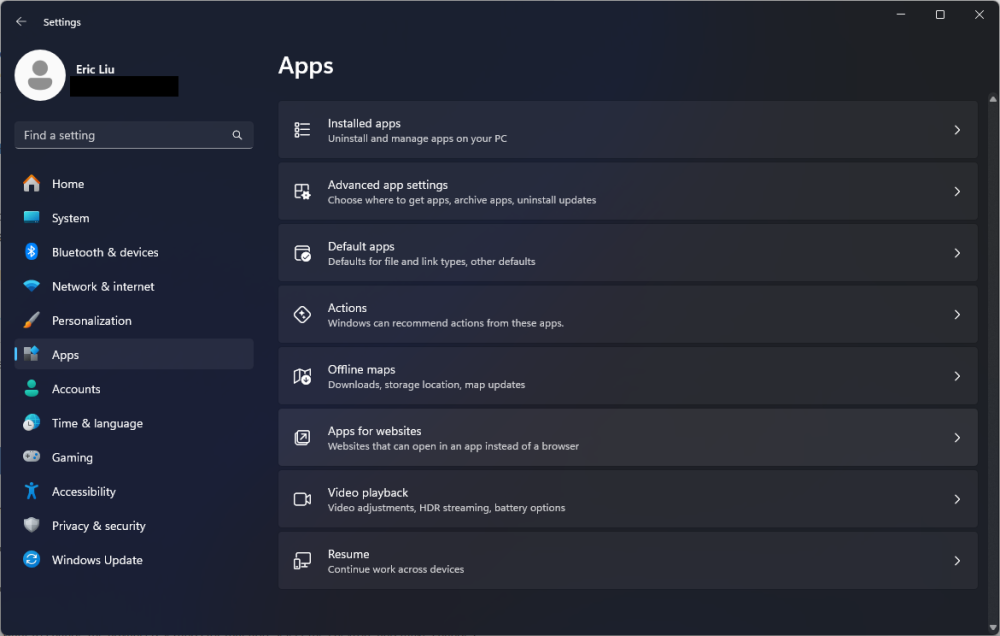
Thank you. There is no "Startup" option under "Apps" in my build of Windows 11. However, I was able to find the "Background app permissions" setting in Apps -> Installed apps -> Enpass -> Advanced options." Unfortunately, changing the setting to "Always" does not change the startup behavior.
-
That search result is not available in my build of Windows 11. Please advise. Thank you.
-
I cannot find the "Startup Apps" setting in my build of Windows 11. Please provide steps for locating this setting. Thank you.
-
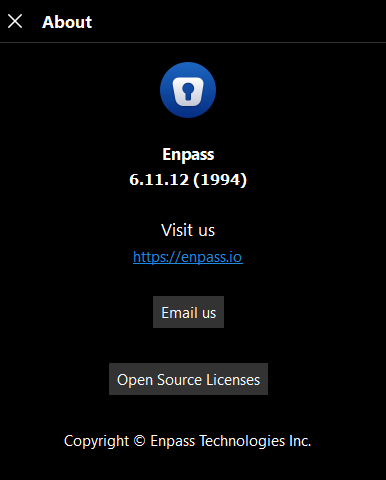
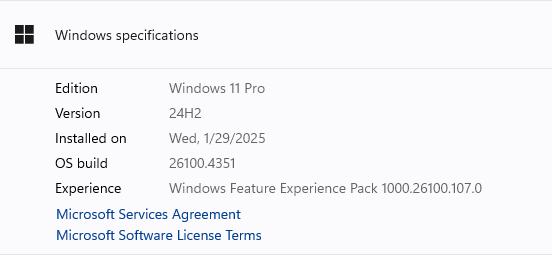
Hello! Thanks for the reply. I've already tried your suggested steps with no change in behavior. ☹️ Enpass version 6.11.12 (1994), installed from the Microsoft Store. Windows 11 info: Edition Windows 11 Pro Version 24H2 Installed on Wed, 1/29/2025 OS build 26100.4351 Experience Windows Feature Experience Pack 1000.26100.107.0 Thank you!
-
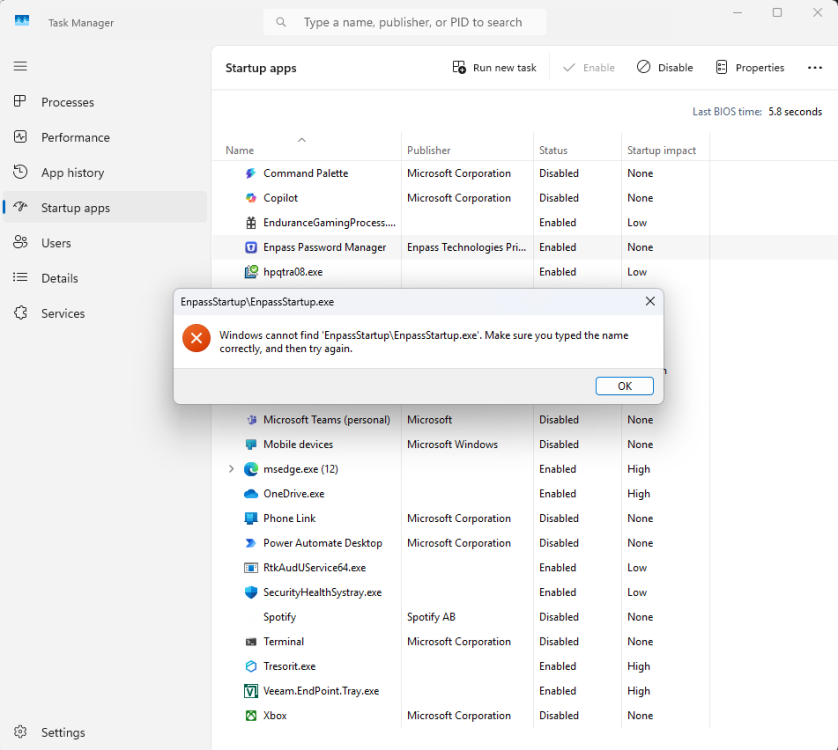
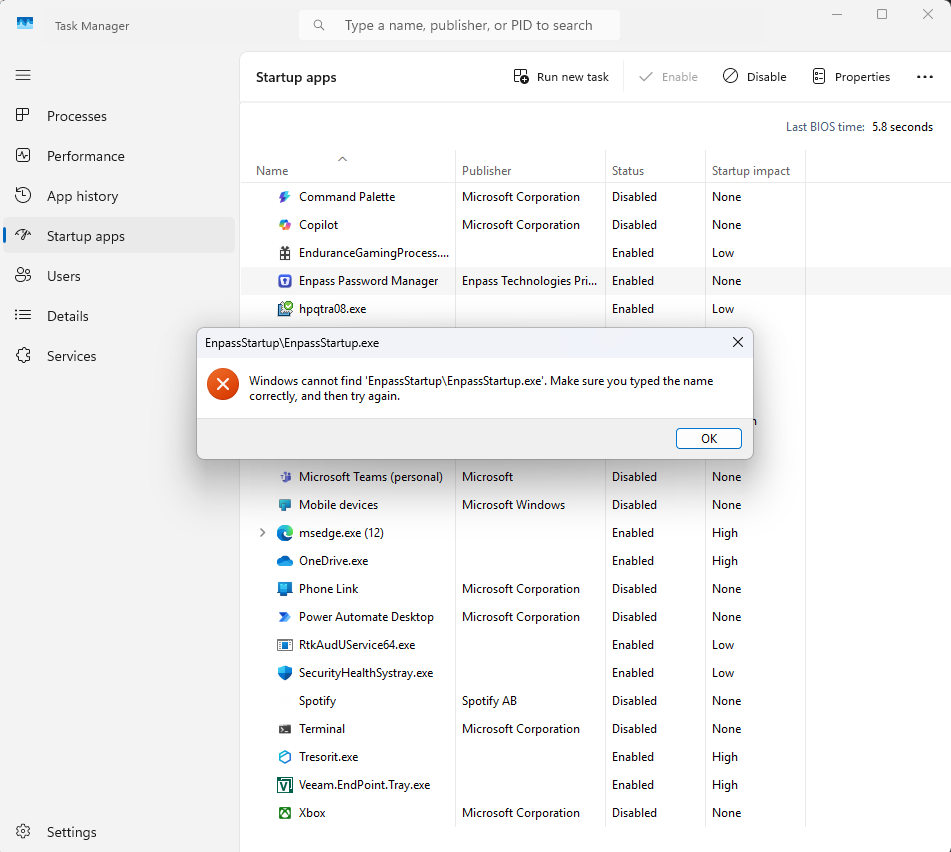
Possibly after installing Windows Update KB5060842, Enpass stopped loading during startup. The checkbox to enable "Open Automatically at System Startup" does not stay checked between restarts. In Task Manager -> Startup apps, Enpass shows "disabled" by default. It can be changed to "enabled" there, but it won't stay enabled between restarts. When checking the properties of the Enpass startup process here, the following error message appears: "Windows cannot find 'EnpassStartup/EnpassStartup.exe.' Make sure you typed the name correctly, and try again." For now, I have a shortcut to the Enpass executable in the startup folder, but this is not an ideal solution as it prompts to unlock Enpass during startup instead of just loading minimized like the "Open Automatically..." option does. I have uninstalled and reinstalled Enpass from the WIndows Store with no change in behavior. This happened once before a few months ago but the issue somehow resolved itself after a few days. Any guidance is appreciated. Thank you.