MikeH
Members
-
Joined
-
Last visited
Everything posted by MikeH
-
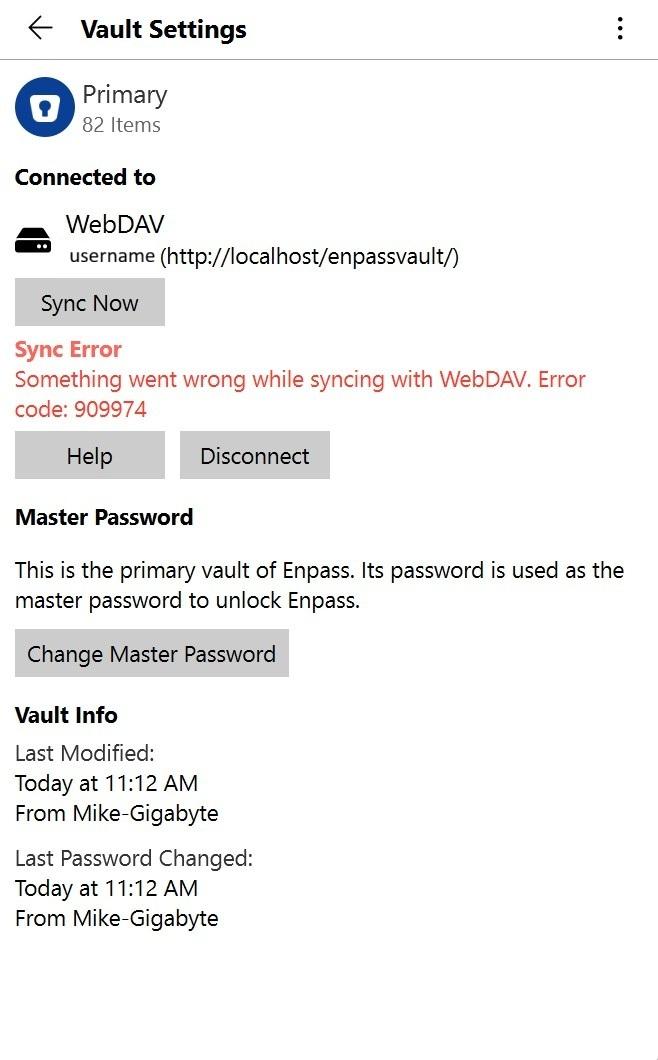
Hi Enpass team, or other Enpass users - Are you guys (Enpass team) sure Enpass works with a local, non-cloud, vault? After being stuck for several months on the WiFi sync issue in my other ticket I though I would give a self-hosted WebDAV a try. But it has showstopper issues also. Do you consider a self-hosted vault to be a mainstream configuration? I thought that is your main differentiator -- it is the most important feature for me. I'm encountering persistent sync failures with Enpass using a self-hosted WebDAV server. The error code is 909974 on vault sync on my Windows 11 server, which appears after a second device attempts to sync or modify the vault. Here's a breakdown of my setup and the issue: Setup: Server OS: Windows 11 WebDAV Server: Apache 2.4.65 (installed as a Windows service) Vault Location: C:\Apache24\webdav\enpassvault\Enpass\ DavLockDB: Configured as C:/Apache24/var/DavLock Authentication: Basic Auth via AuthUserFile Apache Config Includes: Alias /enpassvault "C:/Apache24/webdav/enpassvault" <Directory "C:/Apache24/webdav/enpassvault"> Dav On AuthType Basic AuthName "Enpass Vault" AuthUserFile "C:/Apache24/conf/user.passwd" Require valid-user Options Indexes <LimitExcept GET OPTIONS> Require valid-user </LimitExcept> </Directory> Devices Connected: Windows 11 laptop Linux Mint desktop iPhone What Works: Initial sync from one device (e.g., Linux) works fine Vault is created and accessible via browser and WebDAV clients Apache logs show successful PROPFIND, GET, and MKCOL operations What Fails: After a second device (e.g., laptop or server) attempts to sync, Enpass throws error 909974 Apache logs show successful access to vault.enpassdbsync, but Enpass fails to reconcile changes Error persists even after restarting Apache and clearing the lock database Troubleshooting Steps Already Taken: Recreated the vault folder and let Enpass initialize it cleanly Verified folder permissions and Apache access across all parent directories Confirmed DavLockDB is writable and active Ensured only one device syncs at a time during reinitialization Tested access via browser — no issues observed Request: Can you clarify what triggers error 909974 in multi-device WebDAV setups? Is there a known issue with Apache’s locking or file overwrite behavior that Enpass expects? Are there specific WebDAV methods or headers Enpass requires that Apache may not fully support? Any guidance on how to stabilize sync across multiple devices would be greatly appreciated. Thanks, Mike
-
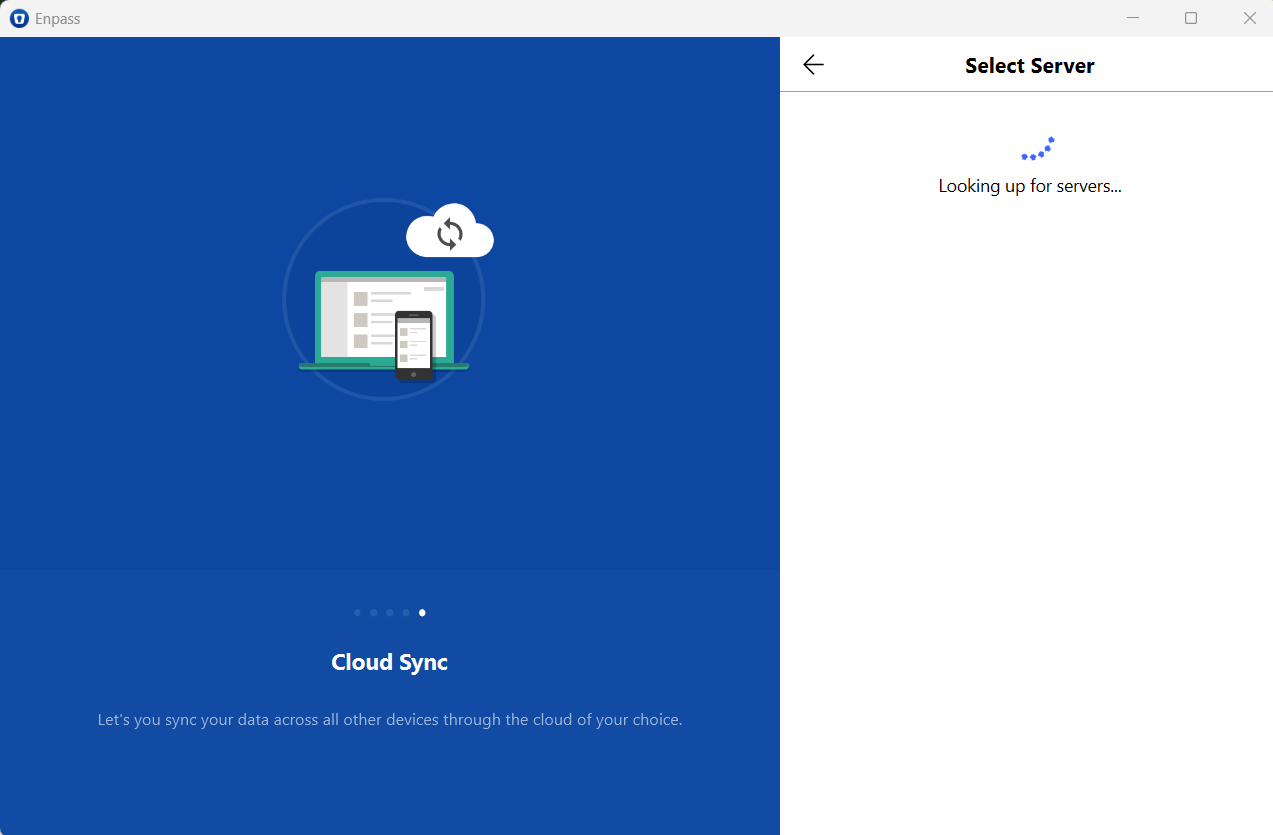
Hello Amandeep and Tarun - I've upgraded to the latest version of Enpass and this is still outstanding on my Windows 11 laptop. Do you have any additional info? This has been outstanding for a very long time. Here are the details of my setup and what I’ve tried: Server: Windows 11 desktop, Enpass Wi-Fi Sync Server running, network profile set to Private Client: Windows 11 laptop, same Wi-Fi network, network profile also set to Private VPN: NordVPN is disabled on both systems Firewall: Windows Defender Firewall disabled on both systems during testing Connectivity: Laptop can ping the desktop successfully Browser test: Entering https://192.168.1.100:58529 from my Windows 11 laptop prompts for username/password, confirming HTTPS server is reachable I get a message saying my connection isn't private. Also I get a message warning about the security certificate. I think this is normal behavior for local services that aren’t backed by a public certificate Enpass behavior: Laptop client never discovers the server, does not offer QR code scan or manual IP entry Additional steps taken: Ran Enpass as administrator on desktop Disabled all virtual network adapters Verified network discovery and file sharing are enabled Reinstalled Enpass on laptop and deleted residual data folders Confirmed sync works with other devices (iPhone and Linux Mint) This Confirms The sync server is running It’s reachable over HTTPS The certificate is active, even if untrusted by browsers My laptop is not blocked by firewall, VPN, or network profile This seems like a client-side bug or sync module failure. Could you advise on any additional diagnostics or configuration steps to resolve this? Thanks, Mike
-
I have resolved this problem. For some reason the Wi-Fi Sync Server stopped running on my Windows 11 Desktop. I restarted it, then I had to disconnect the Wi-Fi sync connection on my iPhone and Linux system and reconnect them. All is working fine now. I was able to see the Wi-Fi sync server from my iPhone with NordVPN running, but I had to pause the VPN for my Linux system to see the sync server.
-
Hi all - I have my primary vault on a Windows 11 desktop system. My iPhone and Linux Mint system were working fine and syncing to the Windows 11 system perfectly. Until today. (And I'm still waiting -- 3 months now -- for Enpass development to get back to me on why my Windows 11 laptop can't sync to my desktop. See other ticket for more details.) I haven't changed anything on my Windows 11 system, but now my iPhone and Linux Mint systems are getting a Sync error -- "Couldn't connect to Wi-Fi Sync Server. Make sure that server is running and you are connected to same network." Does anyone have any suggestions on what might be causing this? I made no changes to my Windows 11 desktop that I'm aware of. It previously worked fine with NordVPN running but I turned it off just to be sure. Any ideas why the sync suddenly broke? Thanks! Mike
-
Thanks, Amandeep, for your quick reply. Here's some additional info for you. I also have a Linux Mint system, and Enpass works fine on it, communicating with my Windows 11 Enpass server. As does my iPhone. But my 2 Windows 11 laptops just spin and are unable to find the Enpass server. So since Enpass on iOS and Linux successfully communicate with the server it seems that the server is set up and running properly, and the problem is with the Windows 11 laptops. Please advise. Thanks. Mike
-
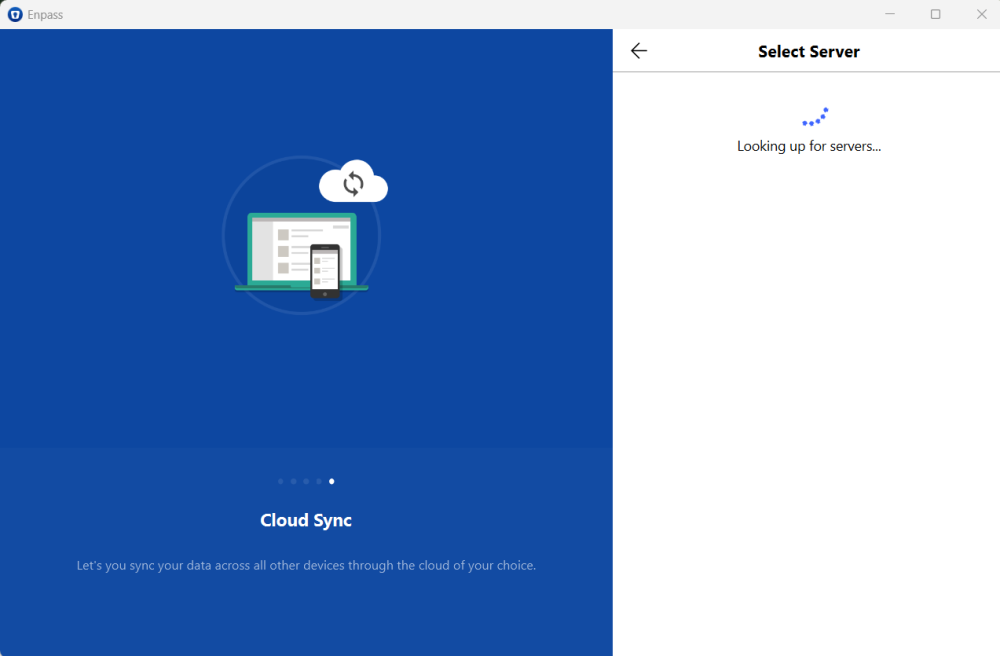
Hi Tarun - It's been quite a long time since you told me your dev team is investigating the issue. Do you have any suggestions for me? Again, where things now stand, is that my iPhone can successfully sync to the enpass server on my Windows 11 system. But my Windows 11 laptop still does not work. I am running Norton 360 and I verified that wifisyncserver_bin is listed as Allowed in their firewall. I also temporarily disabled Norton and it still doesn't work. When I install enpass on my Windows 11 laptop and select Wi-Fi Sync the application just spins and says "Looking up for servers..." Both systems are on the same private network. And as I said in my original post I tried doing the same thing on an old WIndows 10 system and it works. Wny would it work on Windows 10 but not on Windows 11? Haven't a lot of other people also run into this issue before? I don't think my environment is unusual -- I just have 2 Windows 11 systems. Thanks, Mike
-
Hi Guys - I just installed Enpass 6.11.12 (1997) and I can't get the Wi-Fi Sync to work between my Windows 11 desktop and my iPhone. I went through every troubleshooting document I could find but nothing fixes the issue. Here are the suggestions I tried, and more info about my configuration: I am running Windows 11. When I try to find my Enpass Vault on my iPhone it cannot find the Windows 11 Vault. When I scan the QR code it just spins and does nothing. When I go to the Manual Setup I cannot see my Windows 11 Vault. I rebooted and restarted the computer, iPhone, and router and cycled WiFi on all. I completely uninstalled Enpass from both my Windows 11 desktop and my iPhone, and reinstalled both. Everything is on the same WiFi network and all the clocks are consistent. I stopped and restarted the Wi-Fi Sync Server on the Server computer. The Enpass WiFi Sync server appears to be running correctly – the Status says Running and the Server Name and Address look correct. It lists my Primary vault as being available for syncing through the server. I have Network Discovery turned on. File and Printer Sharing turned on. and Public Folder Sharing turned on. My network is set to Private. The Function Discovery Resource Publication, DNS Client, SSDP Discovery, and UPnP Device Host services are all running. SMB 1.0/CIFS File Sharing Support is on. I also turned off the Windows Defender firewall for my private network and it still has the same problem -- it is not visible on my iPhone. I normally run, but disabled for testing, Norton 360 and NordVPN. I have an old Windows 10 system. It normally runs Linux, but I briefly rebooted it into Windows 10 and Enpass Wi-Fi sync works there -- when I try to find my Enpass Vault on my iPhone I can see the Vault on Windows 10 and sync to it. So I know there is no problem with my router or network. So, I don't know what is different between my two systems other than one is Windows 10 and the other is Windows 11. I assume many people are successfully using Wi-Fi sync on Windows 11, so it must be possible to work correctly. Does anyone have any suggestions on what might be causing the problem? Thanks for your help! Mike