sbugzu
Members
-
Joined
-
Last visited
Everything posted by sbugzu
-
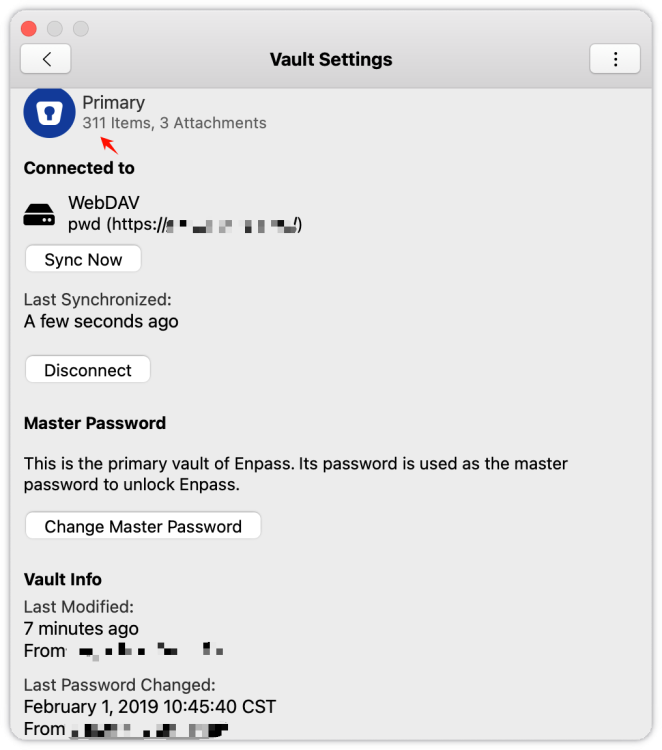
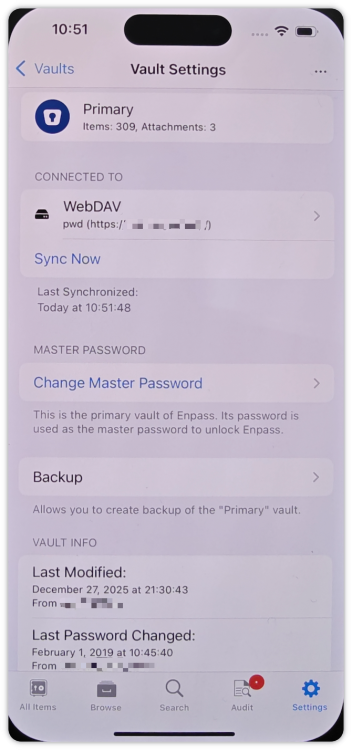
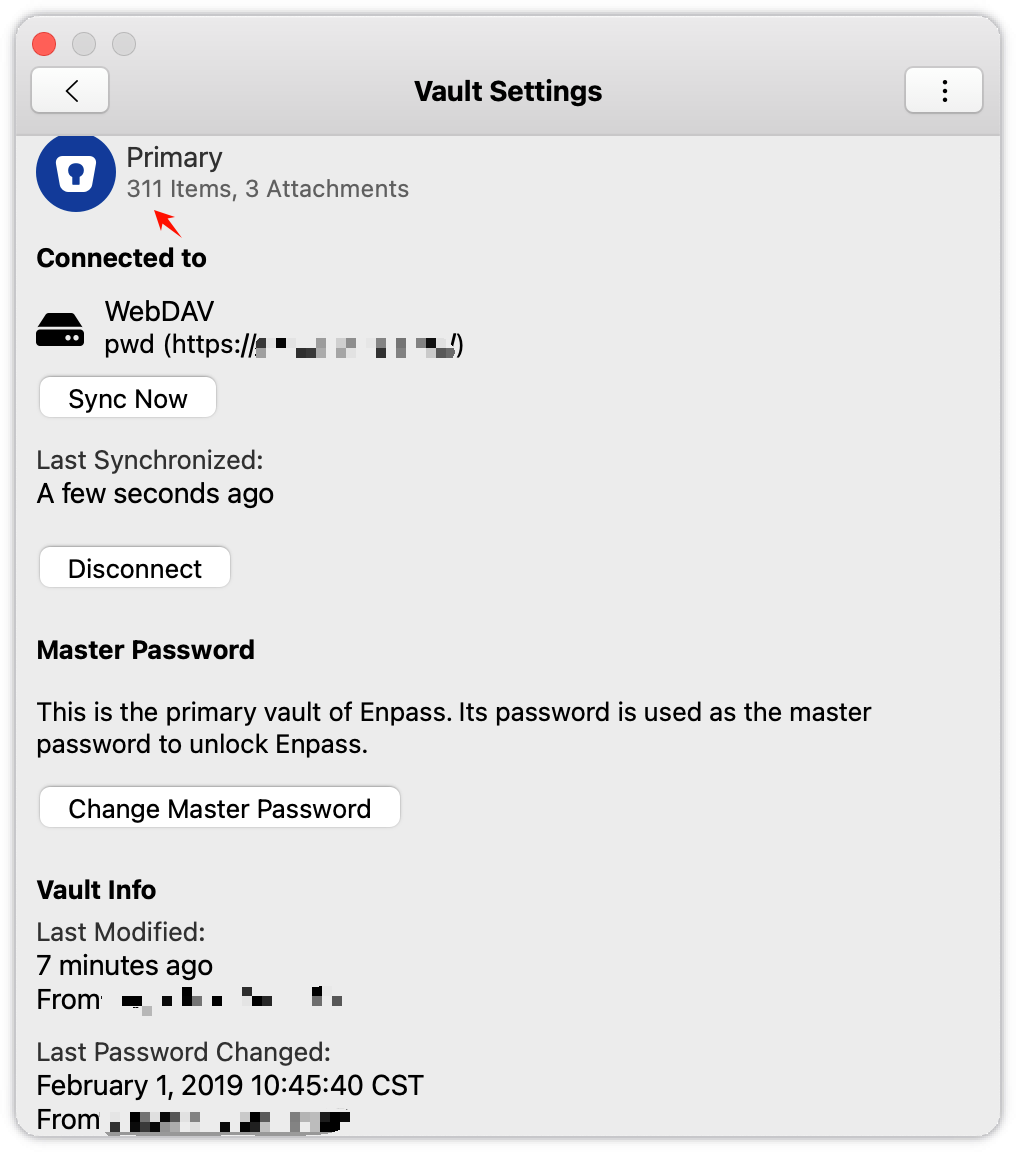
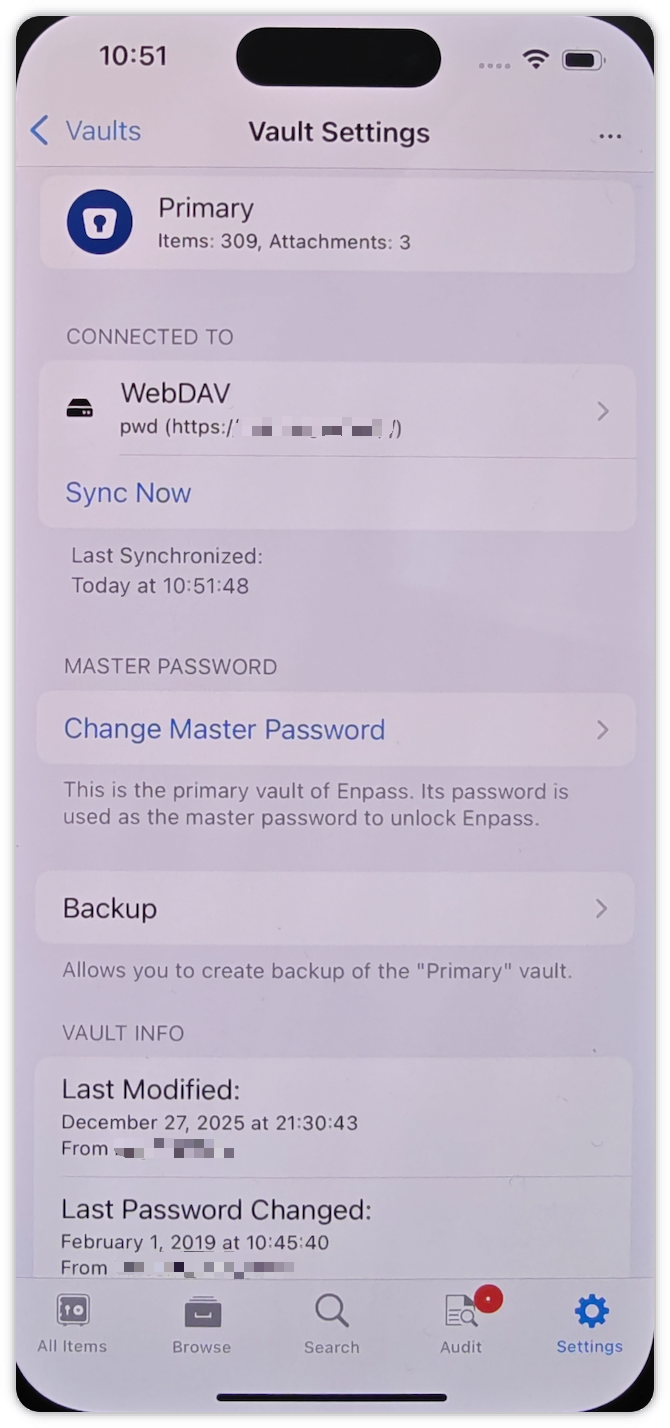
This happened again today, the password were updated on the phone, and the NAS password file was up to date, but it would not update to the latest version on macOS without any sync error message. So it is possible that there is a problem with the macOS version of Enpass WebDAV synchronization. In the access log of NAS, I can see the request log of macOS version, but there is no data update.
-
New passwords added on macOS, prompting successful synchronization (Dec 29, 311 passwords). But on other devices (mobile, Windows) I can't get the latest files via WebDAV (Dec 27, 309 passwords) My files are on a NAS and I can see that they are not up-to-date either (Dec 27) Finally disconnected and relinked on macOS to restore to the latest data version. But I don't know when this will happen again. I hope the above info helps you guys with this issue